23
Welcome to Advanced Settings, the conguration GUI for the LinkStation! Bookmark this page in
your browser so it can be easily accessed for future conguration changes. If the LinkStation’s
IP Address changes, you will need to recreate the link. You can also get here by typing http://
LinkStation_Name into a Web browser, where LinkStation_Name is the name (hostname) of your
LinkStation.
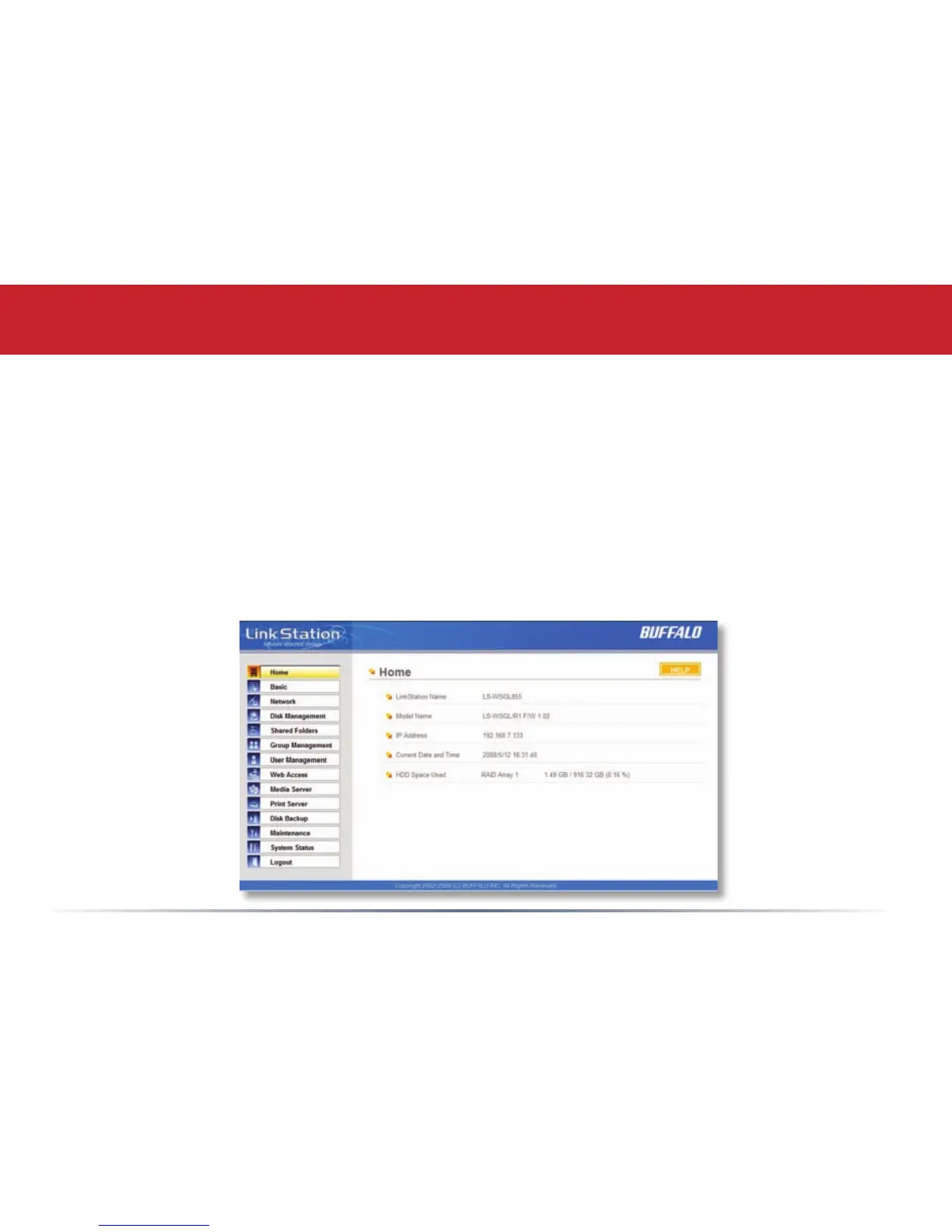
You are now at the Home screen. Notice that the Home button is lit up in yellow. You can navigate
this menu by clicking on the buttons at the left of the screen. Here at “Home”, you can see basic
information about your LinkStation’s current conguration. You may close this screen by clicking
Logout at the bottom left, or by just closing the browser window.
Advanced Settings - Home














 To Next Page