28
Advanced Settings
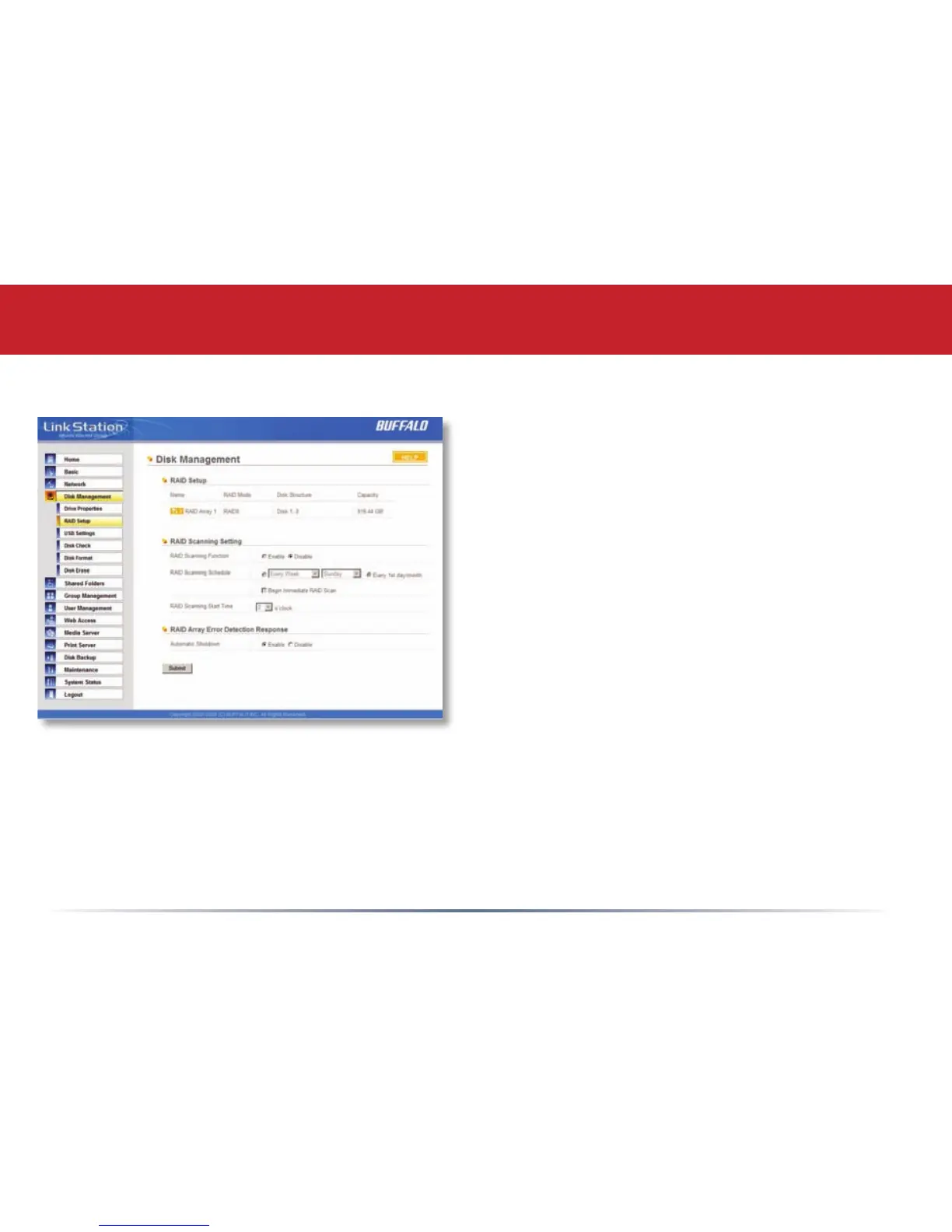
Disk Management (RAID Setup)
Congure your RAID settings here. To change
the type of RAID array used, click on “RAID
Array 1” under RAID Setup.
Two RAID options are available:
RAID 0 (striped set) provides maximum
capacity and improved performance, but
doesn’t include any redundancy. If either
drive fails, all your data is lost.
RAID 1 (mirrored set) Uses up half of
your total drive capacity, but includes full
redundancy. If either hard drive fails, your
data is still safe on the other drive.
RAID 1 is the default setting. If you change RAID modes, all data on the drives will be lost.
Back up all data before changing RAID modes!














 To Next Page