Chapter 4 Conguration
WCR-GN User Manual 25
Conguration Menu (Router Mode)
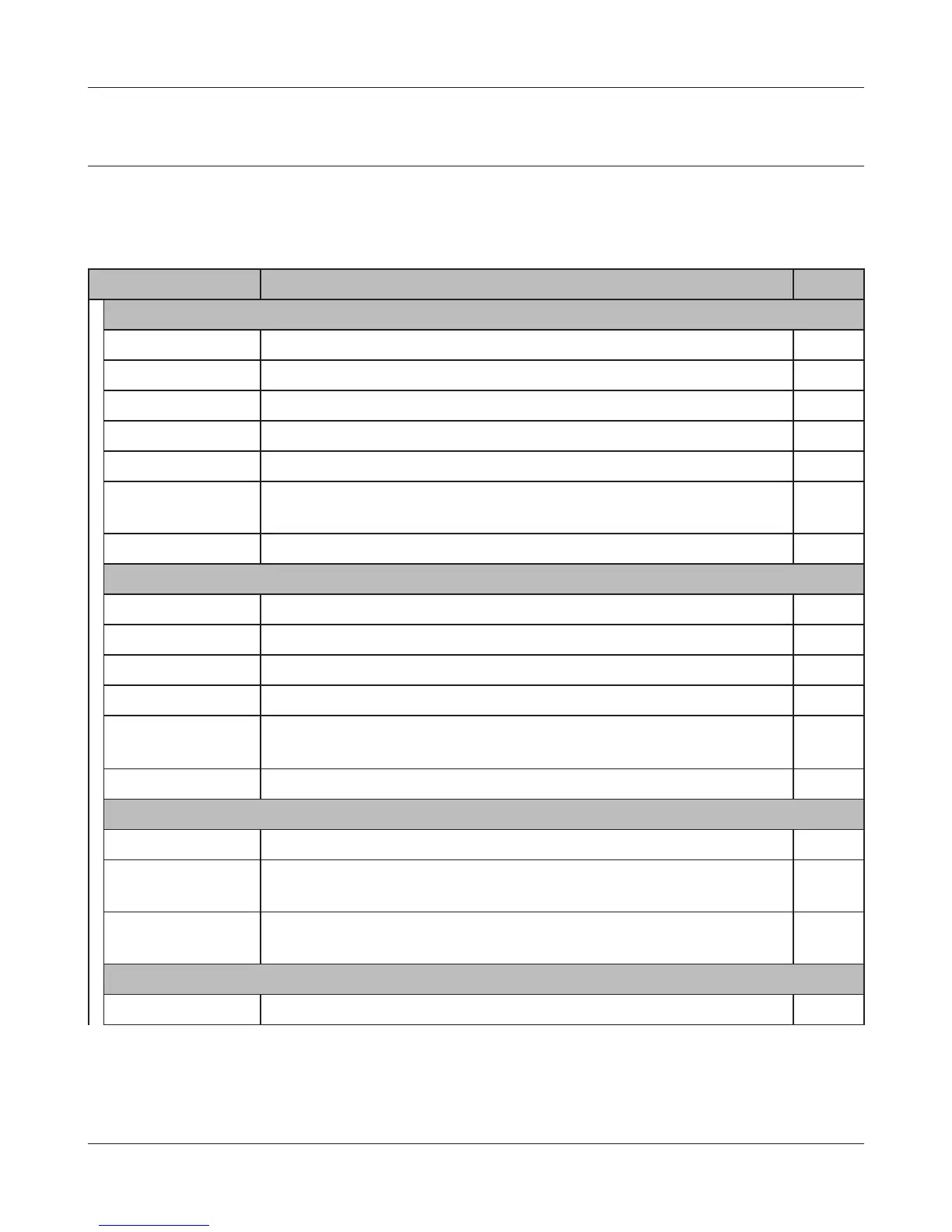
The menu structure for the AirStation in router mode is the following. Please refer to the pages listed
at right for explanations of each item.
Main screen Descriptions Page
Internet/LAN
Internet CongureInternetsideportandsettings Page 31
PPPoE PPPoEsettings(DSLlogin) Page 32
DDNS DNS settings Page 34
LAN LANsideportandDHCPserverconguration Page36
DHCPLease DHCPleasesettings Page38
NAT Networkaddresstranslationsettings,usedtoconnectLANsidedevices
totheInternet
Page39
Route ConguretheIPcommunicationroutethattheAirStationuses Page 40
WirelessCong
WPS WPS settings and status Page 41
AOSS AOSS (AirStation One-touch Secure System) settings and status Page 42
Basic Congurebasicwirelesssettings Page 44
Advanced Congureadvancedwirelesssettings Page48
WMM Set priorities for Wireless Multimedia Extensions (Wi-Fi Multimedia) Page49
MACFilter Limitaccesstospecicdevices Page 51
Security
Firewall Protect your computer from outside intruders Page 54
IPFilter EditIPlterswhichrelatestothepacketspassingthroughtheLANside
andtheInternetside
Page56
VPN
Pass Through
CongureIPv6passthrough,PPPoEpassthrough,andPPTPpassthrough Page57
LANCong
Port Forwarding Congureporttranslationandexceptionsforgamesandotherprograms Page58



 To Next Page