WCR-GN User Manual 84
Chapter 5 Connect to a Wireless Network
Windows XP (Wireless Zero Conguration)
WindowsXPincludesabuilt-inutilitytoconnecttoyourAirStation.
Note: If Client Manager 3 is installed on your computer, Wireless Zero Conguration is disabled. Uninstall Client
Manager 3 to use Wireless Zero Conguration, or just use Client Manager 3 to connect to the AirStation.
1
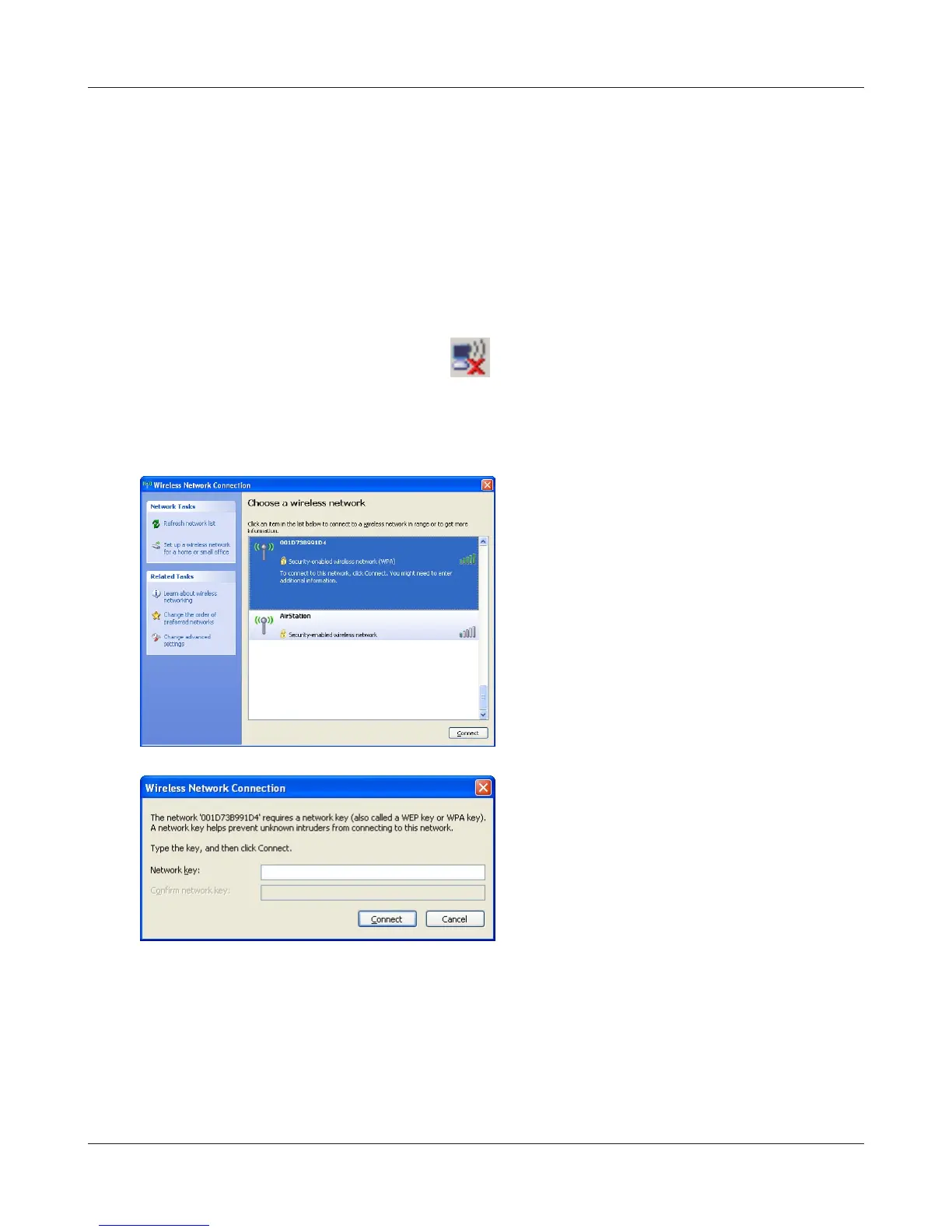
Right click on the wireless network icon displayed in the system tray.
2
Click“View Available Wireless Networks”.
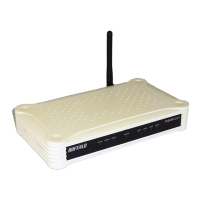
When the screen at left is displayed, select the
networktoconnecttoandclick“Connect”.
3
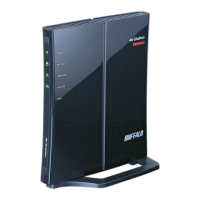
When the screen at left is displayed, enter the
encryption key (such as WEP key or pre-shared
key)andclick“Connect”.
4
Followtheinstructionsdisplayedonthescreentonishconguration.





 To Next Page