1
2
3
4
5
6
WCR-GN User Manual 8
Chapter 1 Product Overview
Hardware Overview
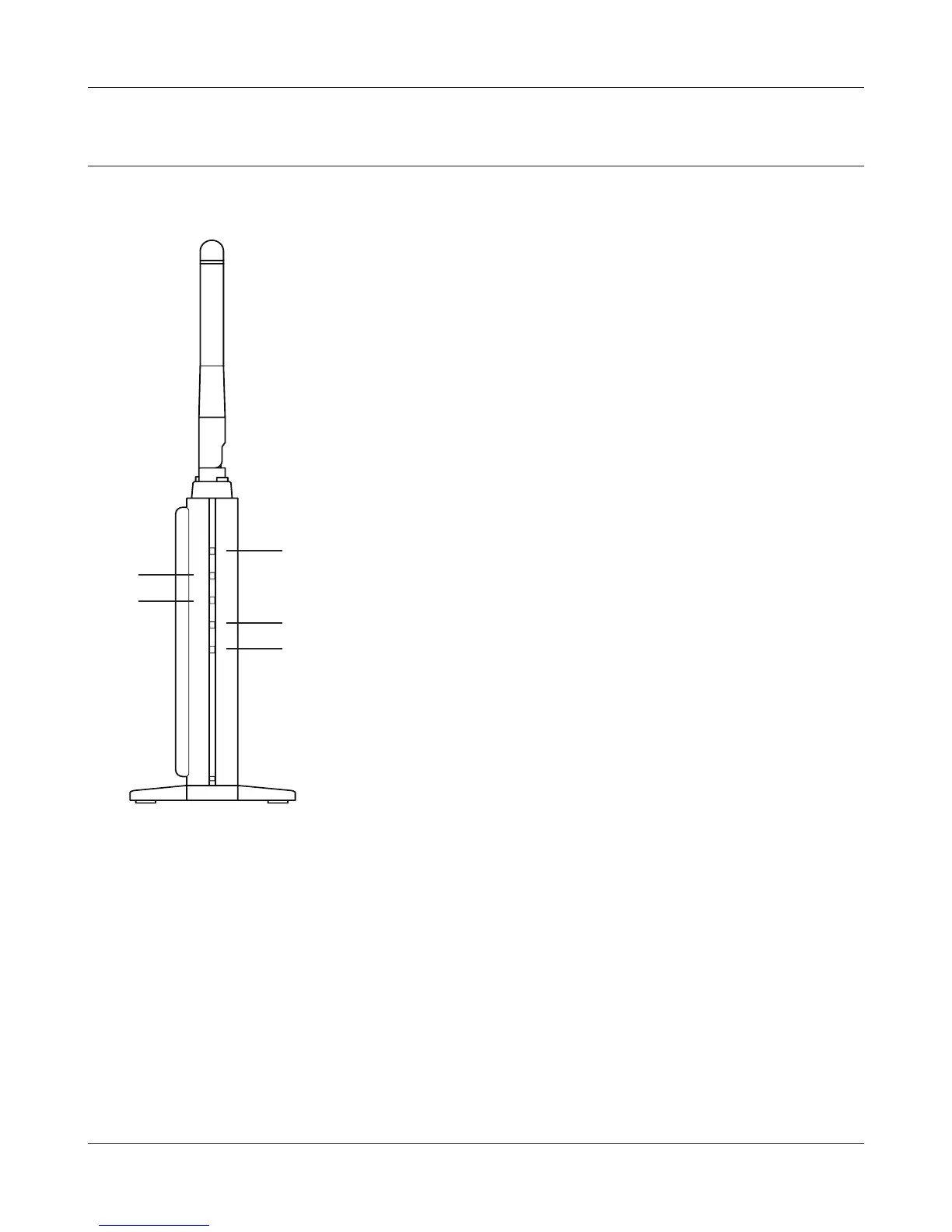
Front Panel LED's
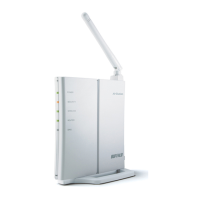
1
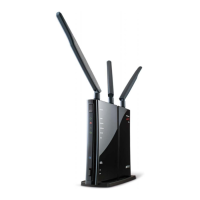
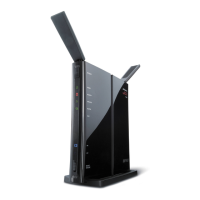
Flexible antenna
Adjust the angle for the best signal as needed. Turning the
unit so that the antenna points straight up will probably give
the strongest signal.
2
POWER LED (Green)
On: TheACadapterisconnected
O: TheACadapterisnotconnected
3
SECURITY LED (Amber)
Indicatessecuritystatus.
O: Encryption is not set
On: Encryption has been set
Double blink: The unit is waiting for an AOSS or WPS
security key
Blinking: AOSS/WPSerror;failedtoexchangesecuritykeys
Note:WhentheSecurityLEDislit,anencryptionkeyhas
been set. Wireless clients will need the same key to
connect.
4
WIRELESS LED (Green)
IndicateswirelessLANstatus.
Blinking: WirelessLANistransmitting
On: WirelessLANisconnectedbutnotactive
5
ROUTER LED (Green) On: Router functionality is enabled
O: Router functionality is disabled
6
DIAG LED (Red) This indicates the status of the unit depending on the number of
blinks per cycle.
Note:Whentheunitisrstturnedonorrestarted,theDiagLEDwill
blink for almost a minute during boot. This is normal.





 To Next Page