Chapter 4 Conguration
WCR-GN User Manual 27
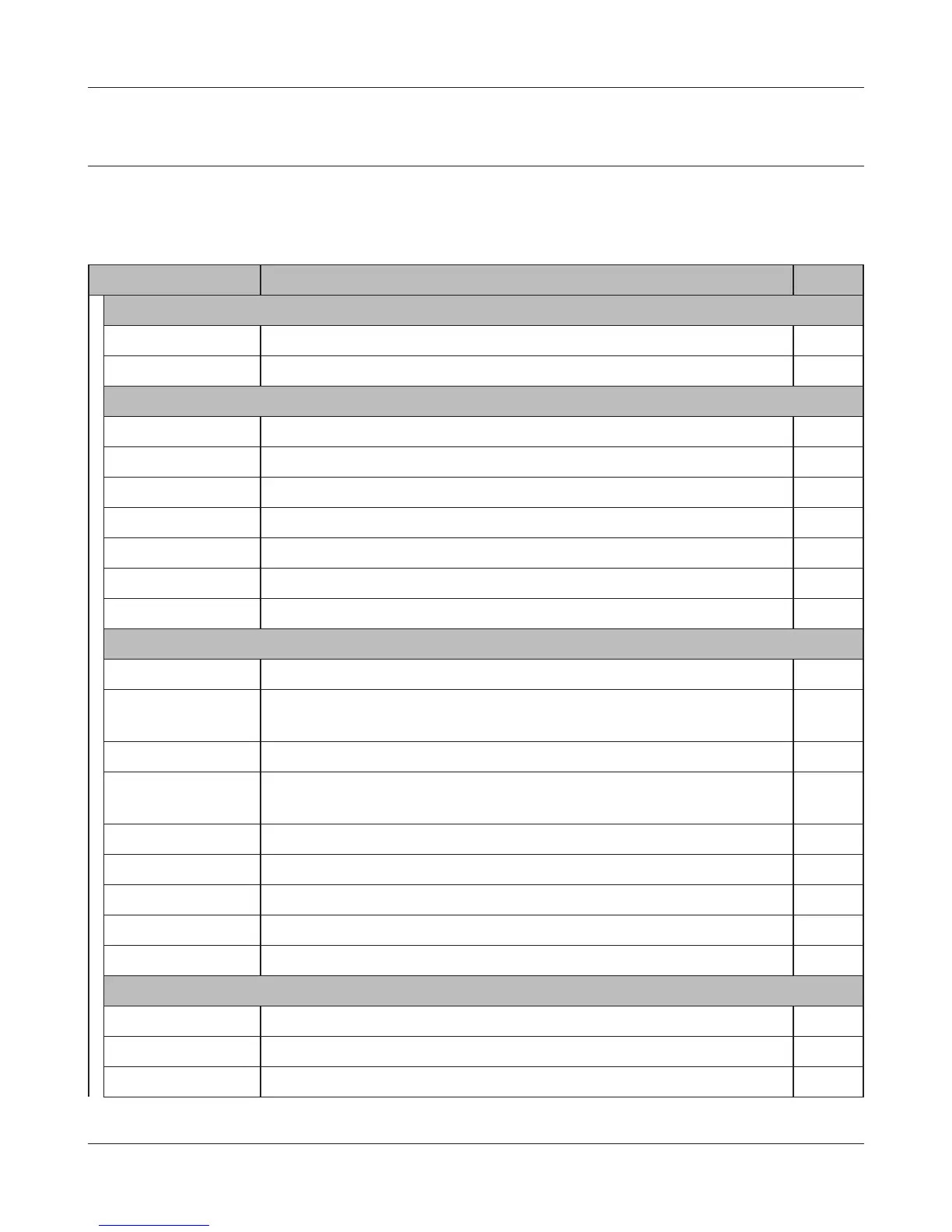
Conguration Menu (Bridge Mode)
The menu structure during a bridge mode is the following. Please refer to respective page for expla-
nations regarding to each item.
Main screen Descriptions Page
LANCong
LAN CongureLANsideportsanddevices Page36
Route ConguretheIPcommunicationroutethattheAirStationuses Page 40
WirelessCong
WPS WPS settings and status Page 41
AOSS AOSS (AirStation One-touch Secure System) settings and status Page 42
Basic Congurebasicwirelesssettings Page 44
Advanced Congureadvancedwirelesssettings Page48
WMM Set priorities for Wireless Multimedia Extensions (Wi-Fi Multimedia) Page49
MACFilter Limitaccesstospecicdevices Page 51
WDS CongurecommunicationamongAirStatiion Page 52
AdminCong
Name ConguretheAirStation’sname Page62
Password ConguretheAirStation’sloginpasswordforaccesstoconguration
screens
Page63
Time/Date ConguretheAirStation’sinternalclock Page64
NTP ConguretheAirStationtosynchronizewithanNTPserverto
automatically set the AirStation’s internal clock
Page65
Access CongureaccessrestrictionstotheAirStation’scongurationscreens Page66
Log CongureasyslogservertomanagetheAirStation’slogs Page67
Save/Restore SaveorrestoretheAirStation’scongurationfromacongurationle page68
Initialize/Restart InitializetheAirStationorrebootit Page69
Update UpdatetheAirStation’srmware Page70
Diagnostic
SystemInfo ViewcurrentsysteminformationfortheAirStation Page71
Logs ChecktheAirStation’slogs Page73
PacketInfo ViewallpacketstransferredbytheAirStation Page74



 To Next Page