28
Installation
Type 3280, 3285
7.3.1 Setting the DIP switch for Type 3280 and Type 3285
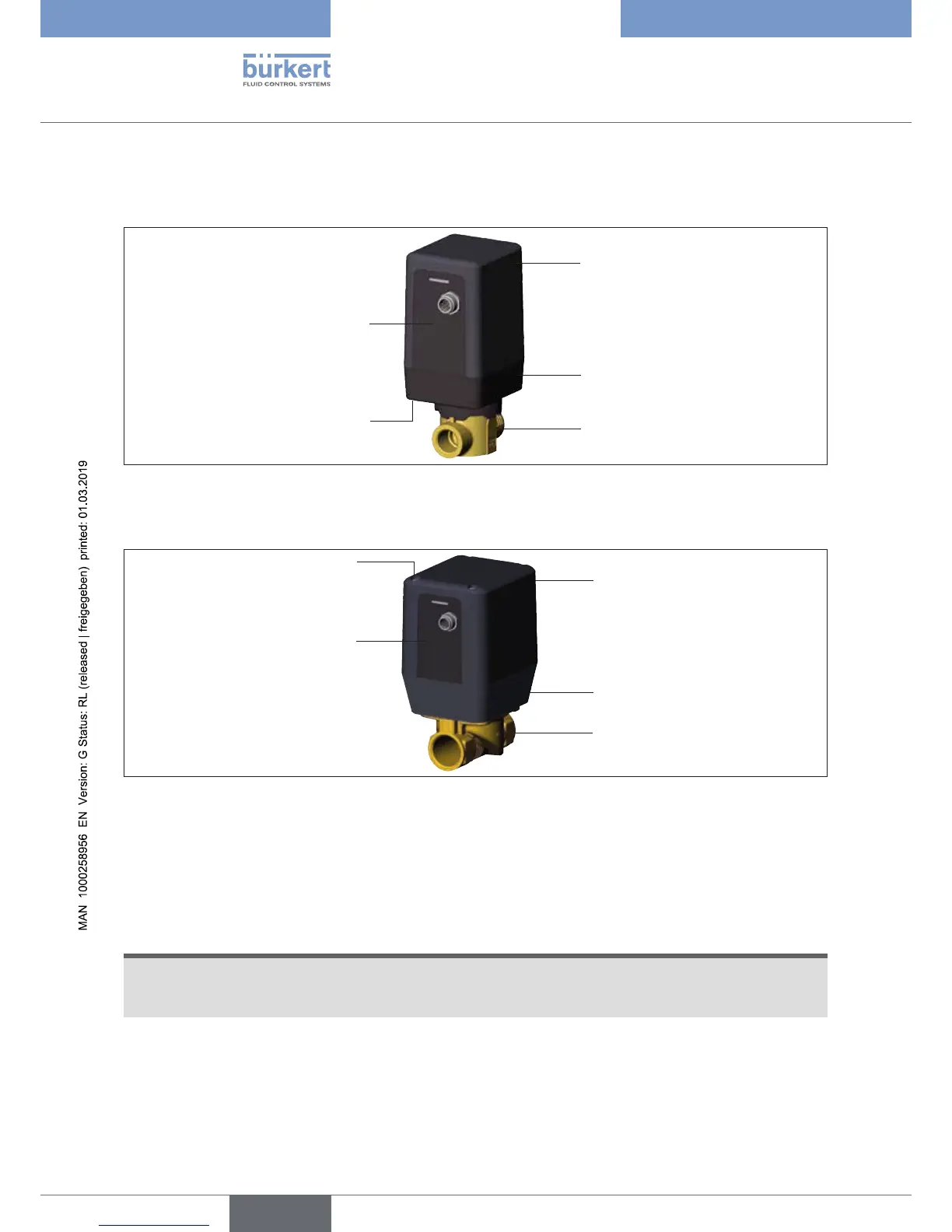
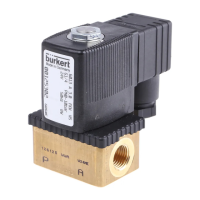
Opening the actuator cover Type 3280
Actuator cover
Actuator housing
Body
Screws
Connection plate
with control
electronics
Figure 15: Opening the actuator cover, Type 3280
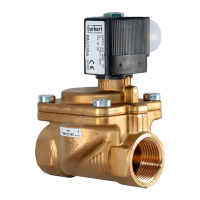
Opening the actuator cover Type 3285
Actuator cover
Actuator housing
Body
Screws
Connection plate
with control
electronics
Figure 16: Opening the actuator cover, Type 3285
→ Disconnect the power supply from the device.
→ Carefully loosen the 4 screws on the lower side of the actuator housing, Type 3280, or on the upper side
of the actuator cover, Type 3285, using a suitable tool. Do not unscrew the screws completely, as they are
designed not to fall out.
NOTE!
The connection plate is only plugged in and may fall down when the actuator cover is removed. When removing
the cover, hold the connection plate on the plug so that the connection plate remains on the actuator housing
and is not removed together with the cover.
→ Secure actuator cover and connection plate with control electronics against falling down and remove the
actuator cover.



 To Next Page