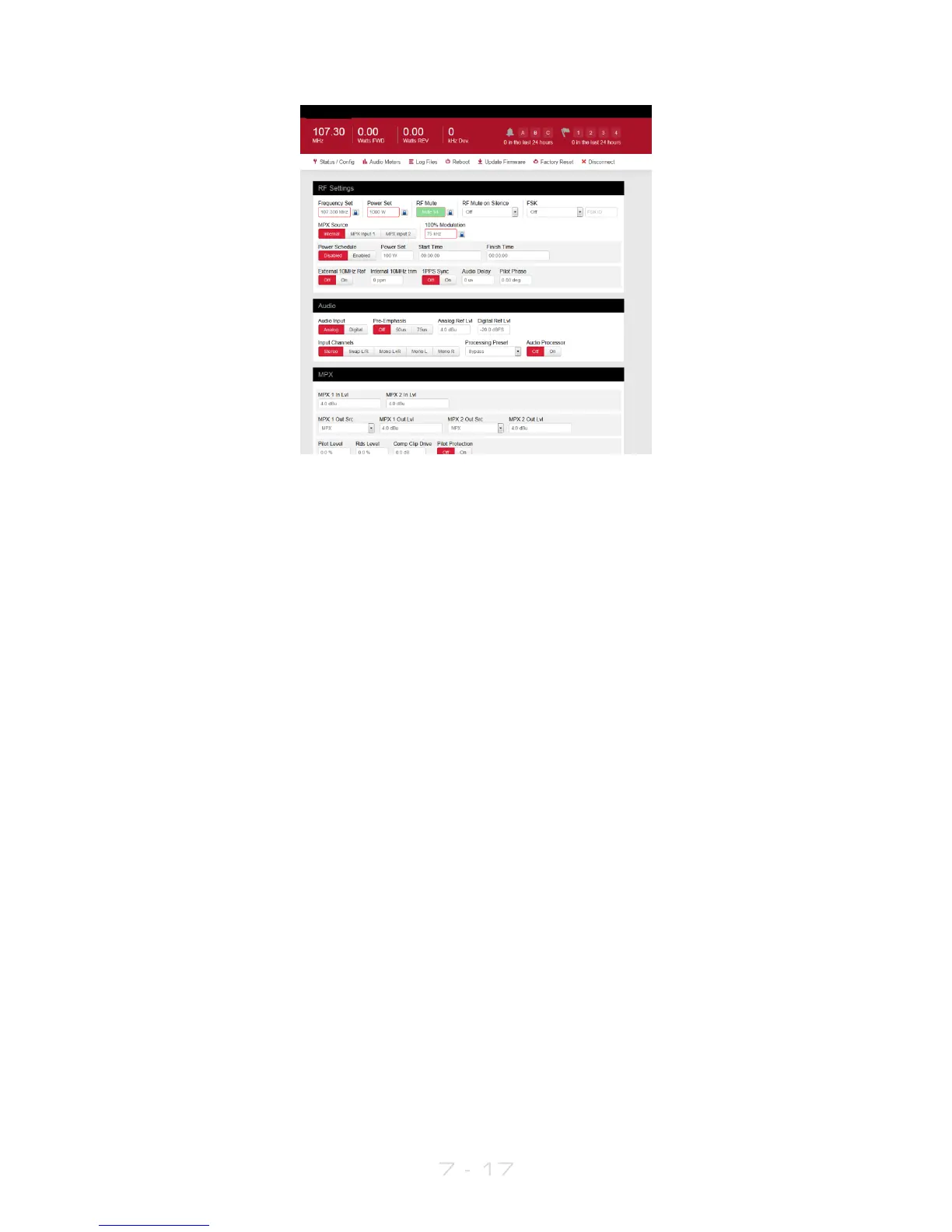
Status Bar:
Displays the current status of the transmitter (frequency, FWD power in watts, REV
power in watts, 0and peak deviation in kHz).
Alarms and Notifications:
Displays the status of the alarms and the number of times that the alarms were
activated in the last 24 hours. The Notifications section reports the number of
emails sent by the unit within the last 24 hours.
Navigation Bar:
Contains shortcuts that bring up the relevant windows connected to the
feature:
Status/Config:
The relevant status and configuration settings. These are: RF Status, Audio Status,
Unit Status, Trigger Status, Trigger Config, Alarm Status, Alarm Config, Location,
Contact, Date and Time, Uptime, Network, Web Portal, Telnet, RS232, System
Details.
Audio Meters:
A graphical representation of the Audio Meters - Input, AGC, Limiters, Output,
MPX.
Log Files:
This brings up a box with a collection of all the logs stored in the unit. The
latest log (today’s log) is displayed by default.
Older logs can be selected from the list. If the unit has been switched on all the
time, LX.log.1 corresponds to yesterday’s log, LX.log.2 corresponds to the log
written two days ago and so on.



 To Next Page