7 | Browse Measurements BYK-Gardner GmbH
42 wave-scan 3 / wave-scan 3 dual 301 200 085 E 2403
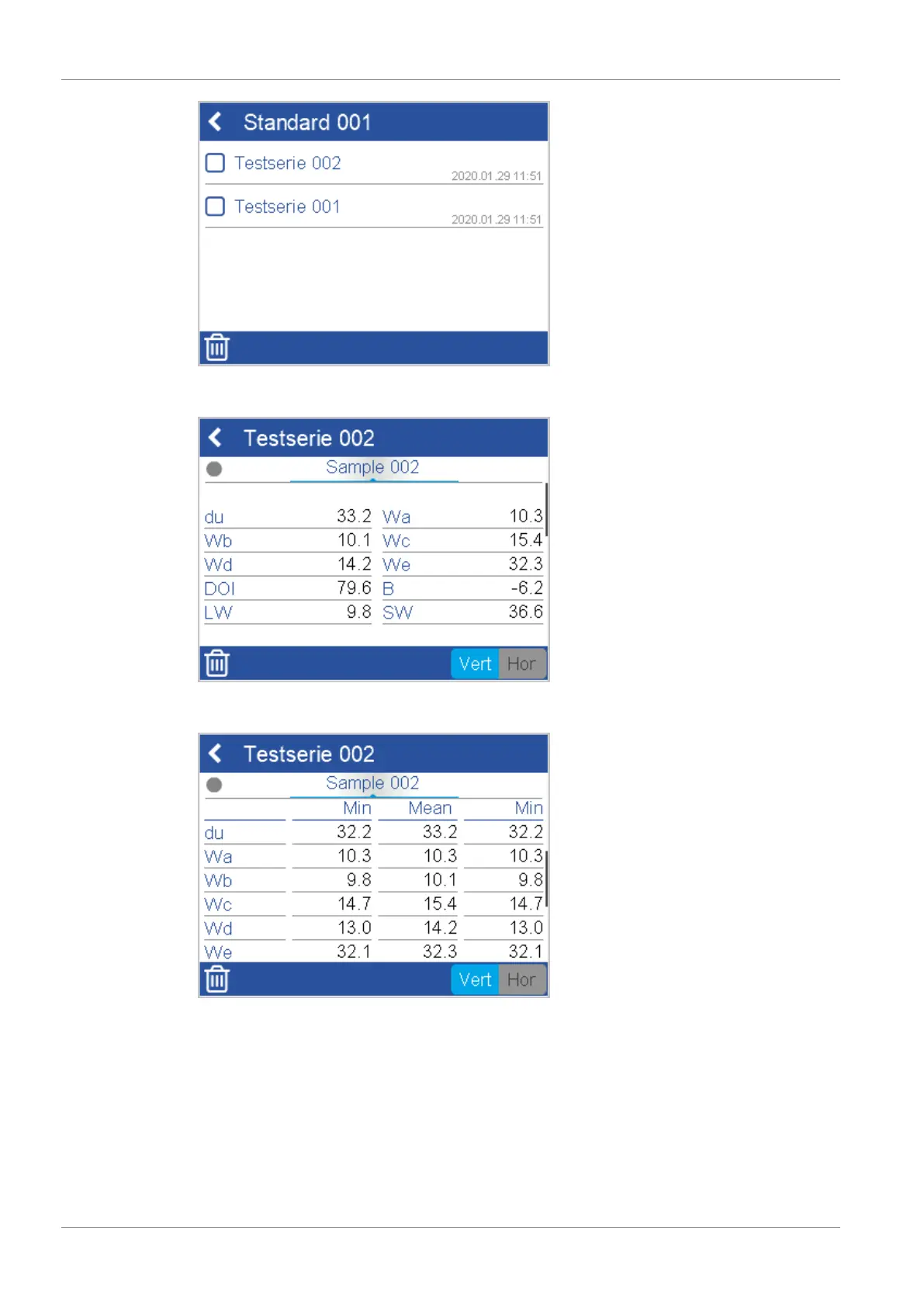
Click on the desired test series. The details for this measurement appear. Now you can view the
samples measured in this test series.
You can turn the item "Sample xxx" to the left and to the right. For each sample the average
data is displayed. Scroll down to view the statistical data.
This can be activated under Configuration [}45] > Measurement Parameters [}47] > Sta-
tistics [}48].



 To Next Page
 Loading...



