8 | Configuration BYK-Gardner GmbH
56 wave-scan 3 / wave-scan 3 dual 301 200 085 E 2403
If the differences are within your tolerances, you can continue to measure with your instrument.
Otherwise clean the standards and repeat, see Cleaning Instructions [}60].
NOTICE
All measurements on the checking tiles are stored in the instrument. Transfer the measurement
data to “smart-chart” to document all test case performed.
8.6 Factory Reset
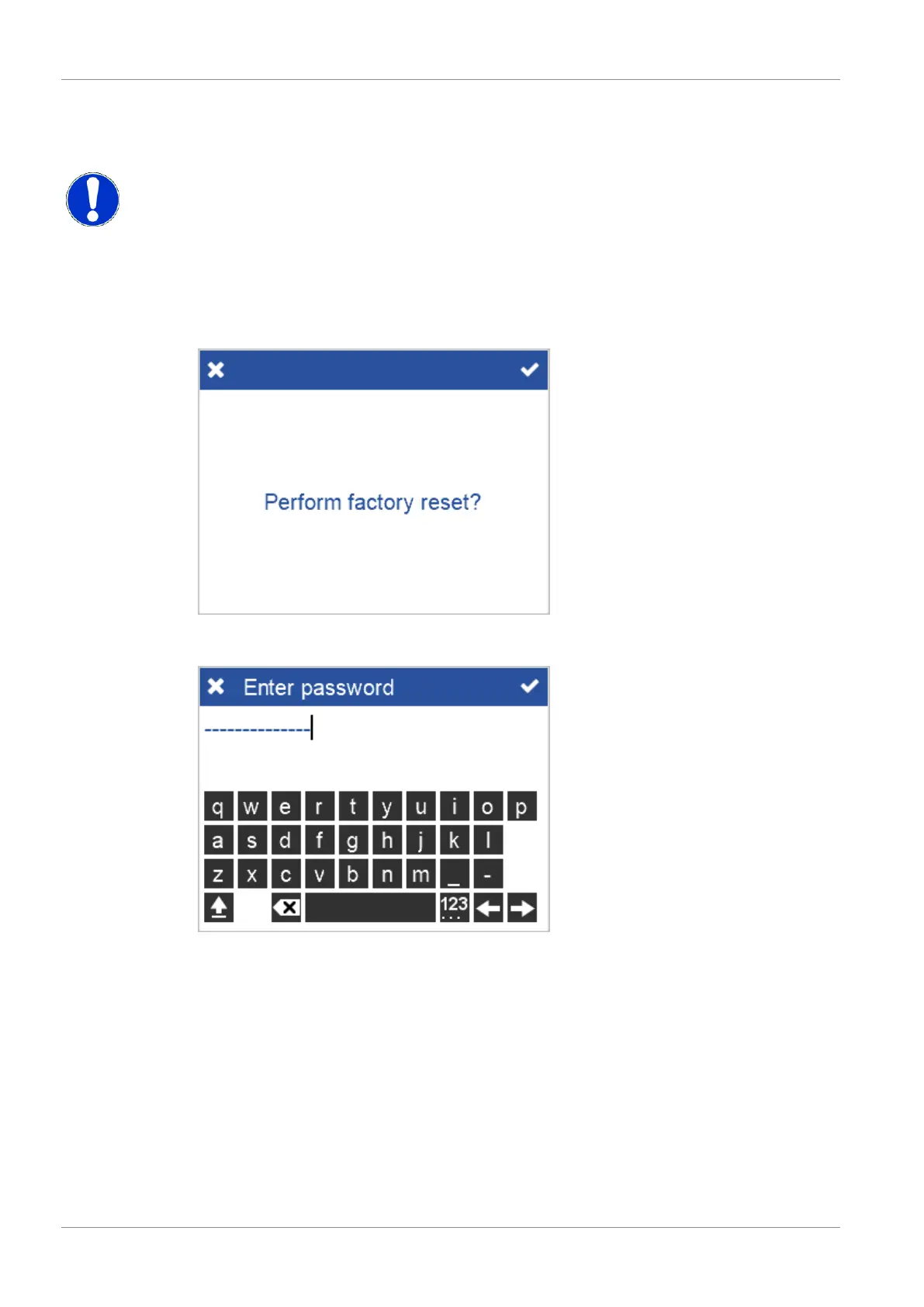
If you are having technical problems with your instrument, you can perform a fallback to the
factory settings.
Confirm the security message to perform the fallback. You must enter the password “byk-in-
struments”, see also Technical Data [}68] > section General Data.
After fallback all your personal configuration and measurement data in the device will be lost.
The instrument starts in a fresh state.



 To Next Page
 Loading...



