Rev F Troubleshooting Test Procedures 5-5
5
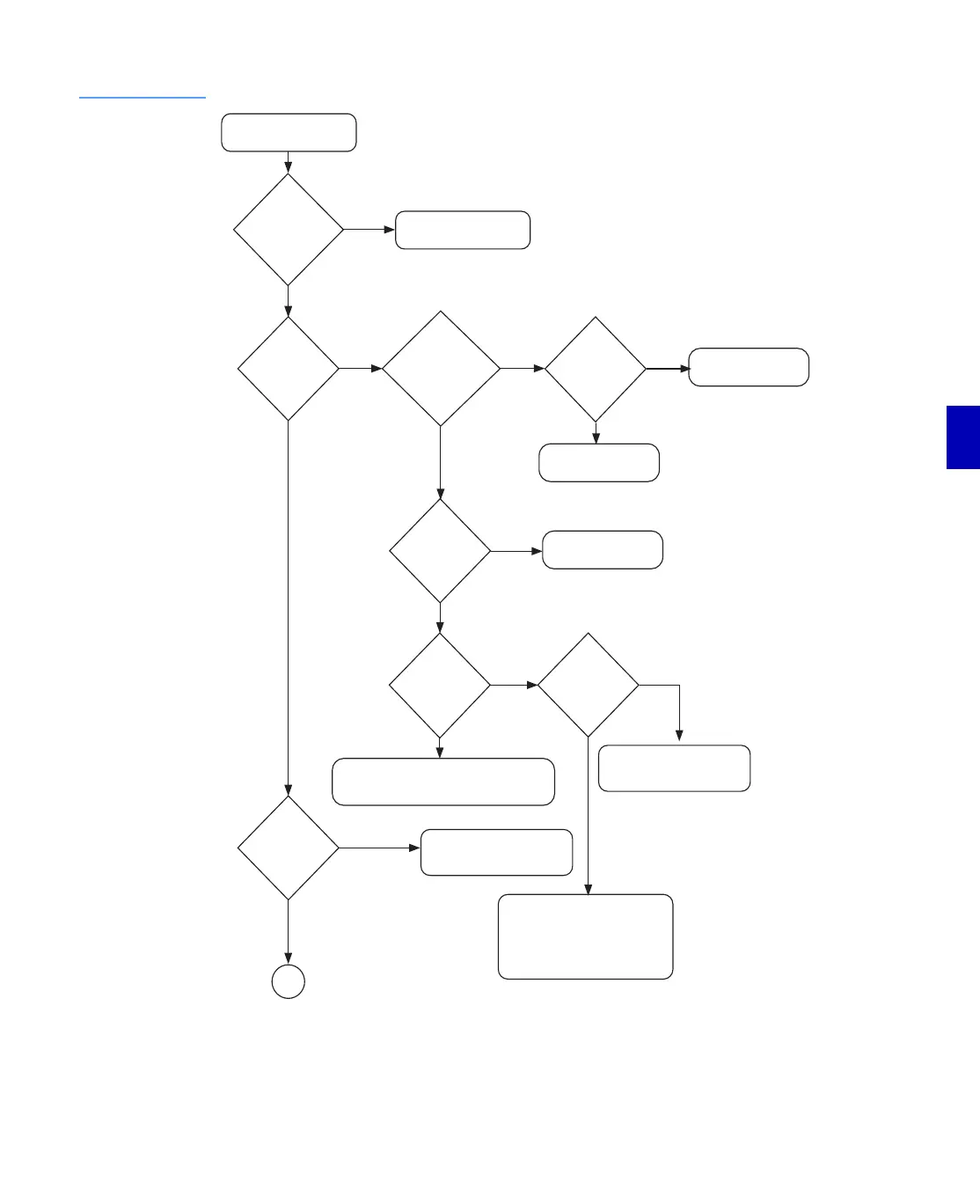
Figure 5.3
Troubleshooting
Flow Diagram (1 of 2)
Start
No
AC Voltage
with specified
range? (n/a for
L.E. with 117 V
powering)
No
Check power source.
(external to unit)
Does the amplifier
use a 117 V power
supply?
Raw DC
voltage within
specified
range?
Ye s
B+ voltage
within
specified
range?
Replace the H.E. power supply
(if present) or the RF module
(for units with linear power
supplies).
No
Replace the main fuse. If the fuse blows again,
replace the H.E. power supply (if present)
or the RF module (for units with linear power
supplies).
Main fuse OK?
Previous
amplifier
fuse for
thru
power OK?
Replace the thru fuse. If the fuse
blows again, check that the center
conductor or connector pin and
power cable are not loose or shorted
to ground. If not, replace the H.E.
power supply (if present) or the RF
module (for units with linear power
supplies).
No
No
Yes Yes
sheet 2
1
YES
Yes
Centerseizure
screw tight?
No
Tighten
centerseizure
screw.
Yes
Replace the H.E. power supply
(if present) or the RF module
(for units with linear power
supplies).
Yes
No
Main fuse OK?
Replace the main fuse.
If the fuse blows again,
replace the RF module.
No
Yes
Check external
power source.


 To Next Page