Accessing the System Setup Screens
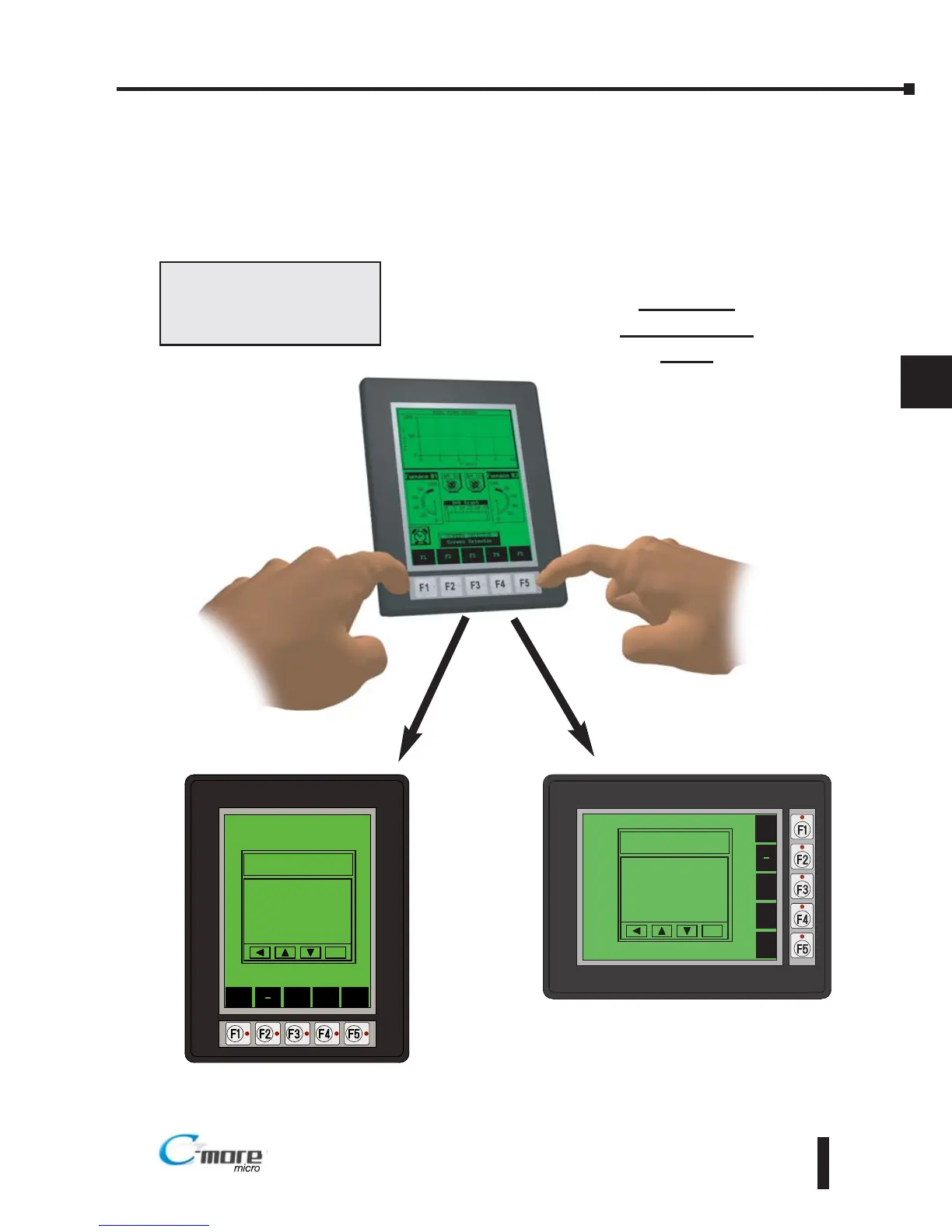
To access the Setup Menu of the panel System Setup Screens, press the panel’s BAK [F1] and
ENT [F5] function keys simultaneously for three (3) seconds as shown below. The System
Setup Screens’ Setup Menu will be displayed as shown at the bottom of this page.
Press both the F1 and F5 function
keys simultaneously for 3
seconds to bring up the System
Setup Screens’ Setup Menu.
C-more 6”
Micro-Graphic
Panel
Chapter 5: System Setup Screens
5–3
EA1-MG6-USER-M Hardware User Manual, 1st Ed. Rev C, 09/10



 To Next Page