5–5
Chapter 5: System Setup Screens
5
EA1-MG6-USER-M Hardware User Manual, 1st Ed. Rev C, 09/10
Setup Menu
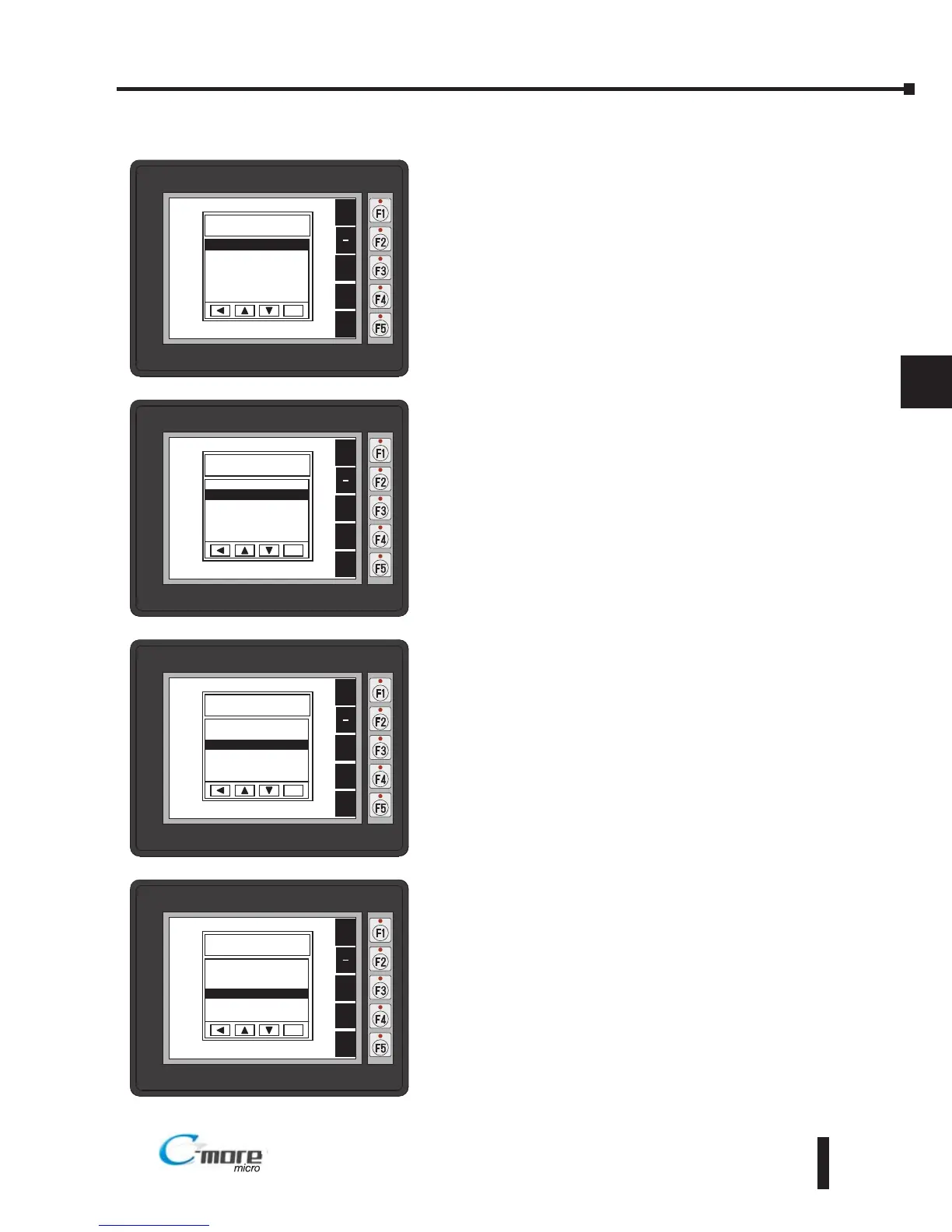
To navigate the different selections under the Setup Menu,
use the function keys BAK [F1] to return to the project
screen or previous screen, UP [F3] to cursor up, DWN [F4]
to cursor down, and ENT [F5] to enter a selection.
Pressing ENT [F5] with Information highlighted will take
you to the Information menu screen. See page 5-6.
Pressing ENT [F5] with Setting highlighted will take you to
the Setting menu screen. See page 5-7.
Pressing ENT [F5] with Test Menu highlighted will take you
to the Test Menu screen. See page 5-15.
Pressing ENT [F5] with Exit highlighted will allow the used
to decided whether to Exit or not Exit the System Setup
Screens. See page 5-18.



 To Next Page