Comfort
Controls
This
section tells
you
how to make your air system work
for you. Your Electronic Climate Control (ECC) system
uses ozone-friendly
R-
134a refrigerant.
With
the
ECC system,
you
can control the heating,
cooling and ventilation in your vehicle. Your vehicle
also has a flow-through ventilation system described
later in this section.
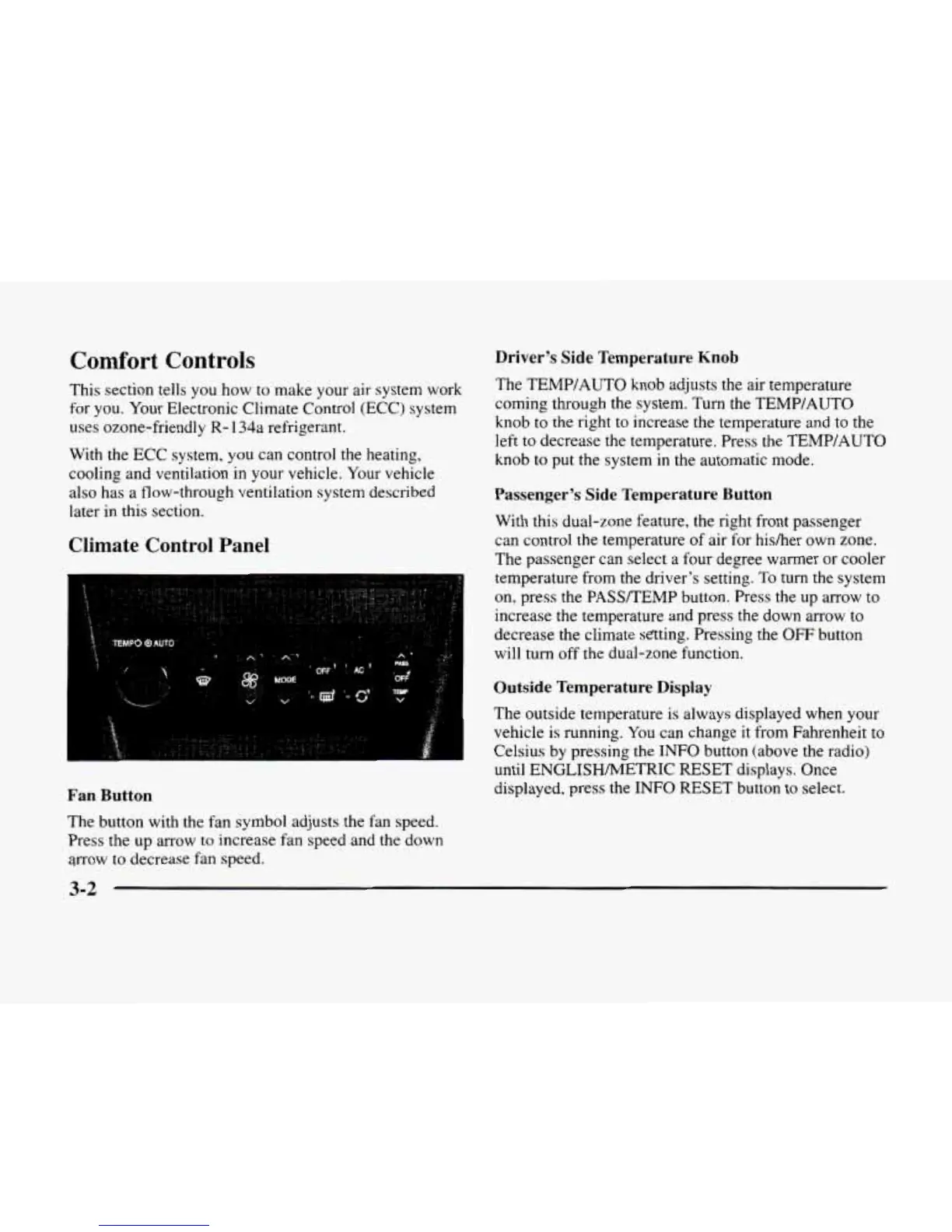
Climate Control Panel
Driver’s Side Temperature
Knob
The TEMP/AUTO knob
adjusts
the air temperature
coming through the system. Turn the TEMPIAUTO
knob
to
the right to increase the temperature and to the
left to decrease the temperature. Press
the
TEMP/AUTO
knob
to
put the system in the automatic mode.
Passenger’s Side Temperature Button
With this dual-zone feature, the right front passenger
can control
the
temperature
of
air for hisher own zone.
The passenger can select a four degree warmer or cooler
temperature from
the
driver’s setting.
To
turn the system
on, press the PASSREMP button. Press the up arrow to
increase
the
temperature and press the down arrow
to
decrease the climate sating. Pressing the
OFF
button
will turn off the dual-zone function.
Outside Temperature Display
The outside temperature is always displayed when your
vehicle is running. You can change
it
from Fahrenheit to
Celsius by pressing the
INFO
button (above the radio)
until ENGLISHMETRIC RESET displays. Once
displayed, press the
INFO
RESET button to select.
Fan Button
The button with
the
fan symbol adjusts the fan speed.
Press
the
up arrow to increase fan speed and
the
down
arrow
to
decrease fan speed.
3-2












 To Next Page