Driver Information Center (DIC)
This display gives you the status
of
many of your
vehicle’s systems. The DIC is also used to display driver
personalization features and warningktatus messages.
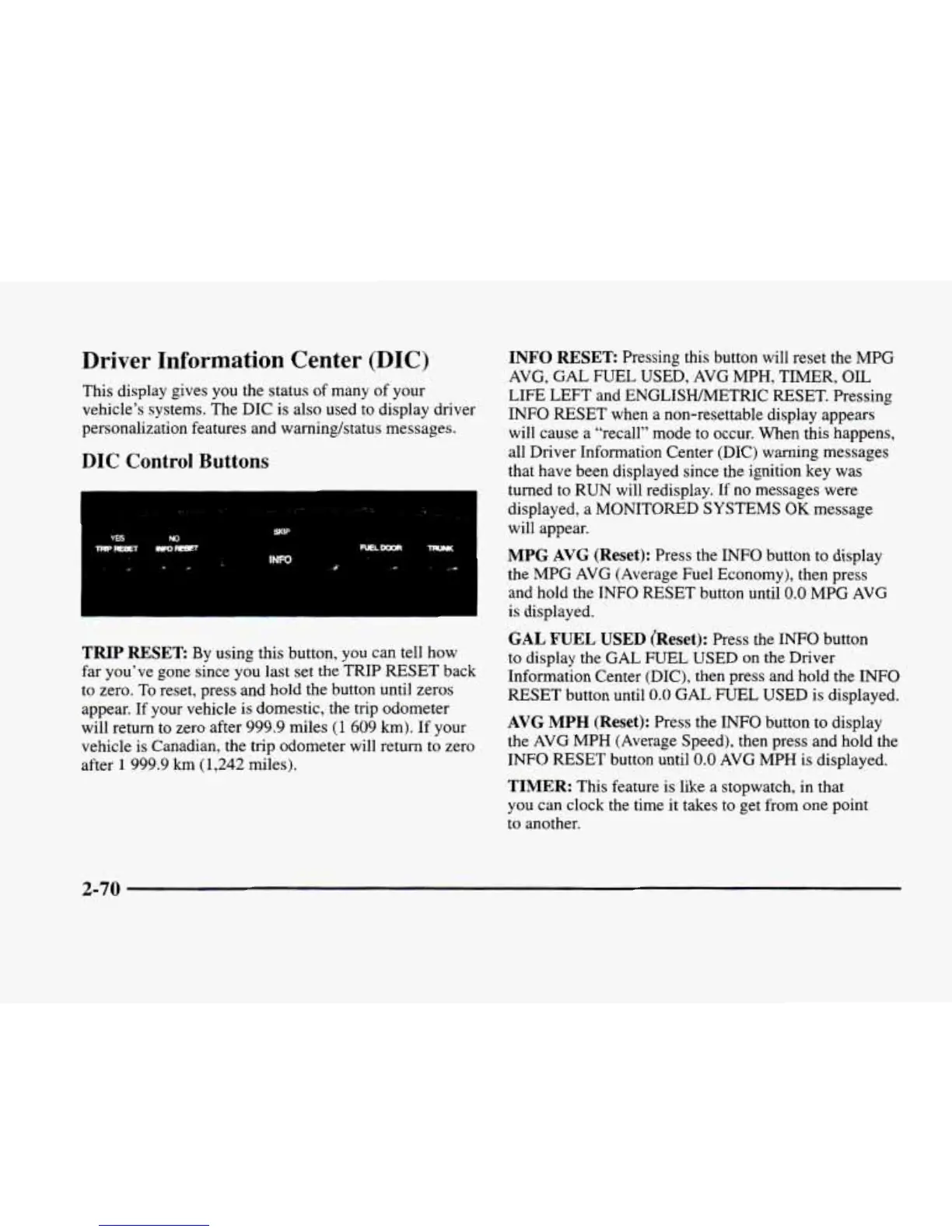
DIC Control Buttons
TRIP
RESET
By using this button, you can tell how
far you’ve gone since you last set the TRIP
RESET
back
to zero.
To
reset, press and hold the button until zeros
appear. If your vehicle is domestic, the trip odometer
will return to zero after 999.9 miles
(1
609
km).
If
your
vehicle is Canadian, the trip odometer will return to zero
after
1
999.9
km
(1,242
miles).
INFO
RESET
Pressing this button will reset the MPG
AVG,
GAL
FUEL USED,
AVG
MPH,
TIMER,
OIL
LIFE LEFT and ENGLISHMETRIC RESET. Pressing
INFO RESET when a non-resettable display appears
will cause a “recall” mode to occur. When this happens,
all Driver Information Center (DIC) warning messages
that have been displayed since the ignition key was
turned to RUN will redisplay. If no messages were
displayed, a MONITORED SYSTEMS
OK
message
will appear.
MPG AVG (Reset):
Press the INFO button
to
display
the MPG
AVG
(Average Fuel Economy), then press
and hold the INFO RESET button until
0.0
MPG AVG
is
displayed.
GAL FUEL
USED
(Reset):
Press the INFO button
to display the
GAL
FUEL
USED
on
the
Driver
Information Center (DIC), then press and hold the
INFO
RESET button until
0.0
GAL
FUEL
USED
is displayed.
AVG
MPH
(Reset):
Press the INFO button to display
the
AVG
MPH (Average Speed), then press and hold the
INFO RESET button until
0.0
AVG
MPH
is
displayed.
TIMER:
This feature is like a stopwatch, in that
you can clock the time
it
takes to get from one point
to another.
2-70












 To Next Page