Setup
24 ©2021 CAE 905K720652 v1.0
CAESimEquip
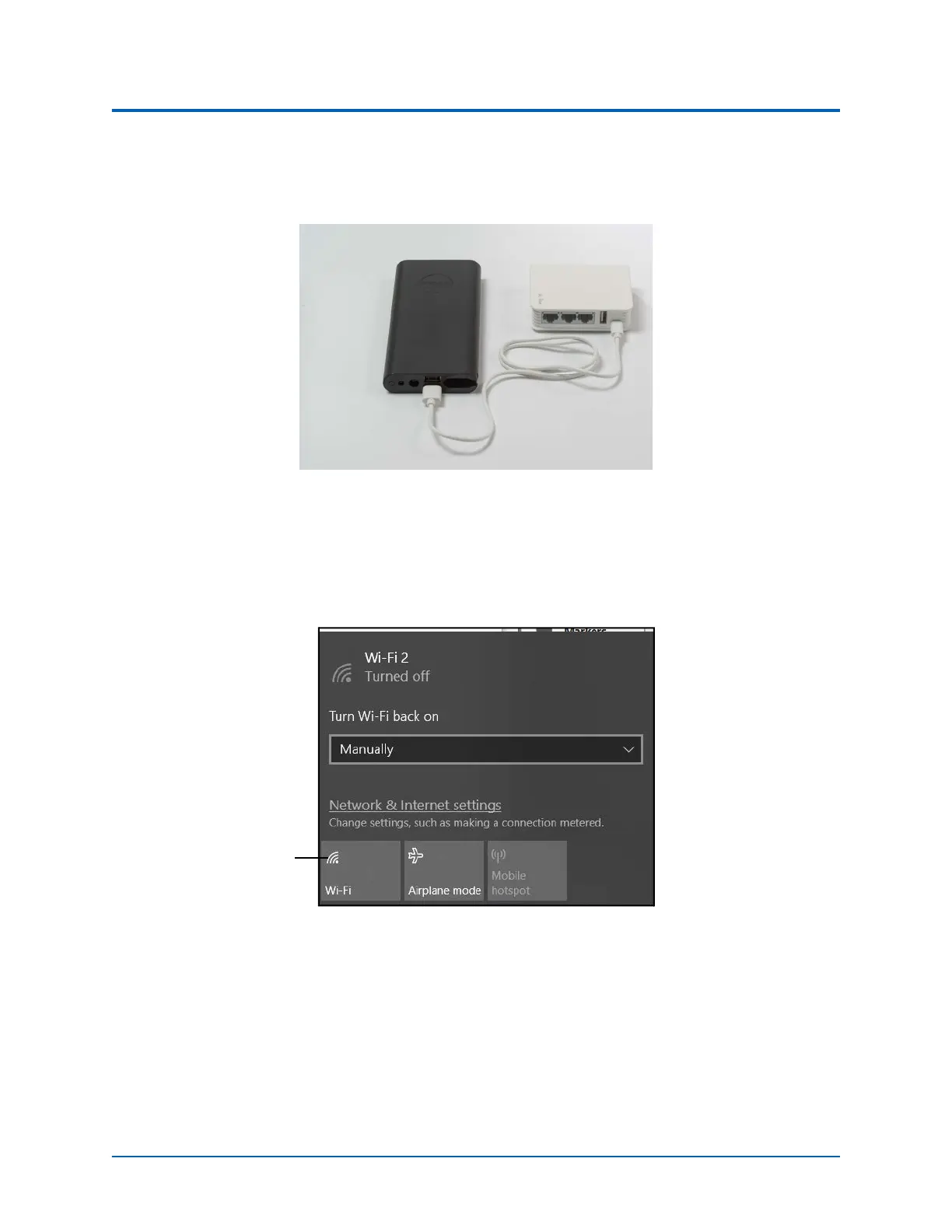
Note: The USB power cable for the router may be plugged into a standard 5V/2A power
adapter instead of using the battery however, the battery allows for untethered mobility
during the simulation.
Router Plugged Into Battery Pack
3. From the home screen on the tablet, tap the Network icon located in the lower-right
corner of the screen in the taskbar.
The Network window appears.
The Network Window
4. Tap WiFi button to turn on WiFi (button turns blue).
The WiFi button



 To Next Page