©2021 CAE 905K720652 v1.0 33
Setup
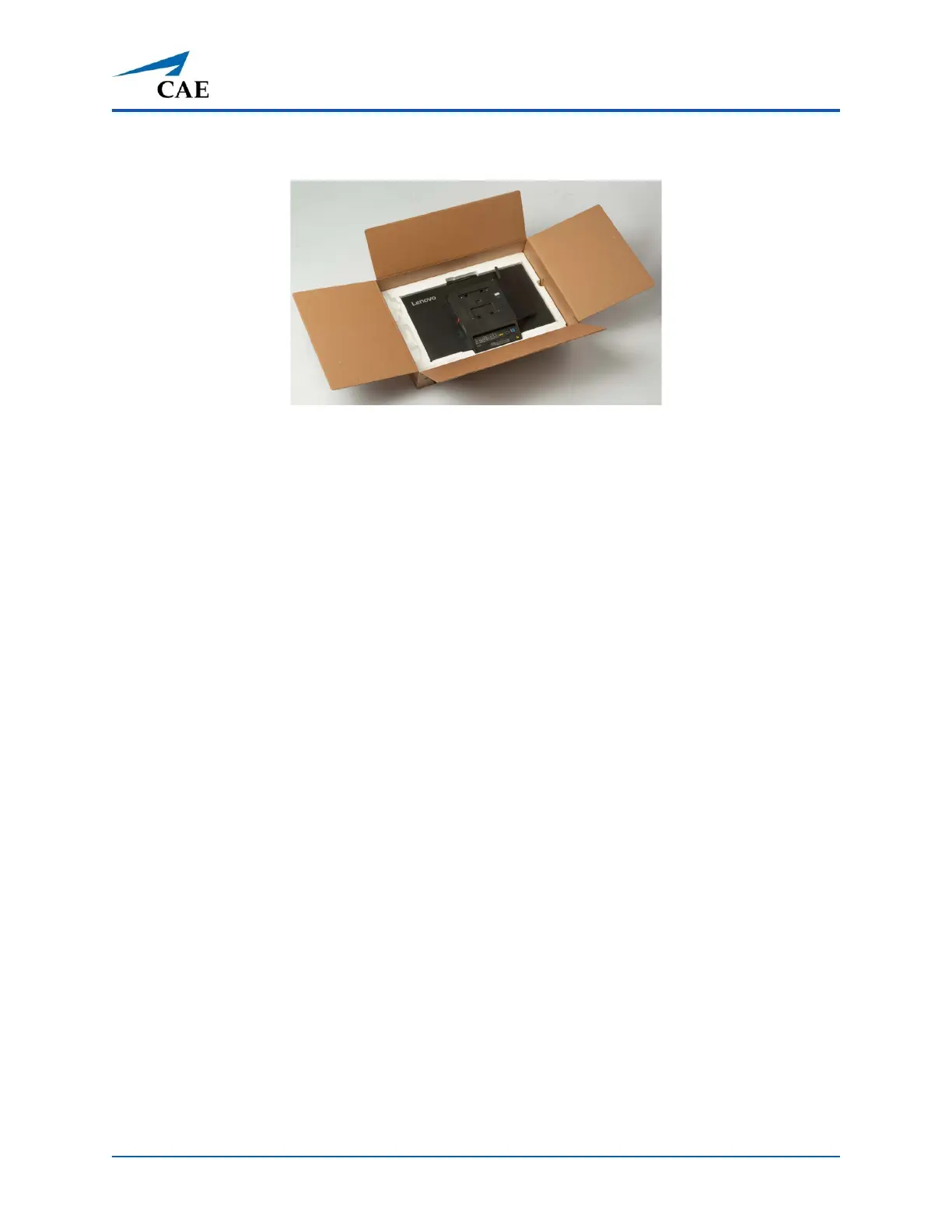
3. Remove the top molded Styrofoam piece from the box, exposing the back of the monitor.
Monitor in Box
4. Leave the monitor in the bottom layer of molded Styrofoam.
Note: Failure to leave the monitor in the foam while attaching the VESA mount (Steps 5-6)
could result in damage to the monitor.
5. Place the VESA mount hardware on the monitor. Verify that the silver knob on the VESA
mount is pointing down (towards the bottom of the monitor). If not, rotate the VESA
mount until it is appropriately positioned on the monitor.
Note: This step insures that the monitor will be attached to the cart right side up.
6. Insert the screws through the back of the VESA mount hardware. Using the Phillip’s Head
screwdriver, connect the VESA mount to the monitor by tightening the screws.
7. If there are two monitors, repeat steps 1-6 for “Monitor A”.
8. Remove the monitor(s) from the box.



 To Next Page