11 Software Tools
CAEN provides software tools to interface the DT5730/DT5725, which are available for free download on www.caen.it
at:
Home / Products / Firmware/Software / Digitizer Software
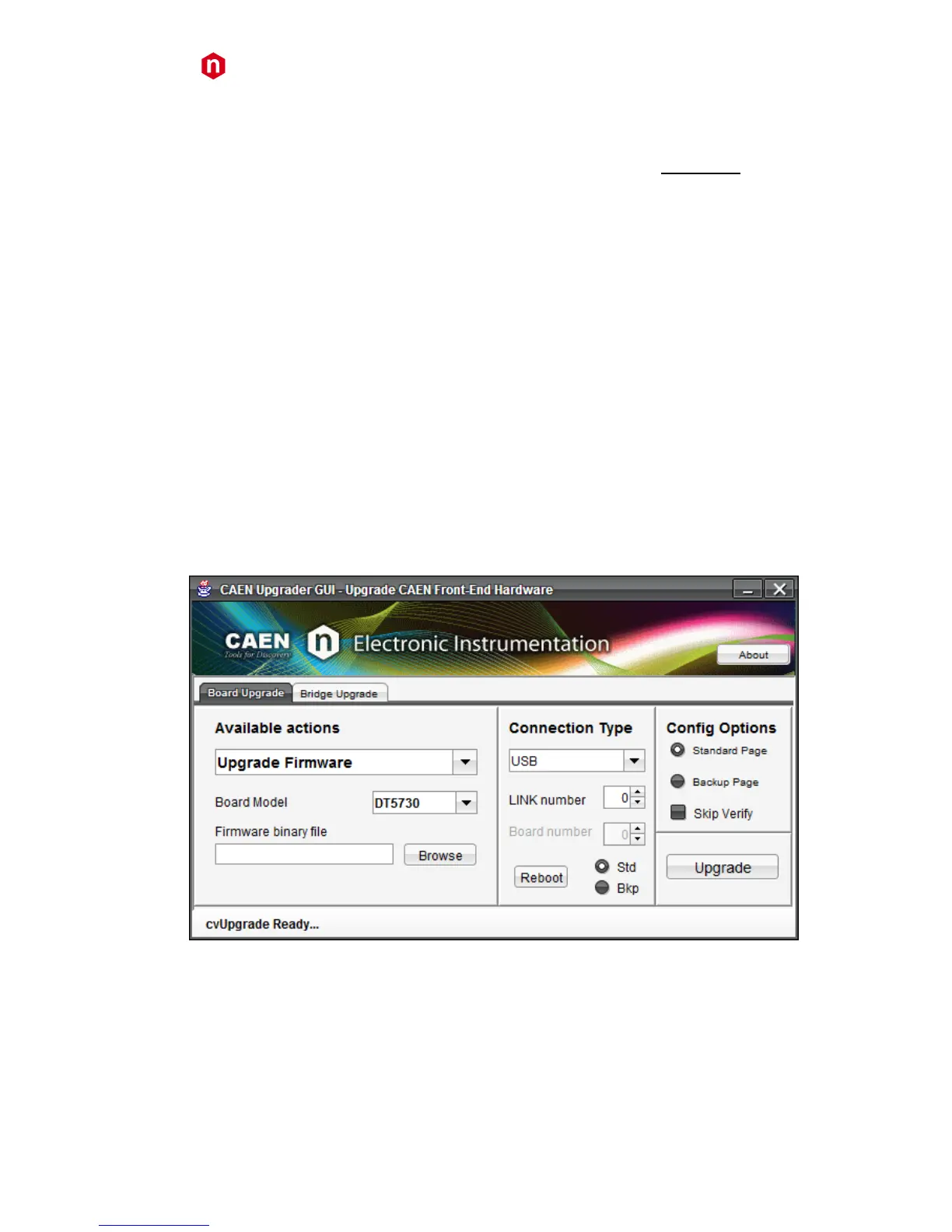
CAENUpgrader
CAENUpgrader is a free software composed of command line tools together with a Java Graphical User Interface.
Specifically for the DT5730/DT5725, CAENUpgrader allows in few easy steps to:
• Upload different firmware versions on the board
• Select which copy of the stored firmware must be loaded at power-on
• Read the firmware release of the board and the bridge (when used)
• Manage the firmware license, in case of pay firmware
• Upgrade the internal PLL
• Get the Board Info file, useful in case of support
CAENUpgrader can operate with Windows and Linux, 32 and 64-bit OSs.
The program relies on the CAENComm and CAENVMELib libraries (see § 10) and requires third-party Java SE6 (or later)
to be installed.
Note: Windows version of CAENUpgrader is stand-alone (the required libraries are installed locally with the program),
while the version for Linux needs the required libraries to be previously installed by the user.
CAENUpgrader installation package can be downloaded on CAEN web site (login required) at:
Home / Products / Firmware/Software / Digitizer Software / Configuration Tools / CAENUpgrader
The reference document for installation instructions and program detailed description is [RD1], downloadable at the
same page above, in the Documentation tab.



 To Next Page