10
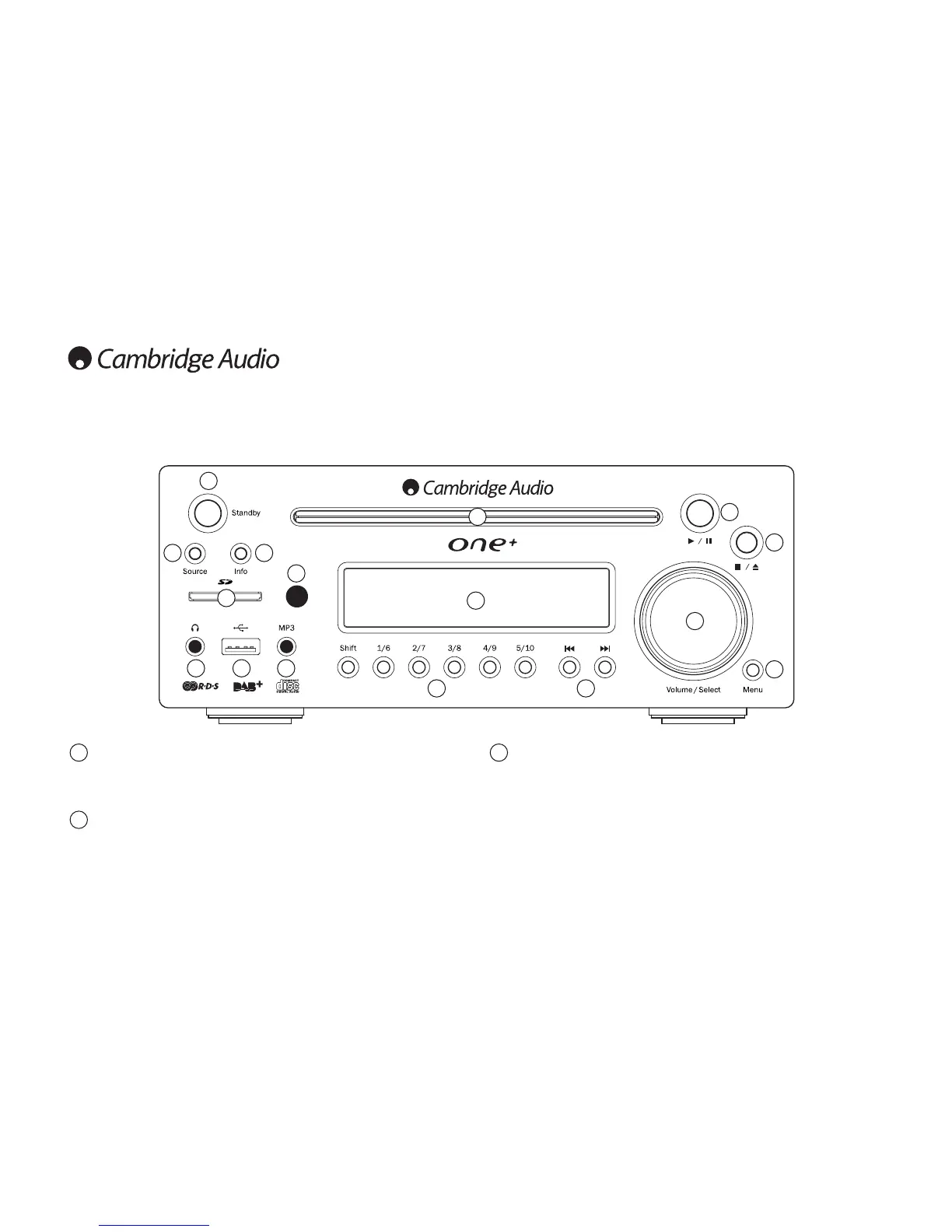
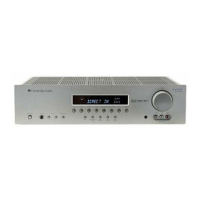
Front panel controls
Standby/On
Switches the unit between Standby mode (indicated by the time on the display) and
on. Standby is a low power mode where the power consumption is less than 2 Watts.
The unit may be left in Standby mode when not in use.
Source
Press to cycle through the available input sources (e.g iPod, CD, DAB, FM, USB, SD,
Aux1/MP3, Aux2).
Press in the Volume/Select control to select the displayed source.
2
1
Info
Press to select and view different information on the front panel display. The display
modes are as follows:
Standby mode – Press Info to display the alarm status. See ‘Setting the alarm’ for
more information.
DAB mode – Radio Text (DLS), transmission group, time/date, signal quality, program
type, audio mode, alarm status, sleep status and clock status.
Note: Pressing and holding down the Info button for five seconds in DAB mode will
initiate DAB station scanning, please see section on page 17.
3
1
9
3
4
6
10
13
14
15
16
2
7 8
5
1211





 To Next Page