23
There is no power
Ensure the AC power cord is connected securely.
Ensure the plug is fully inserted into the wall socket and is switched on.
Check fuse in the mains plug or adaptor.
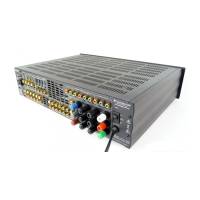
Check the unit is switched on via the back panel.
The player will not read the disc
Check the disc is not loaded upside down.
Check that the disc is not too scratched or dirty.
Check the disc type is suitable.
There is no sound
Ensure that the volume is set at an audible level.
Check that the speakers are connected correctly.
Check aerial connections and an available station is selected.
Check that the right source is selected.
Check the unit is not in mute.
The disc is skipping
Check that the disc is not too scratched or dirty.
Ensure the player is on a firm surface and not subject to vibrations.
The sound is distorted
Check aerial connections and placements.
Check the speaker connections.
Troubleshooting
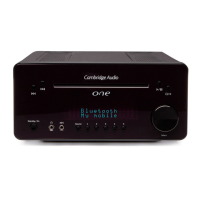
Resetting the unit
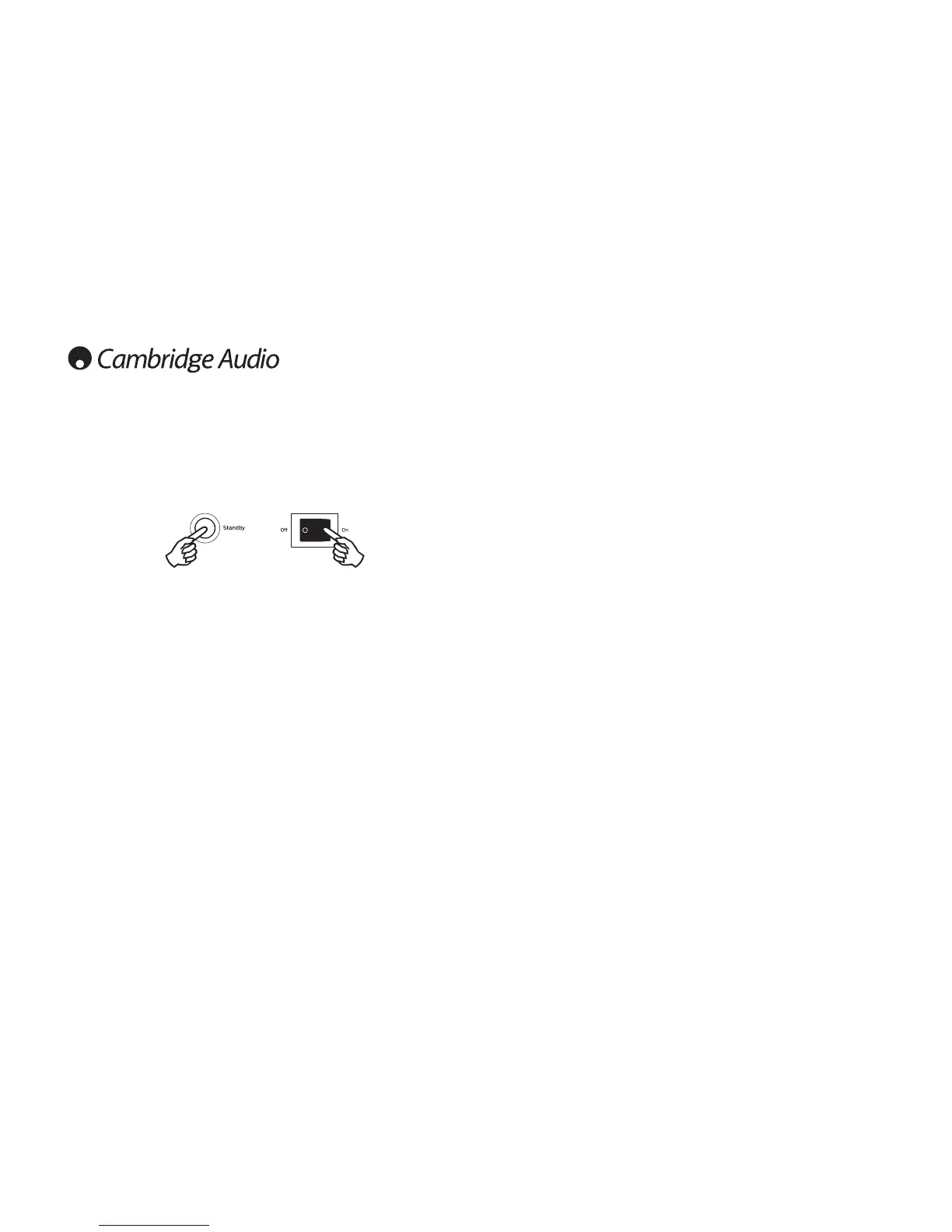
A full reset of One+ can be performed by turning the unit on from the back panel whilst
holding down the Standby/On button on the front panel.
Note: Performing System Reset will erase all stored presets and other stored settings.
Operating instructions (continued)





 To Next Page