12 Before Using the Unit
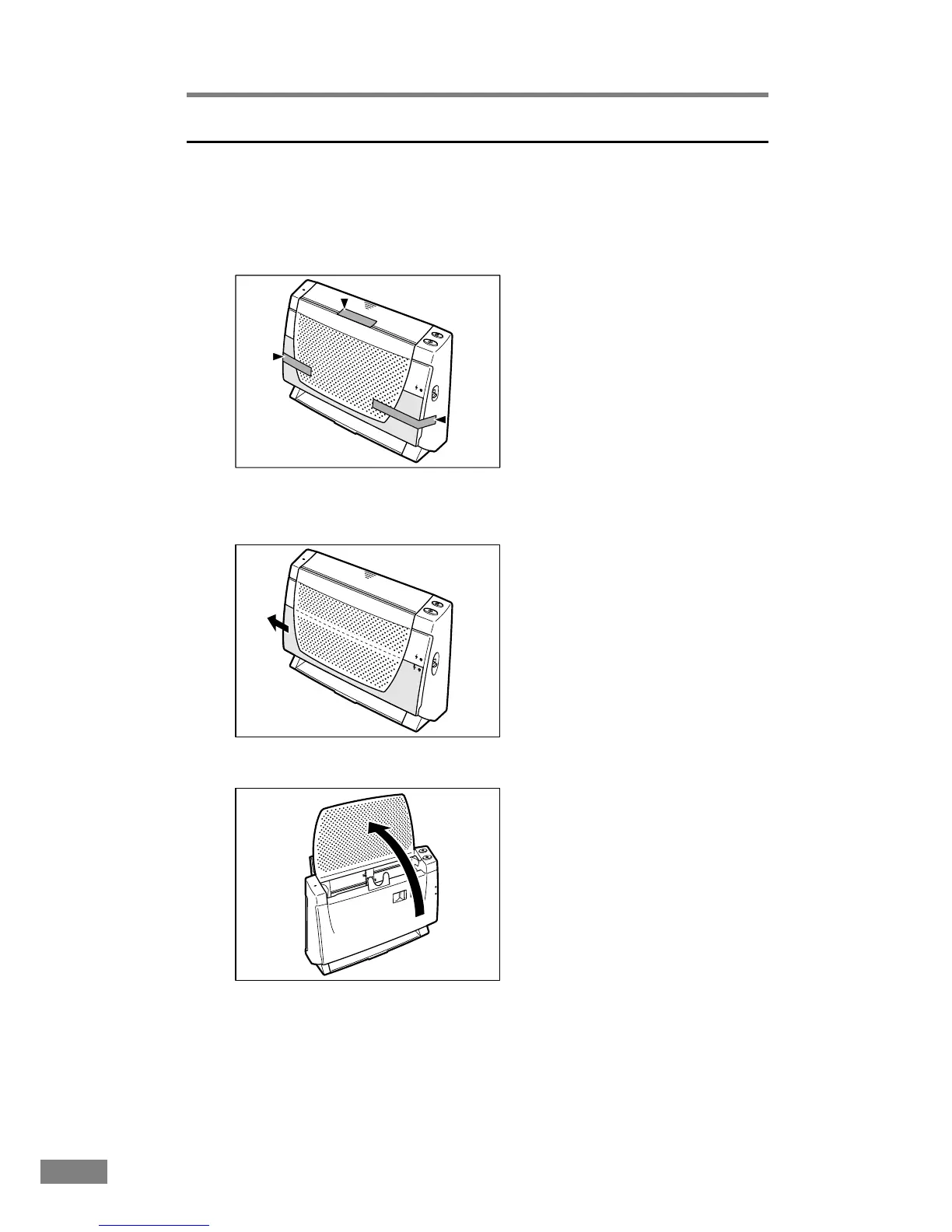
Removing Protective Tape and Protective Sheet
Before using the scanner, remove the protective tape and protective sheet that
protect the unit from damage during shipment.
1.
Remove the protective tape that is attached to the exterior of the unit.
2.
Remove the protective sheet from between the paper feed tray and the
scanner.
3.
Lift the edge of the paper feed tray to open it.













 To Next Page