42 Using the Software
Using CapturePerfect
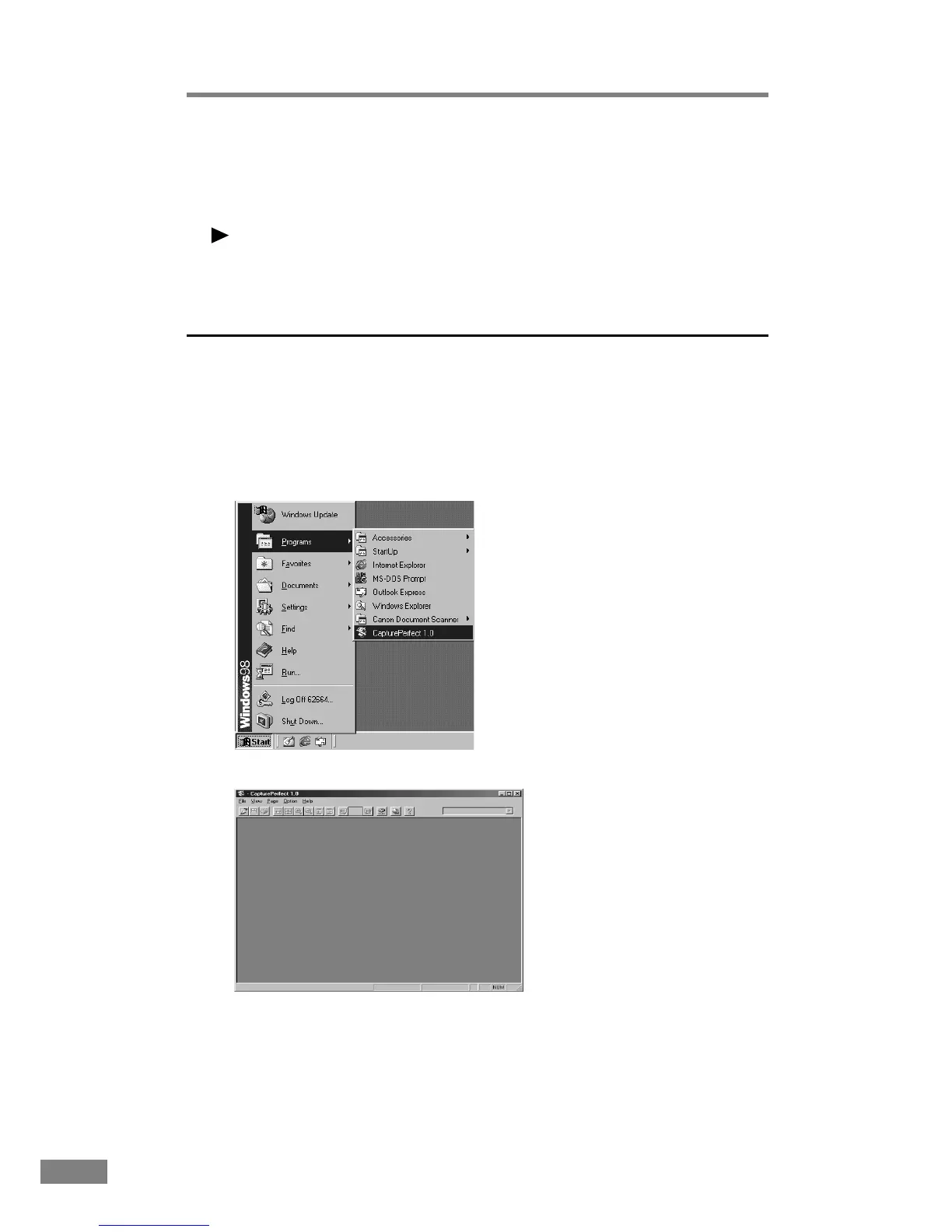
Follow the procedure described below to start and close CapturePerfect.
Note
The basic method for scanning using CapturePerfect is described in the
CapturePerfect help. From the Help menu on the CapturePerfect menu bar,
click Help, then refer to the explanation of how to use CapturePerfect.
Starting CapturePerfect
1.
Turn on the scanner.
2.
Turn on your computer. Windows starts.
3.
On the Start menu, point to Programs (when using Windows XP, point to All
Programs) and then click CapturePerfect.
CapturePerfect starts.













 To Next Page