Installing the Scanner 27
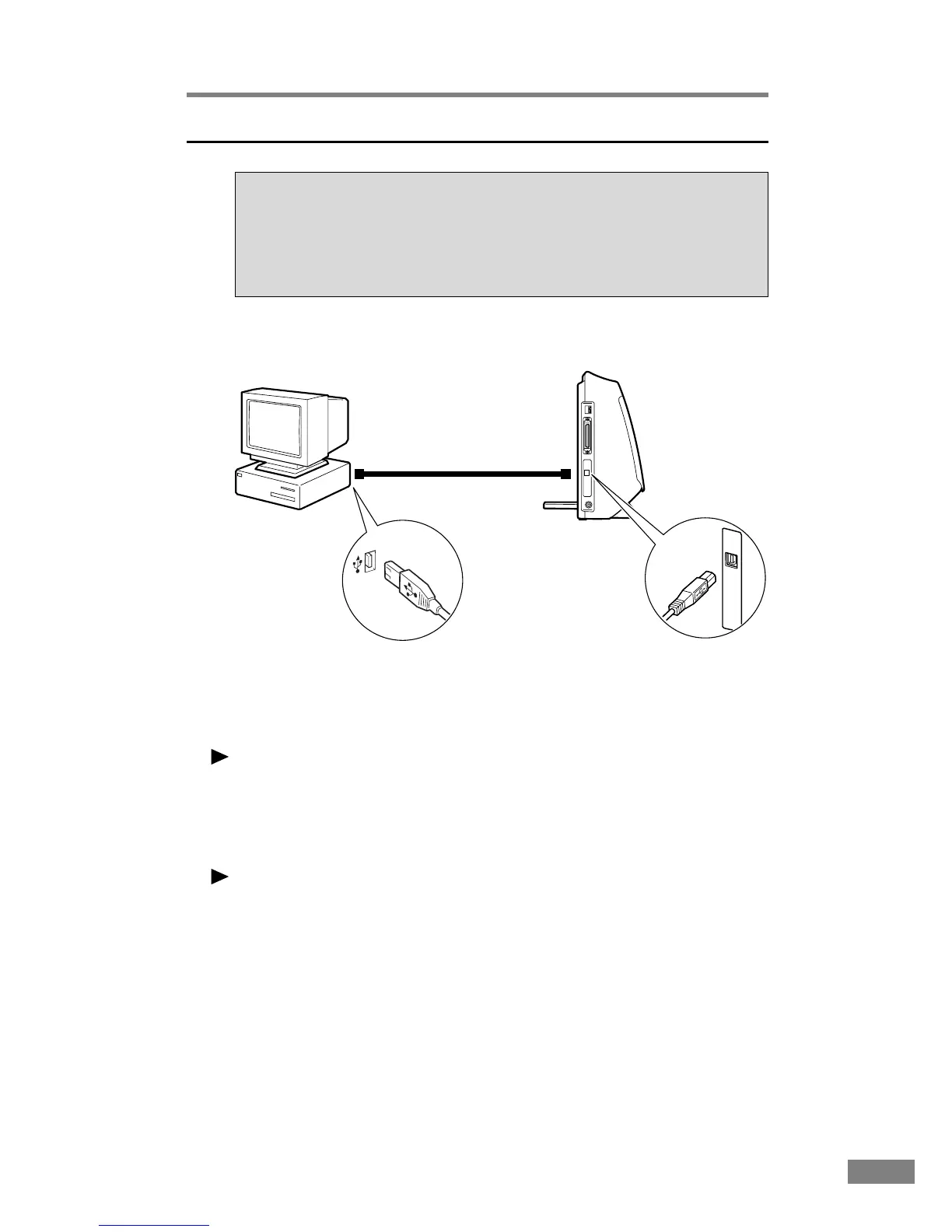
Connecting via USB
USB interface connection
• Be sure to use the USB cable bundled with the scanner or a Hi-Speed
USB 2.0-compatible cable.
•When using a USB extension board that supports Hi- Speed USB 2.0, be
sure to choose one verified for use with the scanner.(→ page 24 )
Notice
● If the OS you are using is Windows 95/NT, the connection via USB is not
supported. When using the DR-2080C with Windows 95/NT, be sure to
connect the scanner via SCSI.
● When using a USB hub, be sure to use one compatible with USB 2.0.
Note
● The DR-2080C passed the Hi- Speed USB 2.0 certification test. However,
when you use the scanner with a personal computer equipped with USB 2.0
as standard, the scanner may not always operate normally.
● If the inerface is not Hi-Speed USB 2.0-compatible, the scanning speed
will slow.
Computer
DR-2080C
Flat-shaped connector
SCSI device
Smaller square-
shaped connector













 To Next Page