Using the Software 41
Using the Software
Using the ISIS/TWAIN Driver
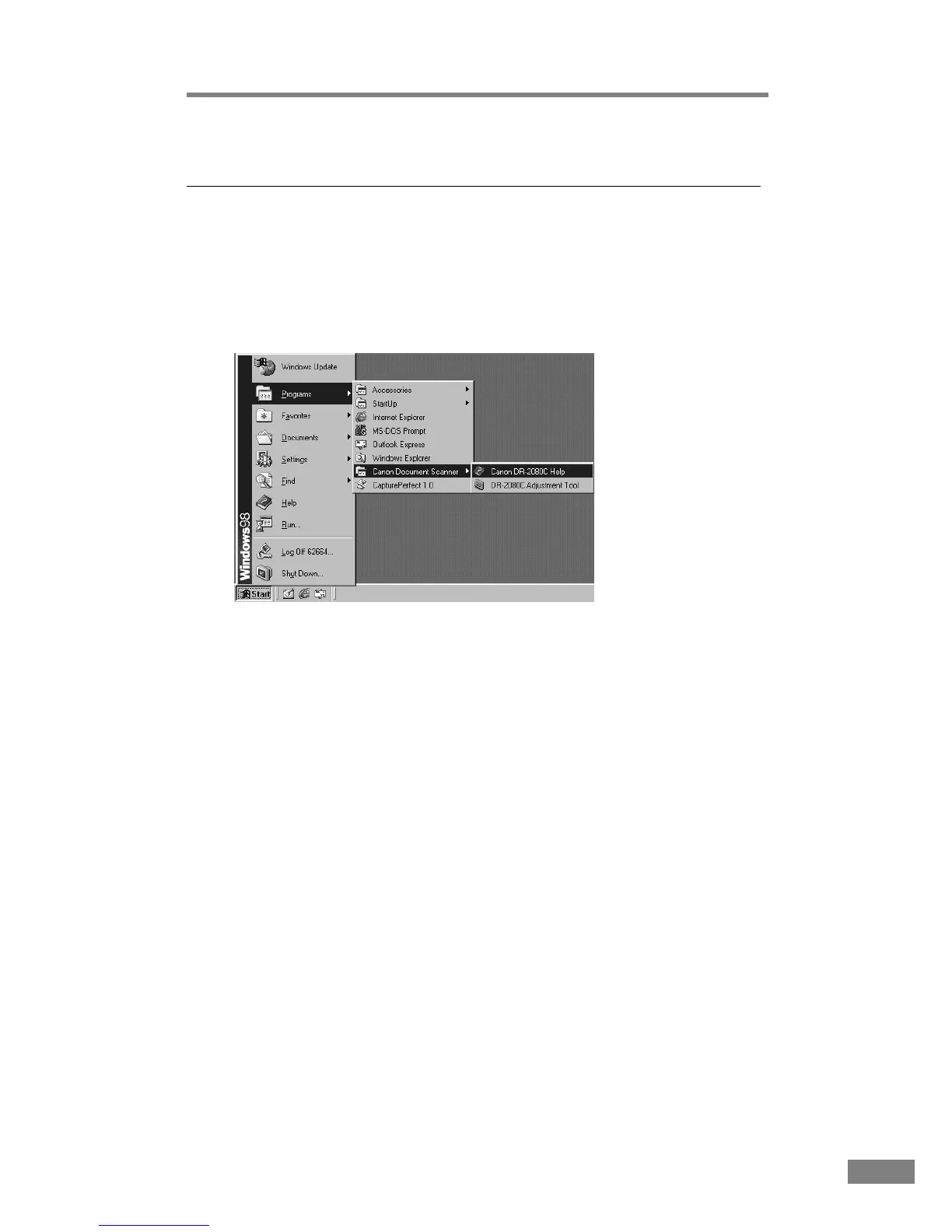
The ISIS/TWAIN driver help describes how to use the ISIS/TWAIN driver.
To access the ISIS/TWAIN driver help, click Start - Programs (when using
Windows XP, click All Programs) - Canon Document Scanner - Canon DR-
2080C Help, or click the Help button displayed in the dialog box.













 To Next Page