Installing the Software 35
Uninstalling the ISIS/TWAIN Driver
Follow the procedure described below to uninstall the ISIS/TWAIN driver.
Notice
If you are using Windows NT 4.0 Workstation, Windows 2000 Professional,
or Windows XP, be sure to log on as a user with administrator privileges.
1.
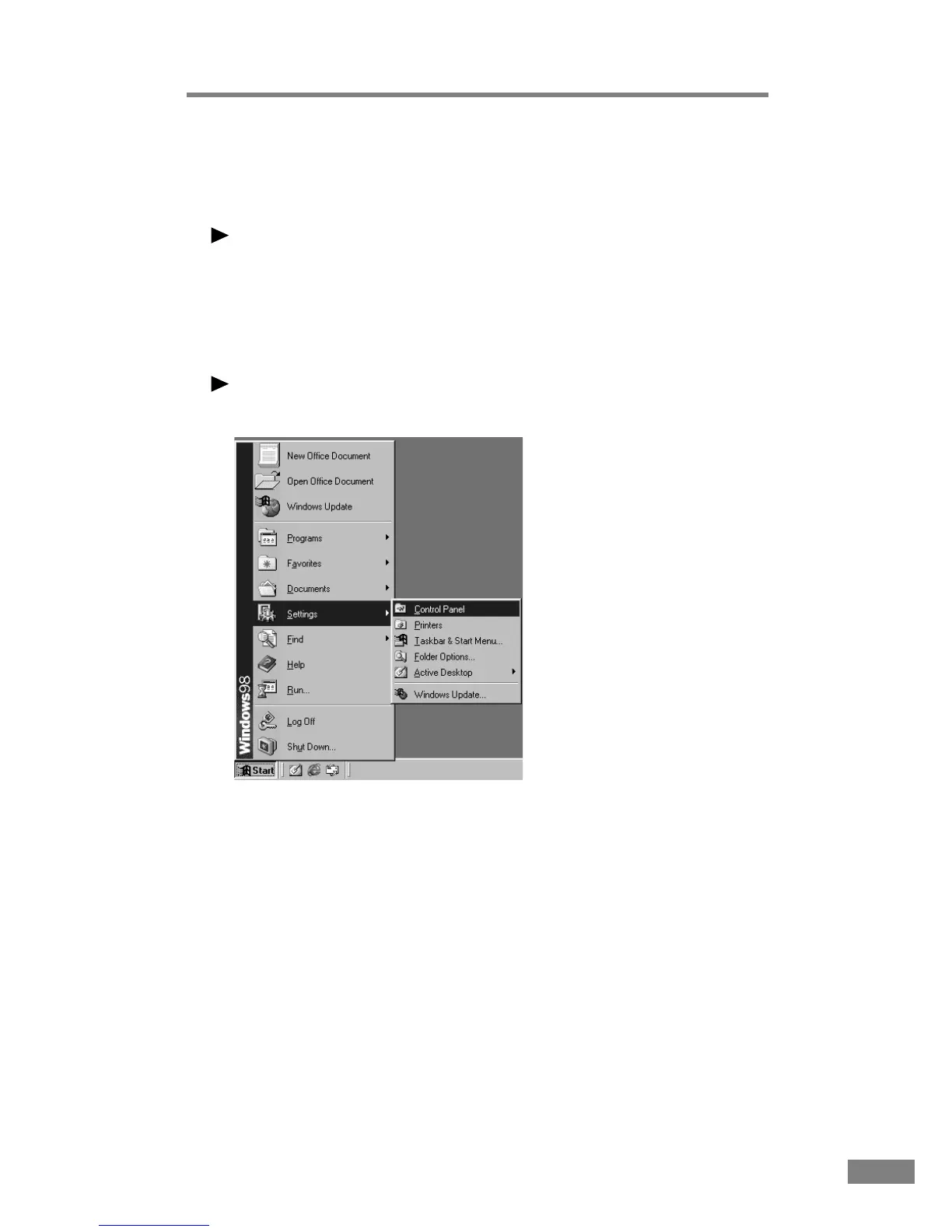
On the Start menu, point to Settings and click Control Panel.
Note
If you are using Windows XP, on the Start menu, click Control Panel.
The “Control Panel” window is displayed.













 To Next Page