36 Installing the Software
2.
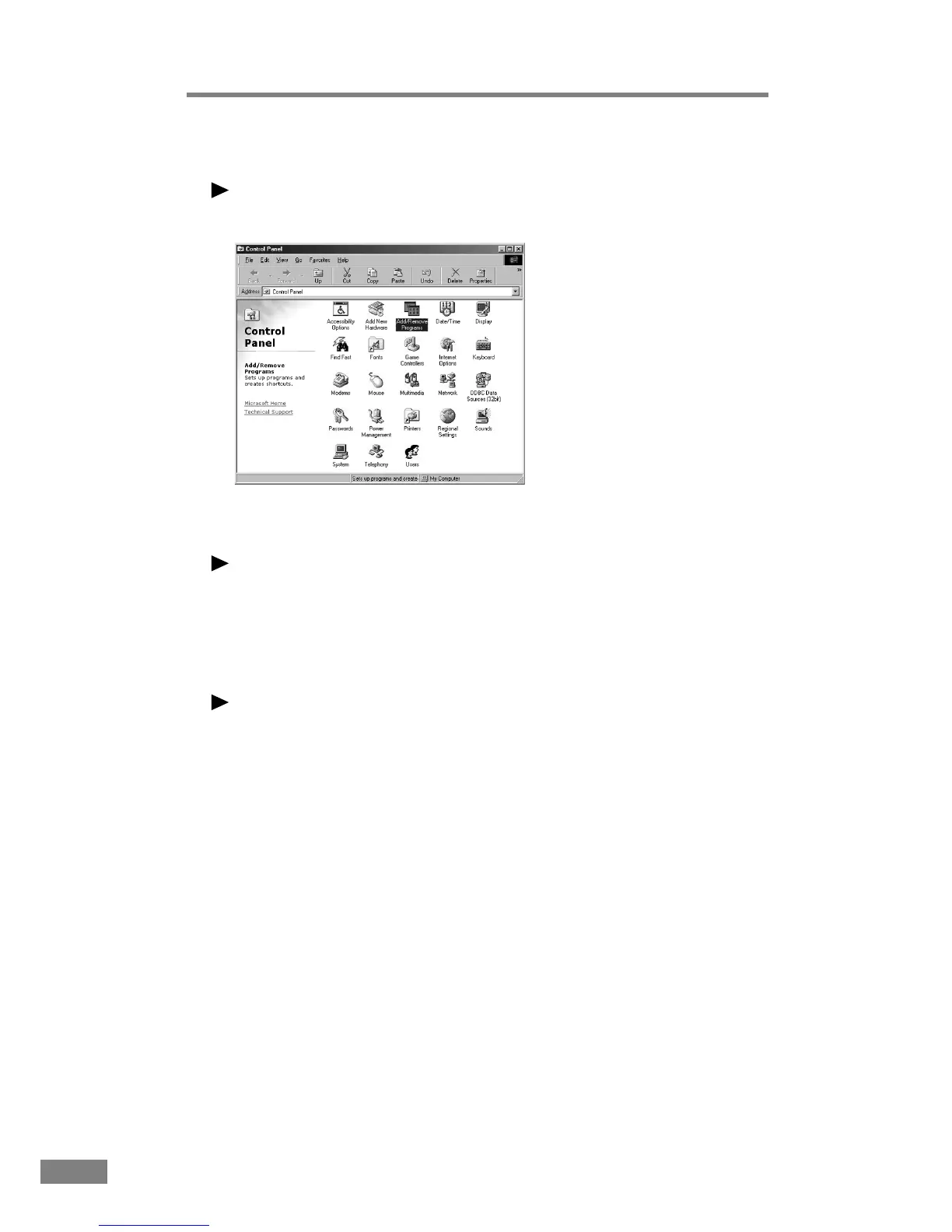
Double-click the “Add/Remove Programs” icon.
Note
If you are using Windows XP, click the “Add or Remove Programs” icon.
The “Add/Remove Programs Properties” dialog box is displayed.
Note
If you are using Windows XP, the “Add or Remove Programs” dialog box is
displayed.
3.
Select “Canon DR-2080C Scanner Driver” from the list, and then click the
Add/Remove button.
Note
If you are using Windows XP, click the Change/Remove button.













 To Next Page