44 Using the Software
Starting Up CapturePerfect by the Event Driven
Function
The DR-2080C and CapturePerfect together support the “Scanner Event”
driven function of Windows.
When the ISIS/TWAIN driver and CapturePerfect are installed in the PC,
pressing the Start button on the scanner starts up CapturePerfect
automatically.
Note
Windows 95/NT do not support this function.
Verifying the “Scanner Event”
1.
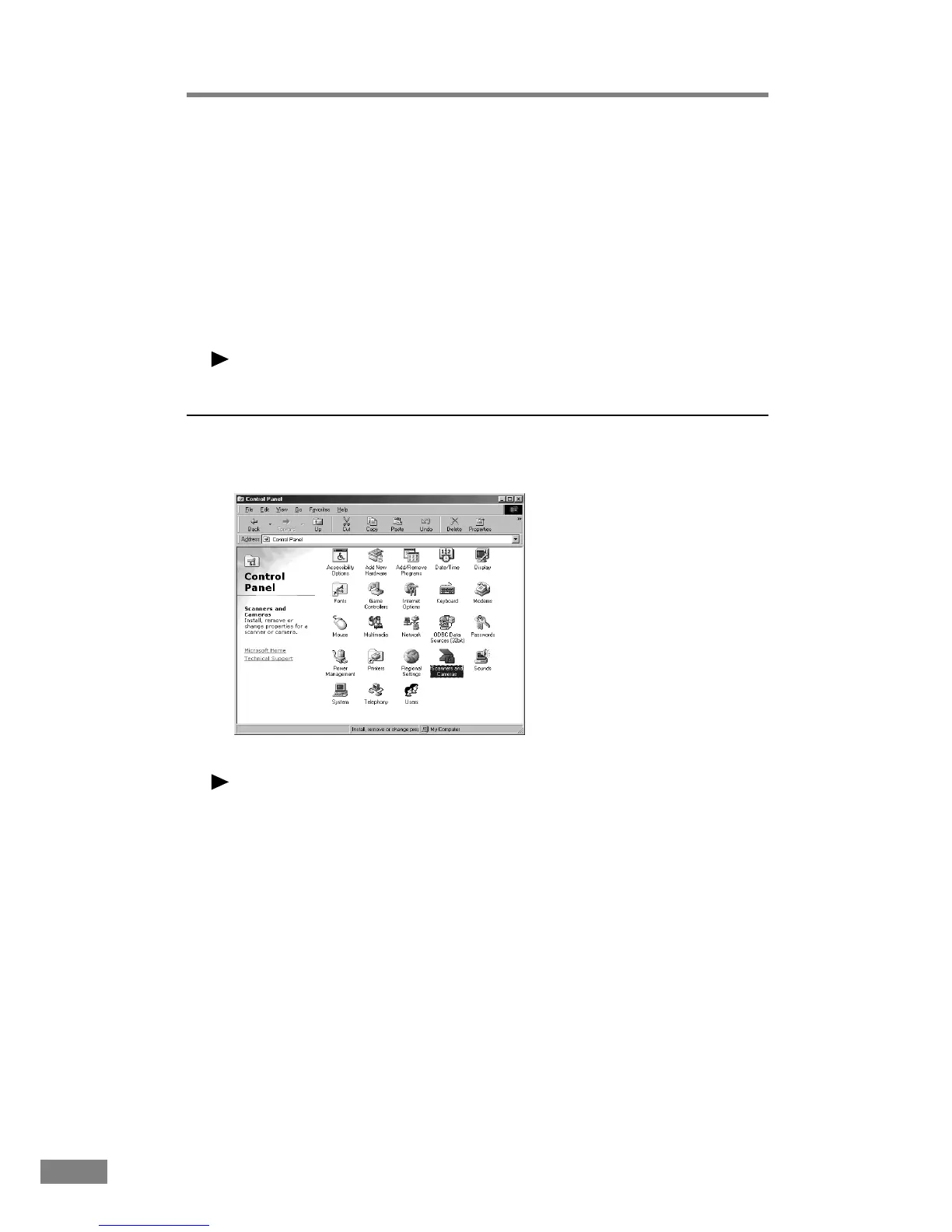
Open the “Scanner and Camera” folder.
Note
● Windows 95/NT do not display the “Scanner and Camera” folder.
● The displayed dialog box differs depending on Windows you are using.
•Windows 98/2000 display the “Scanner and Camera Properties” dialog
box.
•Windows Me/XP display the “Scanner and Camera” folder.













 To Next Page