Installing the Scanner 25
Connecting the Scanner to Your PC
There are two ways of connecting the scanner to your computer, via SCSI or
via USB. Choose either way suitable for the environment in which you are
using the PC.
Notice
● When the application is running, do not turn the scanner off nor unplug the
interface cable.
● Do not connect both a SCSI cable and a USB cable concurrently.
● Do not connect multiple DR-2080Cs to one (1) computer.
● When having changed the connection, be sure to turn the scanner and the
PC on once again.
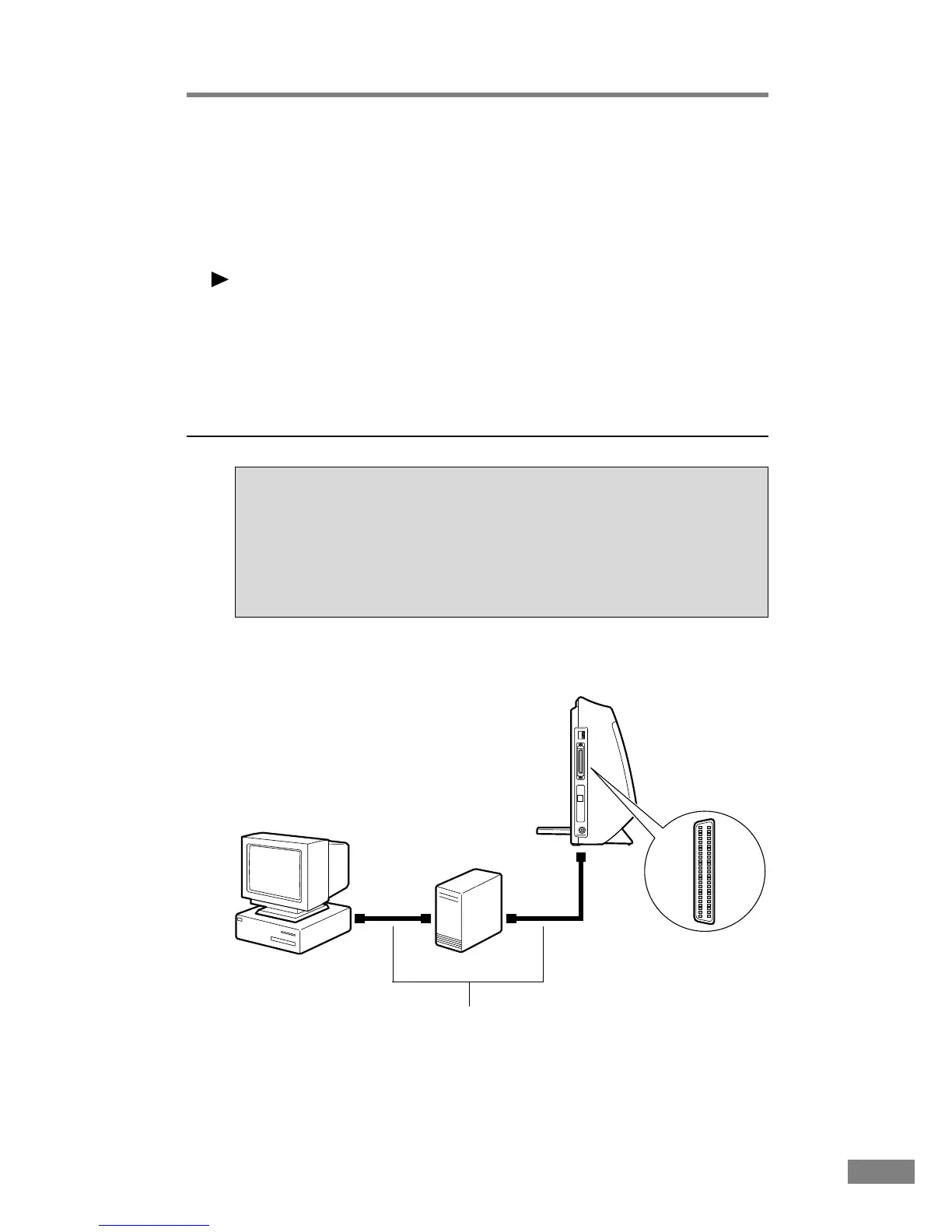
Connecting via SCSI
Notes on the Shape of Connectors and the SCSI Cable
• The DR-2080C is equipped with a 50-pin half-pitch (pin type) SCSI
connector.
• After checking the shape of the SCSI connector on your computer and
connected SCSI device, use the SCSI cable provided purchase a SCSI
cable with the right combination of connectors.
Computer
DR-2080C
SCSI cable
SCSI device
50-pin half-pitch
(pin type)













 To Next Page