62 Regular Maintenance
Resetting the Counter
1.
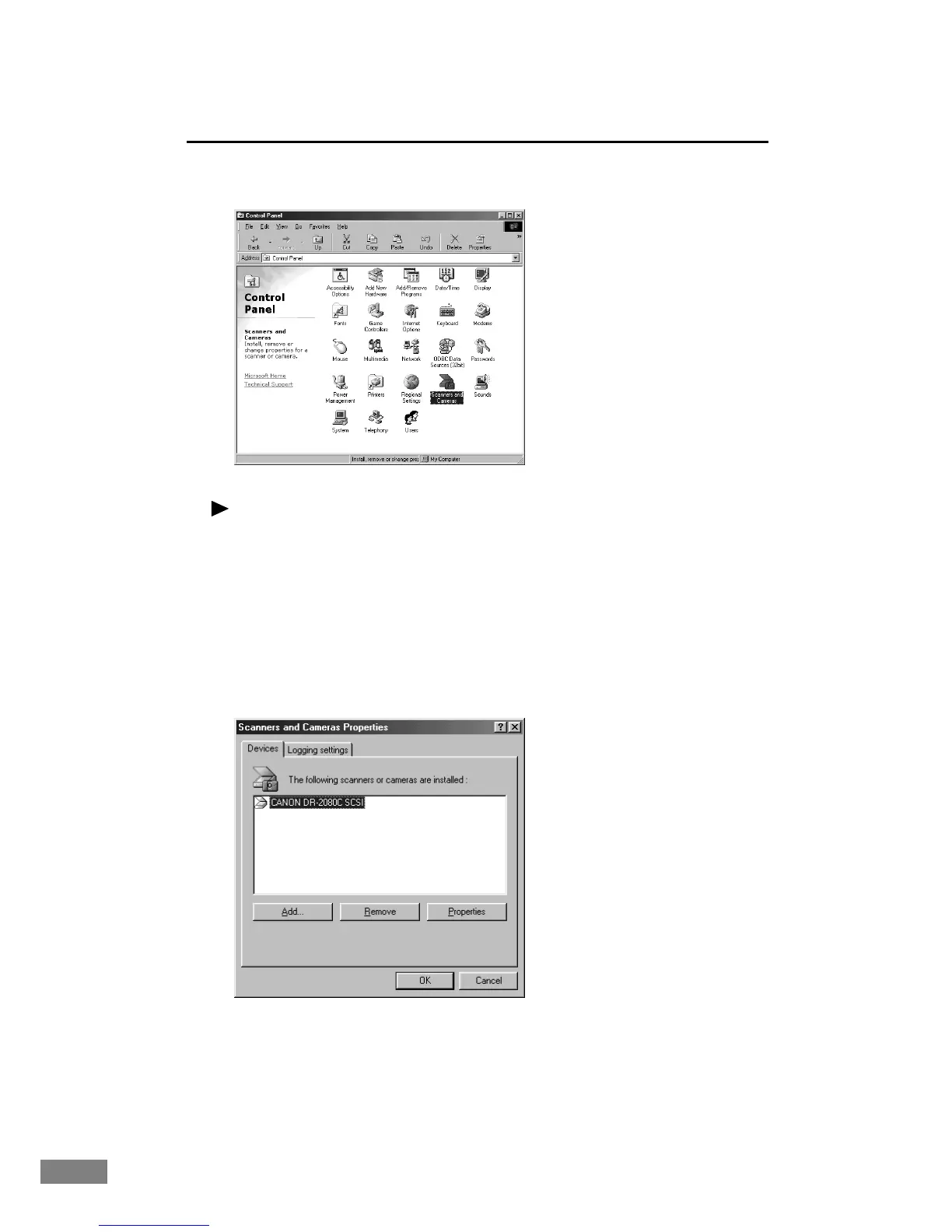
Open the “Scanner and Camera” folder in the Control Panel.
Note
● Windows 95/NT do not display the “Scanner and Camera” folder.
● The displayed dialog box differs depending on Windows you are using.
•Windows 98/2000 display the “Scanner and Camera Properties” dialog
box.
•Windows Me/XP display the “Scanner and Camera” folder.
2.
Select [CANON DR-2080C SCSI] (or, [CANON DR-2080C USB]) to display
[Properties].
“Scanner and Camera” Properties (Window 98)













 To Next Page