16 Installing the Scanner
Installing the Scanner
Before Setting Up the Scanner
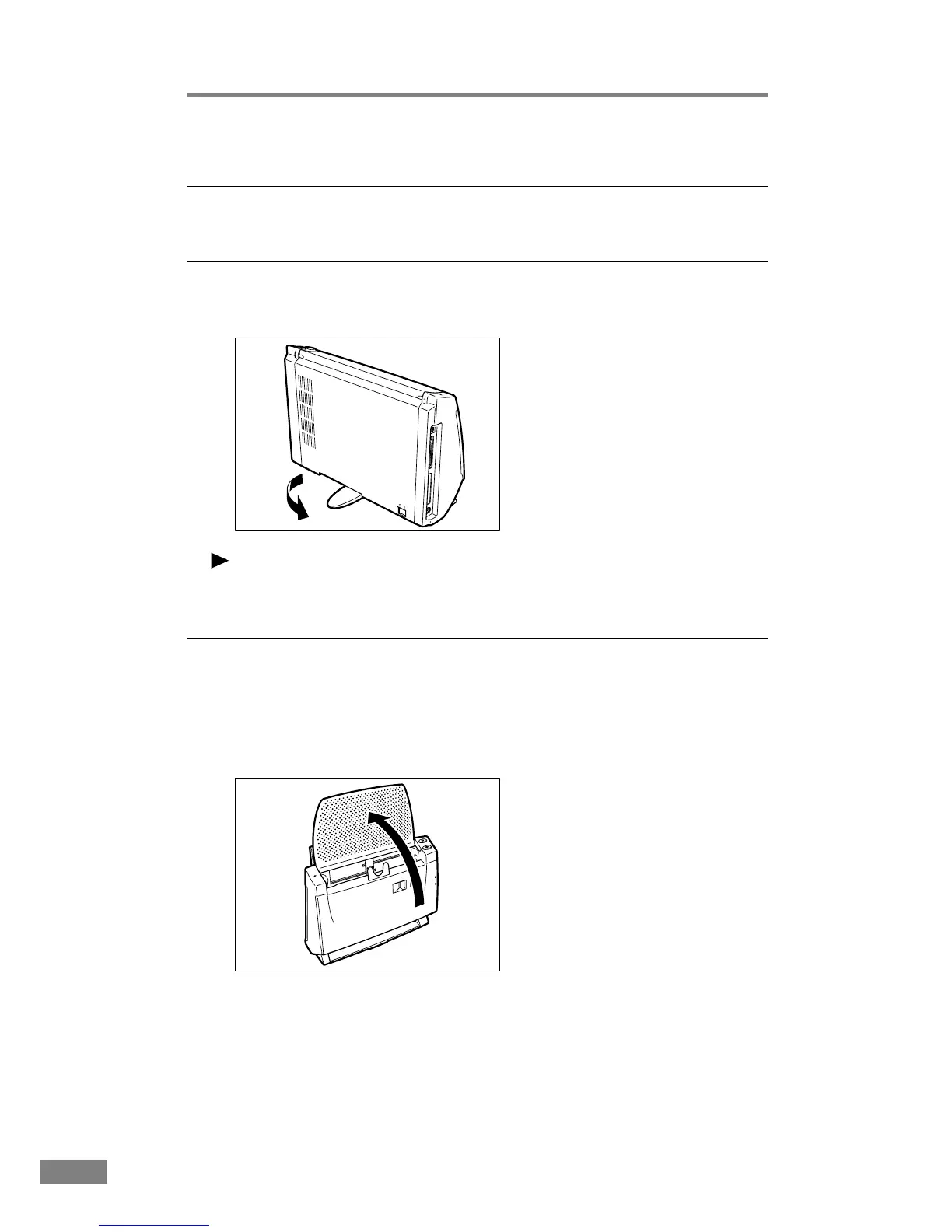
Extending the stand
Extend the stand located at the rear of the unit to prevent it from toppling.
Notice
Make sure that you use the unit with the stand extended. If you do not use the
stand, the unit may topple and be damaged.
Installing the Feed Roller
Open the front unit and install the provided feed roller.
1.
Lift the edge of the paper feed tray to open it.













 To Next Page