40 Installing the Software
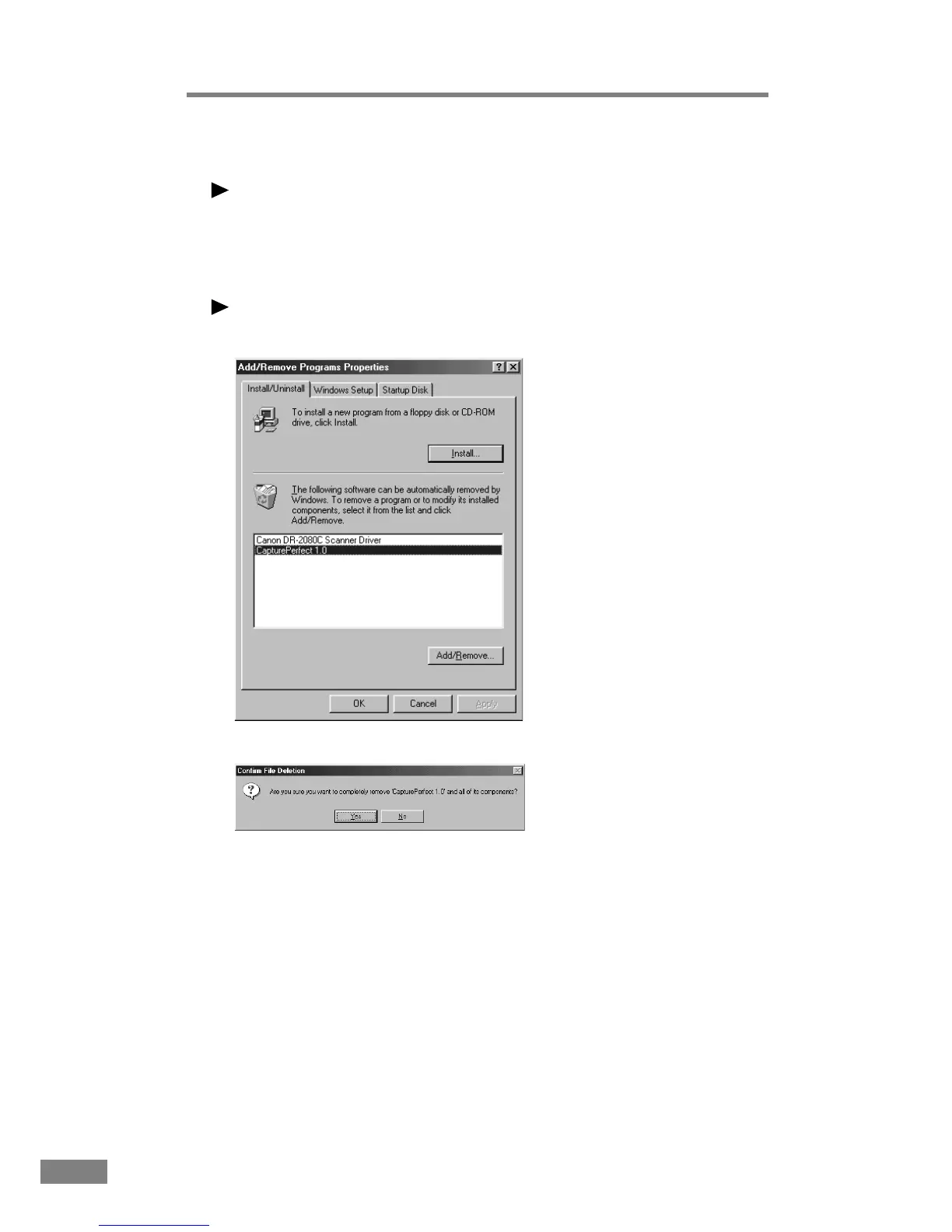
The “Add/Remove Programs Properties” dialog box is displayed.
Note
If you are using Windows XP, the “Add or Remove Programs” dialog box is
displayed.
3.
Select “CapturePerfect” from the list, and then click the Add/Remove button.
Note
If you are using Windows XP, click the Change/Remove button.
The “Confirm File Deletion” dialog box is displayed.
4.
Click the Yes button to start the uninstaller.
Follow the instructions on the screen and complete the uninstallation process.













 To Next Page