54 Using the Scanner
4.
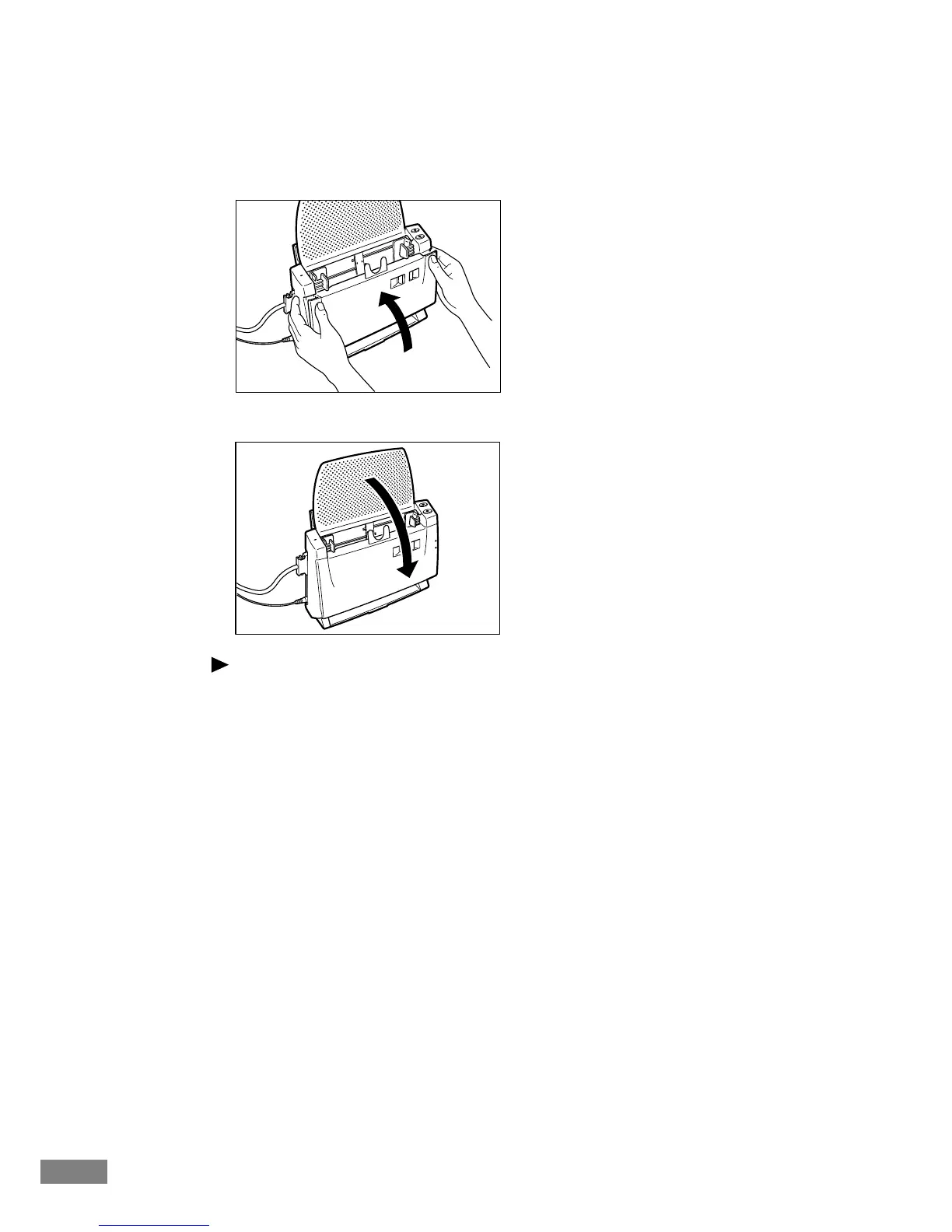
Gently press the upper left and right edges of the front unit. Make sure that the
cover clicks into place and is returned to its original position.
5.
If necessary, close the paper feed tray.
Note
Once you have cleared the paper jam, check whether the scanned image on
the last page has been stored properly or not, and then resume scanning.













 To Next Page