50
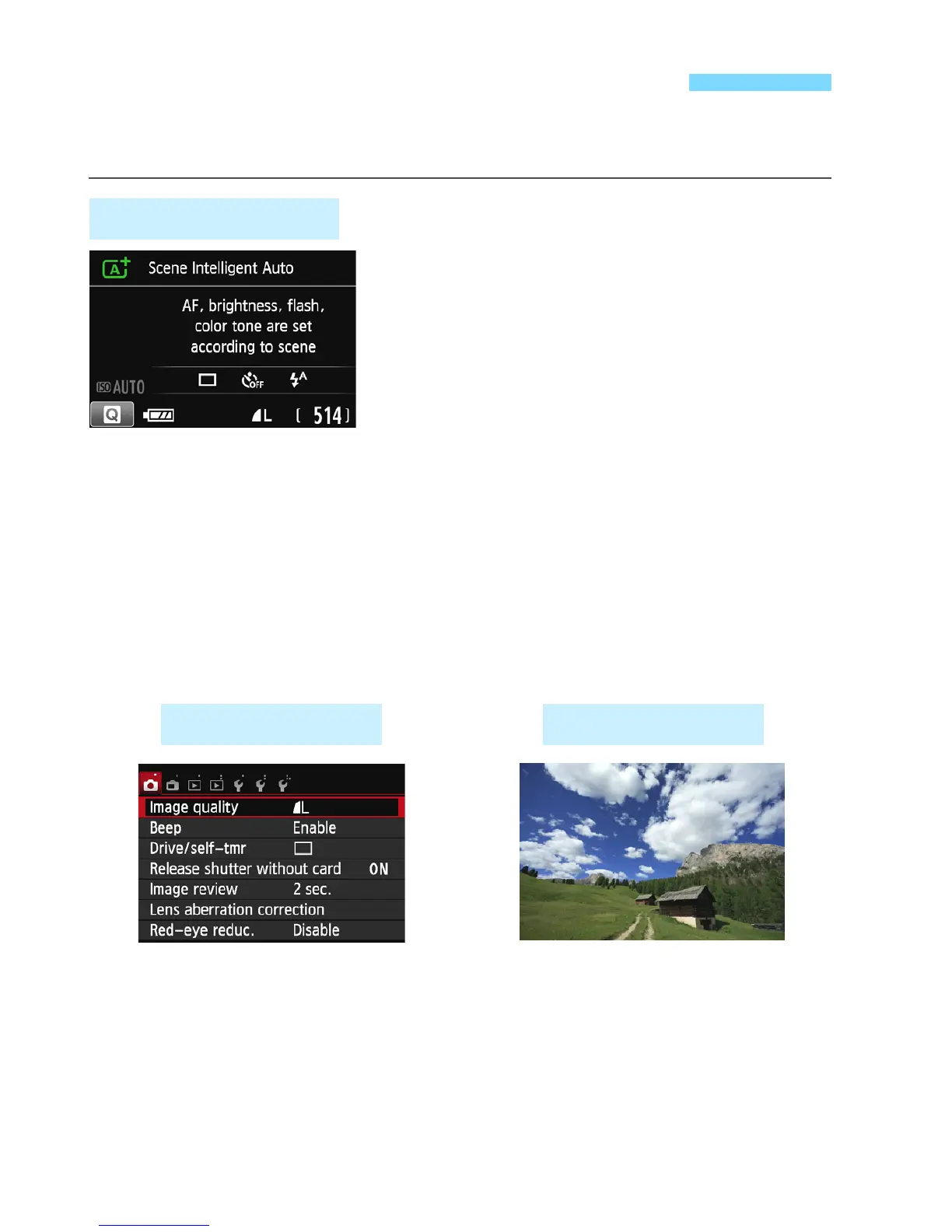
The LCD monitor can display the shooting settings screen, menu
screen, captured images, etc.
When you turn on the power, the
shooting settings will be displayed.
When your eye is near the viewfinder
eyepiece, the display-off sensor
(p.23, 230) will turn off the LCD
monitor to prevent glare. When your
eye leaves the viewfinder eyepiece,
the LCD monitor will turn on again.
By pressing the <B> button, you
can switch the LCD monitor screen
as follows: Display the shooting
settings screen (p.24), turn off the
LCD monitor screen, or display the
camera settings screen (p.226).
Switching the LCD Monitor Display
Shooting Settings
Appears when you press the
<M> button. Press the
button again to return to the
shooting settings screen.
Appears when you press the
<x> button. Press the button
again to return to the shooting
settings screen.
Menu Functions Captured Image



 To Next Page