Turning on the Power
28
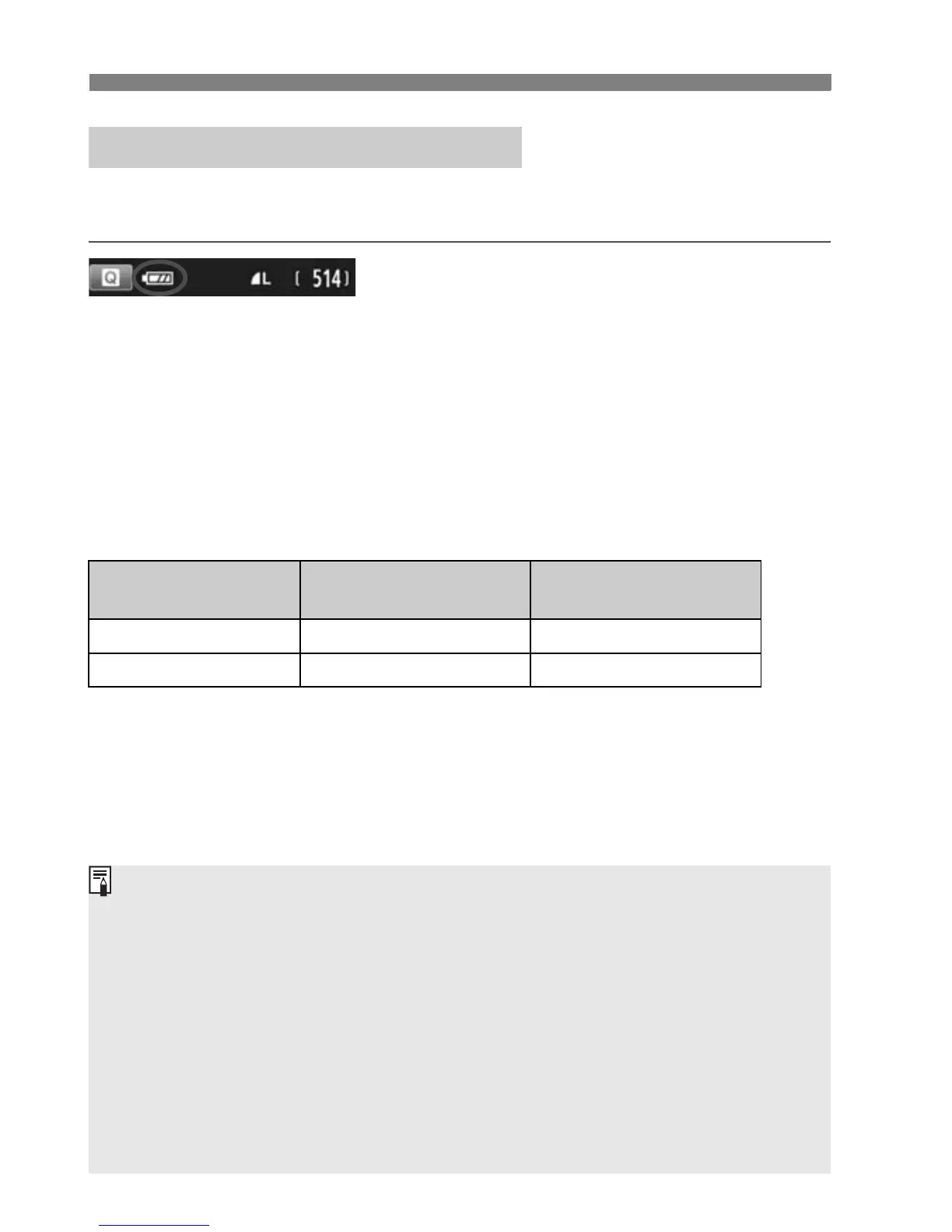
When the power is turned on, the battery level will be indicated in one of
four levels.
z : Battery level is sufficient.
x : Battery level is low, but the
camera can still be used.
c : Battery will be exhausted soon.
(Blinks)
n : Recharge the battery.
Number of Possible Shots [Approx. number of shots]
The figures above are based on a fully-charged Battery Pack LP-E12, no Live
View shooting, and CIPA (Camera & Imaging Products Association) testing
standards.
z Checking the Battery Level
Temperature
Room Temperature
(23°C / 73°F)
Low Temperatures
(0°C / 32°F)
No Flash 480 420
50% Flash Use 380 350
The number of possible shots will decrease with any of the following
opera ions:
• Pressing the shutter button halfway for a prolonged period.
• Ac ivating the AF frequently without taking a picture.
• Using the lens Image Stabilizer.
• Using the LCD monitor often.
The number of possible shots may decrease depending on the actual
shooting conditions.
The lens operation is powered by he camera’s battery. Depending on
the lens used, the number of possible shots may be lower.
For the number of possible shots with Live View shooting, see page 75.



 To Next Page