63
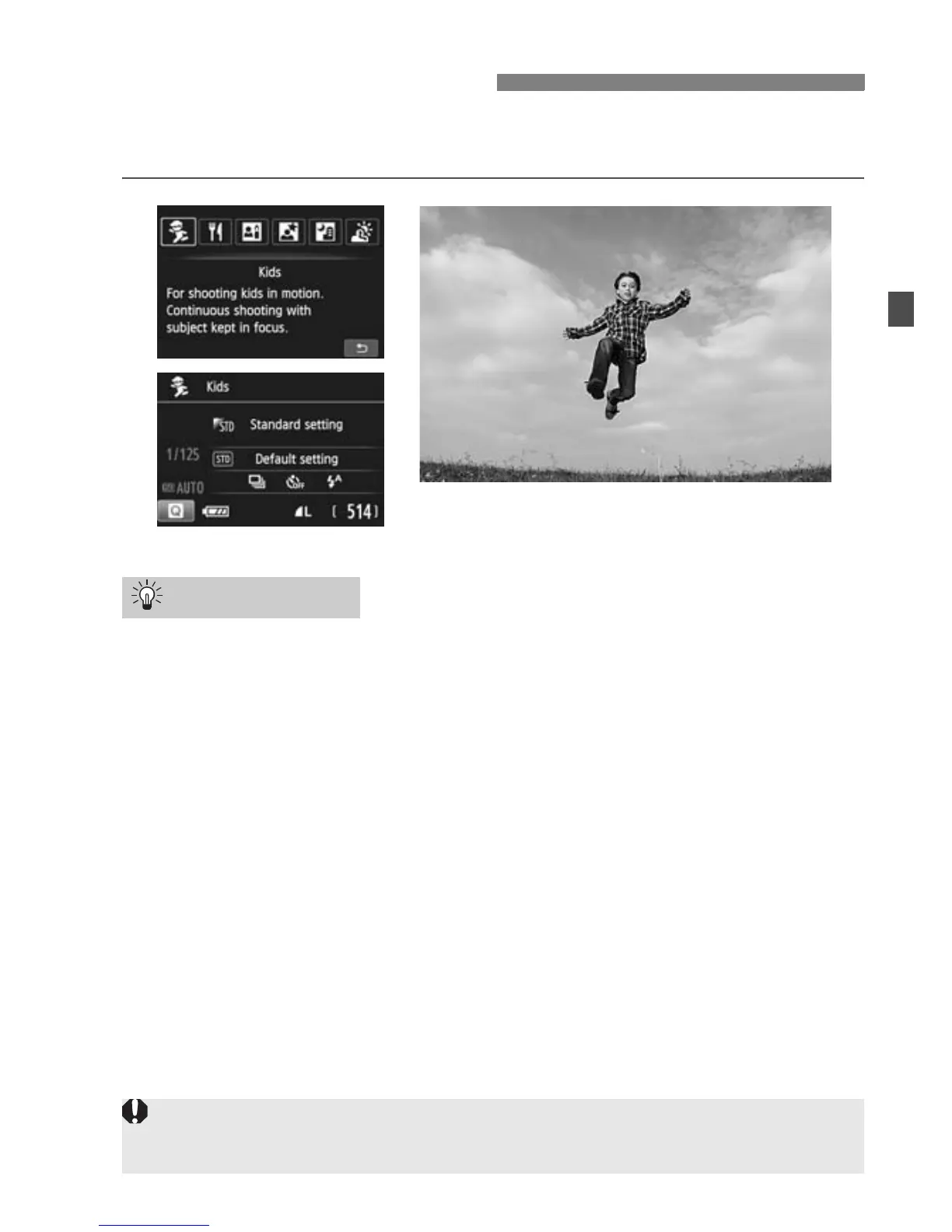
When you want to continuously focus and shoot children running
around, use <C> (Kids). Skin tones will look healthy.
Use the center AF point to focus.
Aim the center AF point over the subject, then press the shutter
button halfway to autofocus. During autofocusing, the beeper will
continue beeping softly. If focus cannot be achieved, the focus
confirmation light <o> will blink.
Shoot continuously.
The default setting is <i> (Continuous shooting). When you want
to take the picture, press the shutter button completely. If you hold
down the shutter button, you will be able to maintain autofocusing
during continuous shooting of the subject’s changing facial
expressions and movement (max. approx. 4 shots per sec.).
C Shooting Children
Shooting Tips
While he flash is recycling, “DbuSY” is displayed in the viewfinder, and a
picture cannot be taken. Take the picture after this display turns off.



 To Next Page