53
The camera analyzes the scene and sets the optimum settings
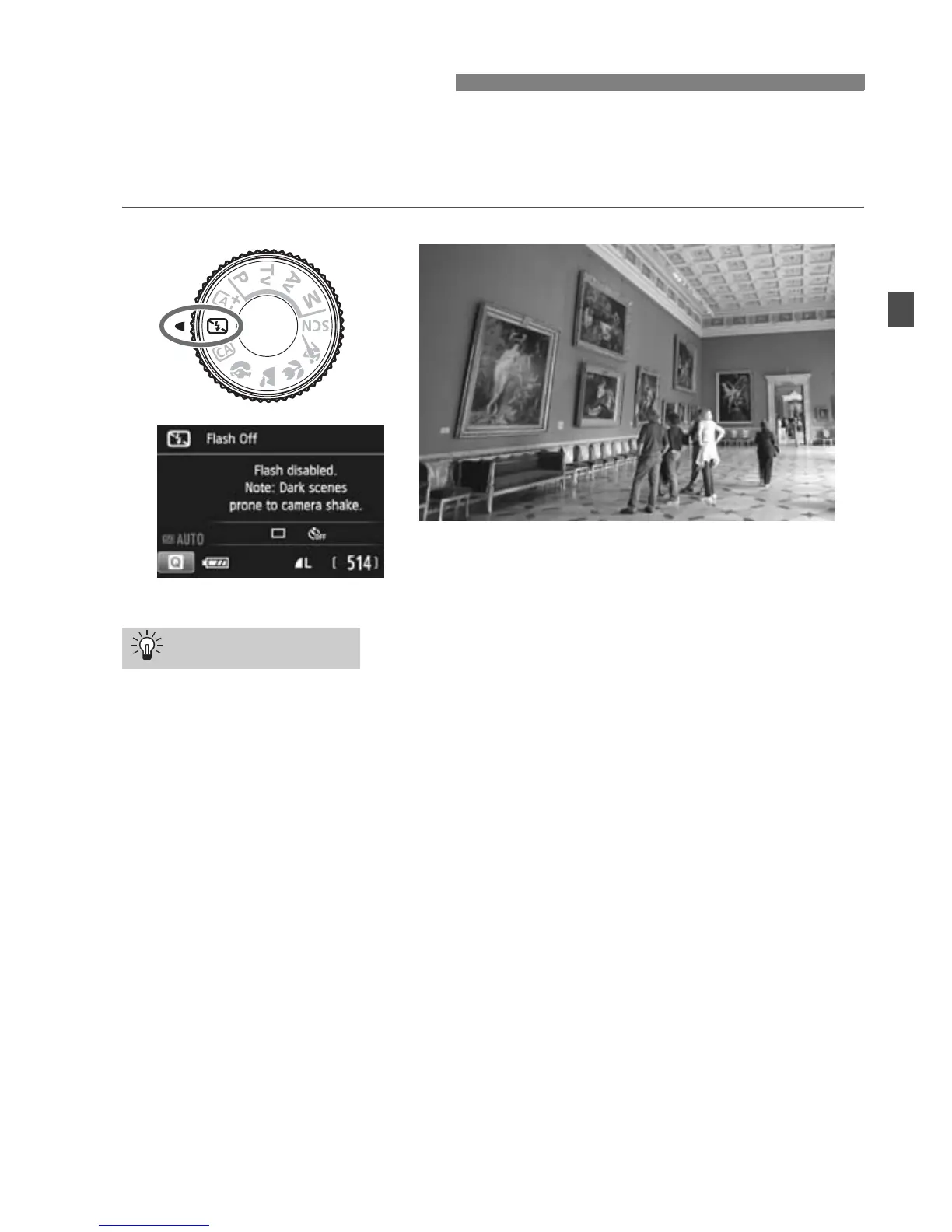
automatically. In places where flash photography is prohibited such as
in a museum or an aquarium, use the <7> (Flash Off) mode.
Prevent camera shake if the numeric display in the viewfinder
blinks.
Under low light when camera shake is prone to occur, the
viewfinder’s shutter speed display will blink. Hold the camera steady
or use a tripod. When using a zoom lens, use the wide-angle end to
reduce blur caused by camera shake even while handholding the
camera.
Take portraits without flash.
In low-light conditions, tell the subject to keep still until the picture is
taken. Any movement by the subject during shooting may result in
the subject being blurred in the picture.
7 Disabling Flash
Shooting Tips



 To Next Page