65
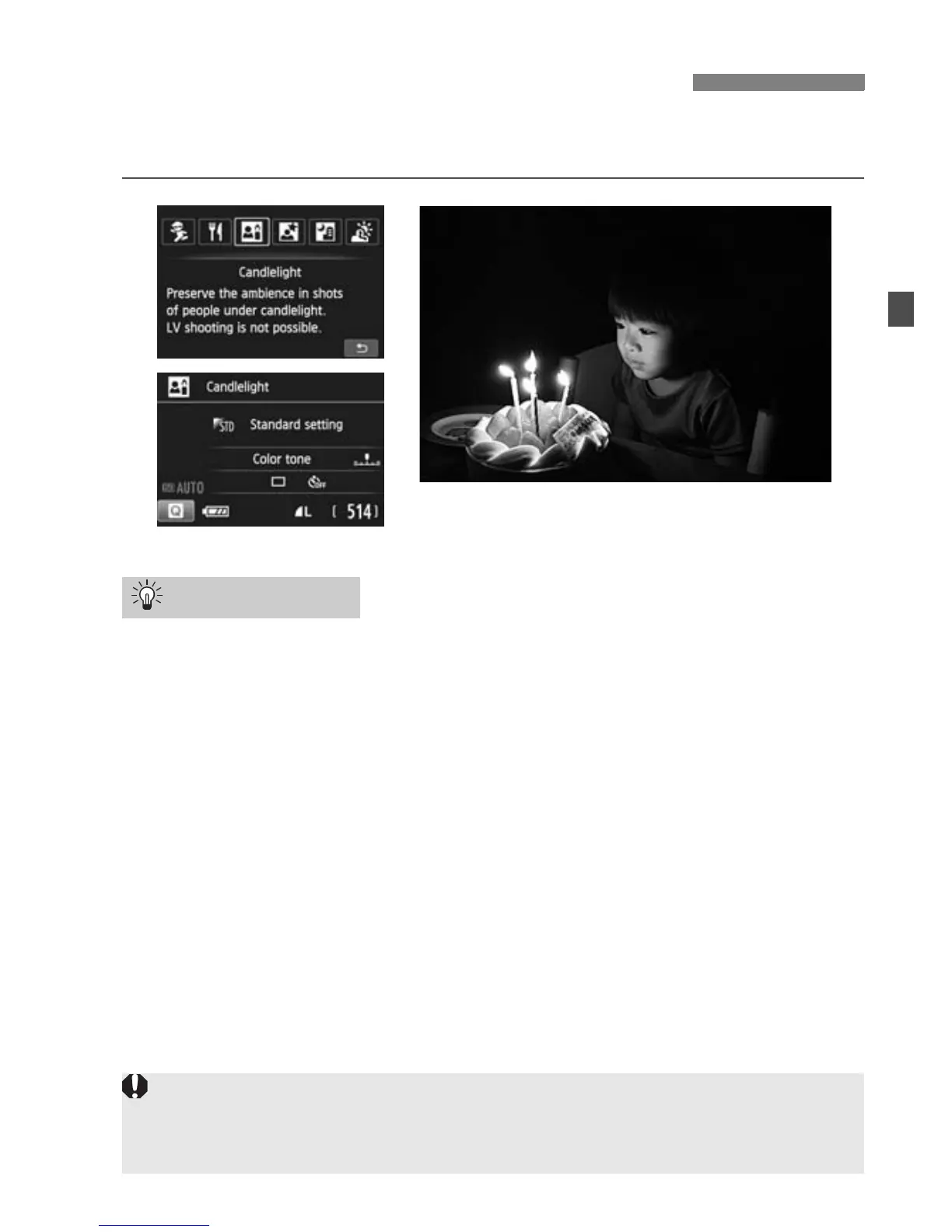
When shooting a human subject in candlelight, use <x> (Candlelight).
The candlelight color tones will be retained in the photo.
Use the center AF point to focus.
Aim the center AF point in the viewfinder over the subject, then shoot.
Prevent camera shake if the shutter speed in the viewfinder
blinks.
Under low light when camera shake is prone to occur, the
viewfinder’s shutter speed display will blink. Hold the camera steady
or use a tripod. When using a zoom lens, use the wide-angle end to
reduce blur caused by camera shake even while handholding the
camera.
Change the color tone.
You can change [Color tone]. To increase the candlelight’s reddish
tinge, set it toward [Warm tone]. Set it toward [Cool tone] if it looks
too red.
x Shooting Candlelight Portraits
Shooting Tips
Live View shooting cannot be used.
Flash shooting is not possible. In low light, he AF-assist beam may be
emitted.



 To Next Page