p Specifying Images for a Photobook
296
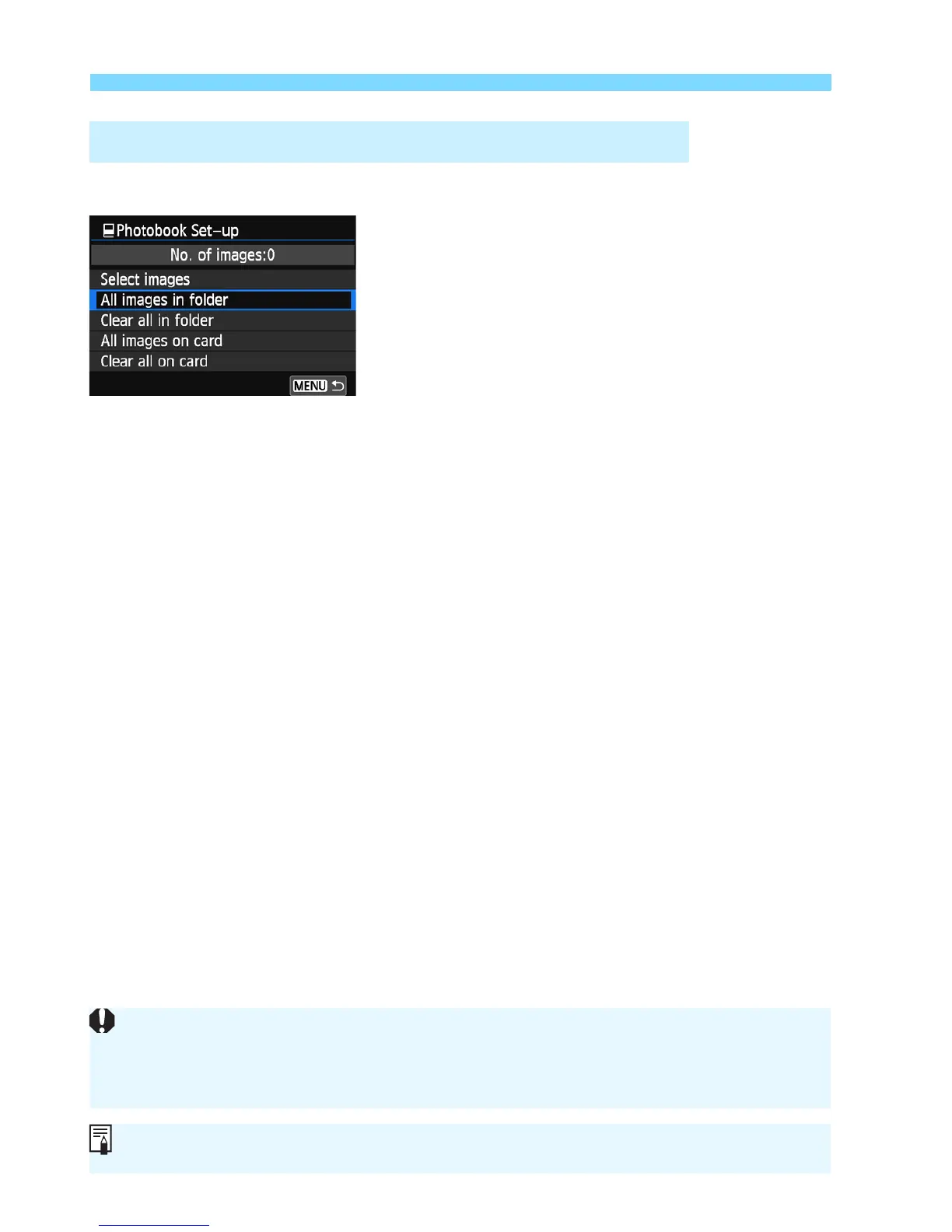
You can specify all the images in a folder or on a card at one time.
When [x1: Photobook Set-up] is set
to [All images in folder] or [All images
on card], all the images in the folder or
on the card will be specified.
To cancel the image specification, select
[Clear all in folder] or [Clear all on
card].
Specifying All Images in a Folder or on a Card
RAW images and movies cannot be specified.
Do not specify images already specified for a photobook in another camera
for ano her photobook with this camera. The photobook settings may be
overwritten.



 To Next Page