45
d Using the Touch Screen
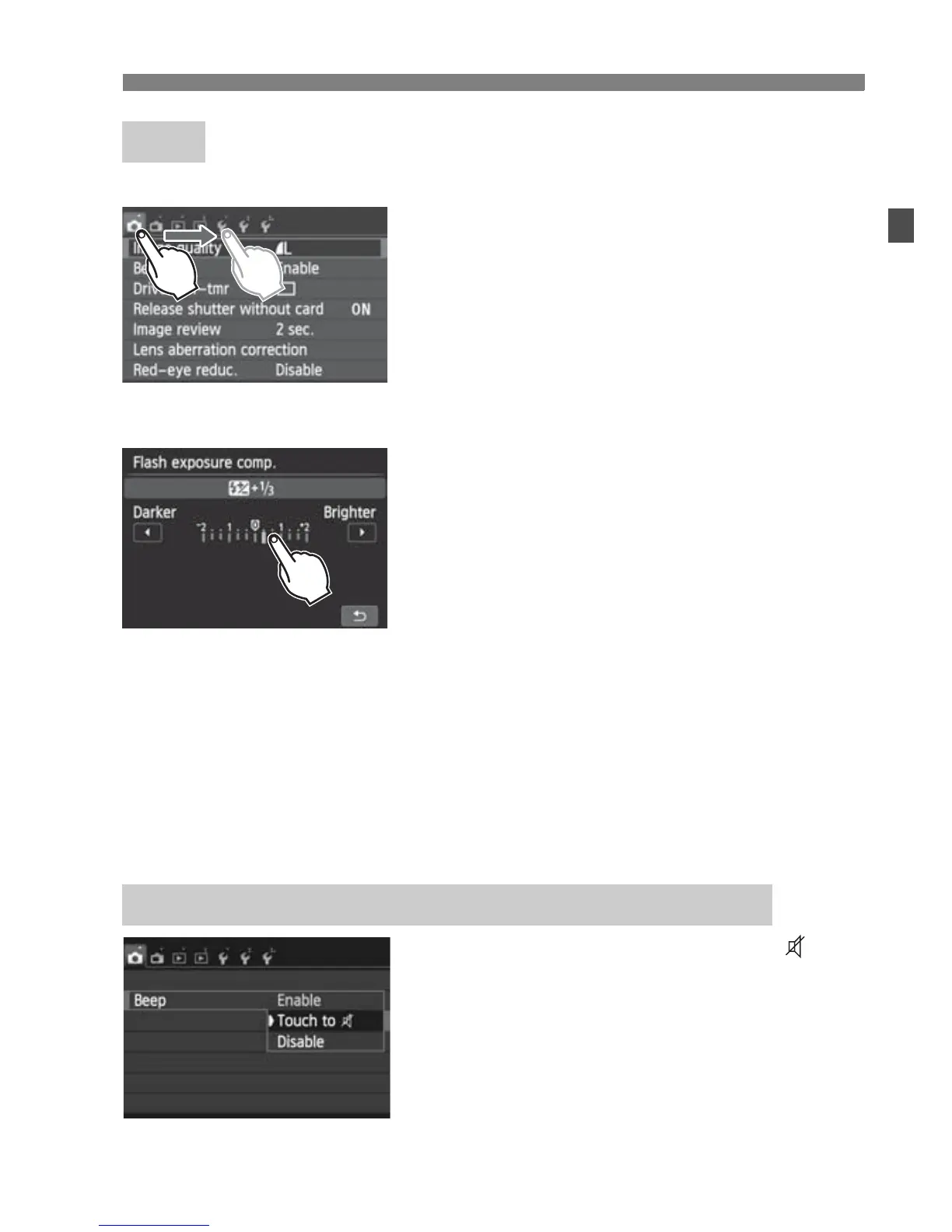
Menu screen (Sample display)
Slide your finger while touching the
LCD monitor.
Scale display (Sample display)
Operations possible by dragging your finger on the screen
Selecting a menu tab or item after pressing the <M> button
Setting a scale control
Quick Control
Setting functions during Live View shooting
Setting functions during movie shooting
Playback operations
If [z1: Beep] is set to [Touch to ], the
beep will not sound during touch
operations.
Drag
3 Silencing the Beep during Touch Operations



 To Next Page