1. Setting and Canceling Custom Functions
Setting a Custom Function
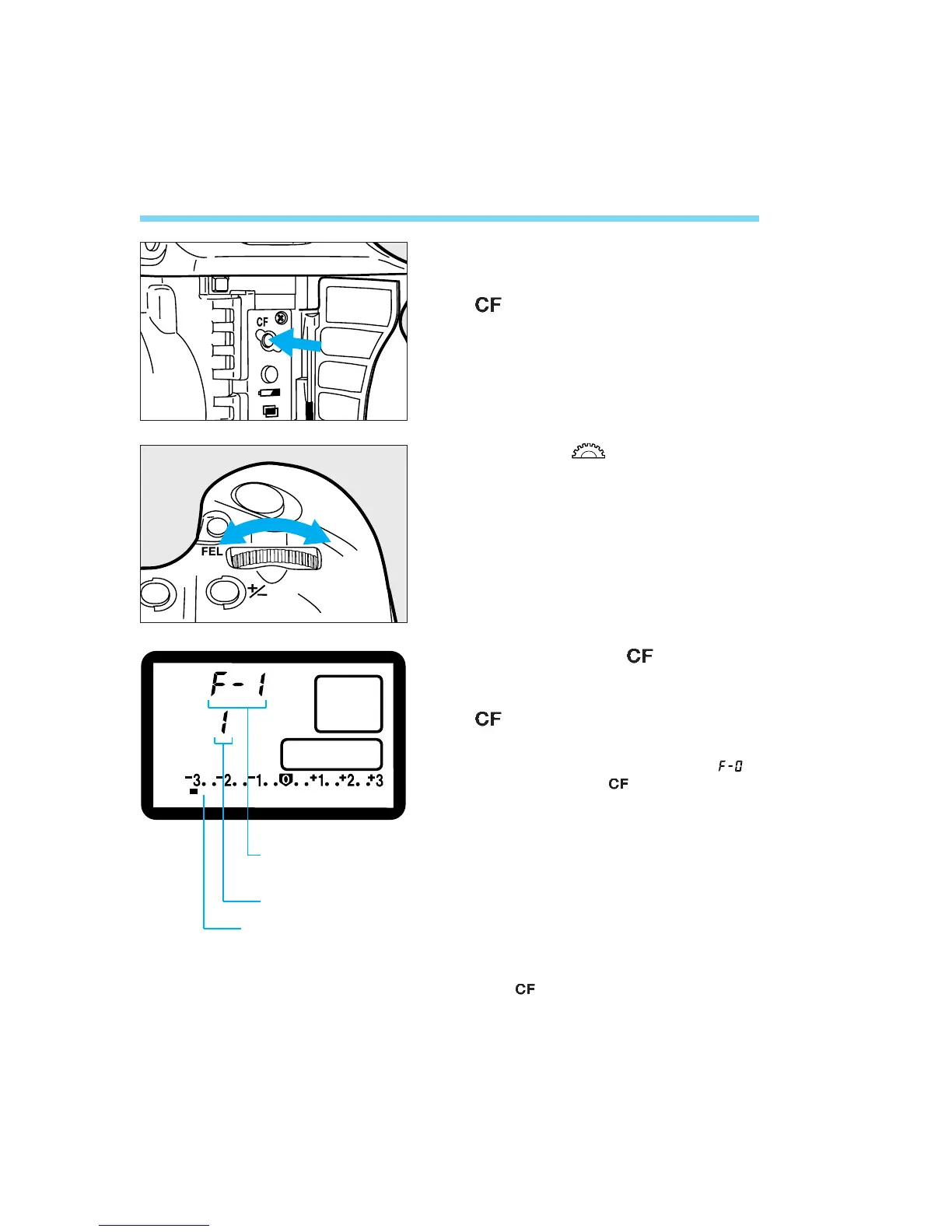
Open the side door and press the
<> button.
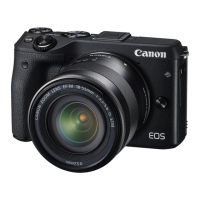
• The Custom Function No. appears on the
LCD panel.
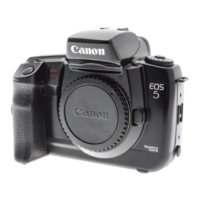
Turn the < > dial until the
desired Custom Function No.
appears.
Then press the < > button to
change the Custom Function’s
setting. Each time you press the
<> button, the Custom Function
setting changes.
• To change Custom Function ’s
setting, press the < > button for at least
2 seconds. See page 133.
Press the shutter button halfway.
The LCD panel returns to the
normal display and the new
Custom Function setting takes
effect.
• While you use the camera, you can check
the Custom Function setting by pressing
the < > button.
104
1
2
3
4
Custom Function
No.
Setting
Altered Custom
Function indicator ■.
08. C836-E (103~) 28-01-2003 12:53 Pagina 104


 To Next Page