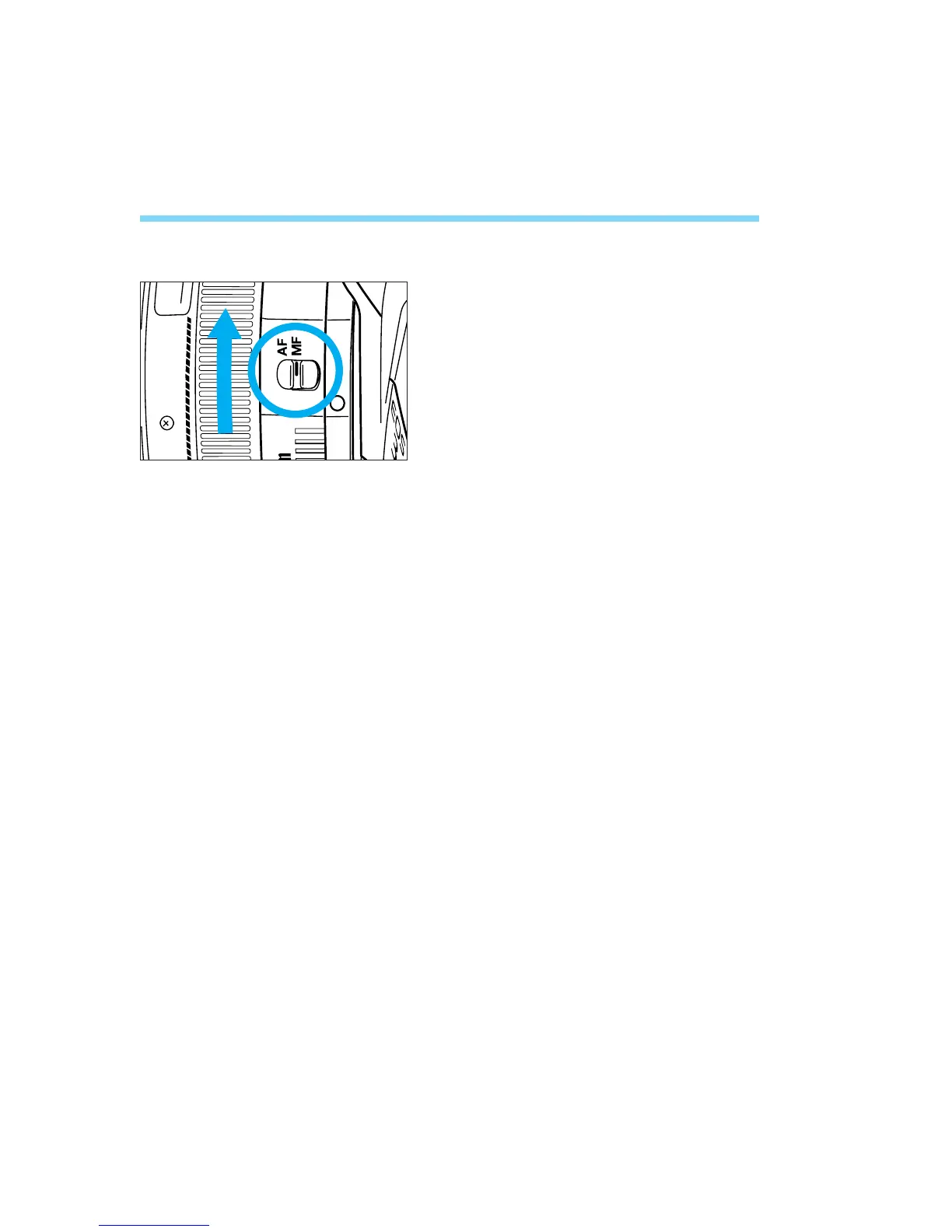
8. Manual Focusing
When it is difficult to autofocus, focus manually as described below.
Set the lens focus mode switch to
MF (or M on older lenses).
• The AF mode indicator on the LCD panel
turns off.
Turn the lens focusing ring until the
subject is in focus in the viewfinder.
52
1
2
04. C836-E (33~) 28-01-2003 11:11 Pagina 52



 To Next Page