9. Multiple Exposures < >
By not advancing the film, a single frame can be exposed multiple times.
Up to nine multiple exposures can be set for one frame. Multiple
exposures can be taken in any shooting mode.
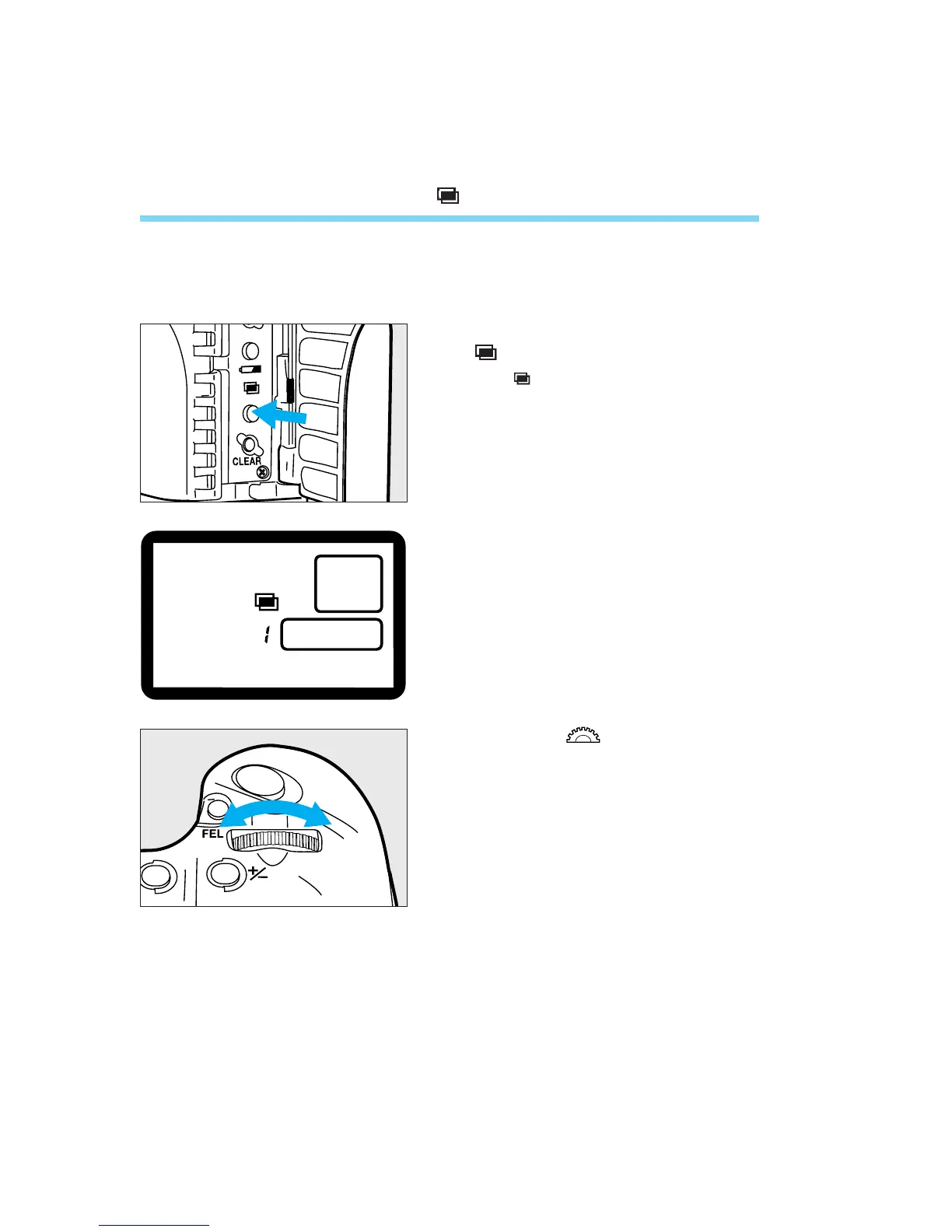
Open the side door and press the
<> button.
• The icon appears on the LCD panel
and the frame counter displays “1.” This
number indicates the number of multiple
exposures.
82
Turn the < > dial to set the
desired number of multiple
exposures.
1
2
06. C836-E (61~) 28-01-2003 11:49 Pagina 82



 To Next Page