Metering Modes
Multi-Spot Metering
Multiple spot meter readings can be taken and then averaged
automatically. Up to eight spot meter readings can be taken for one
picture.
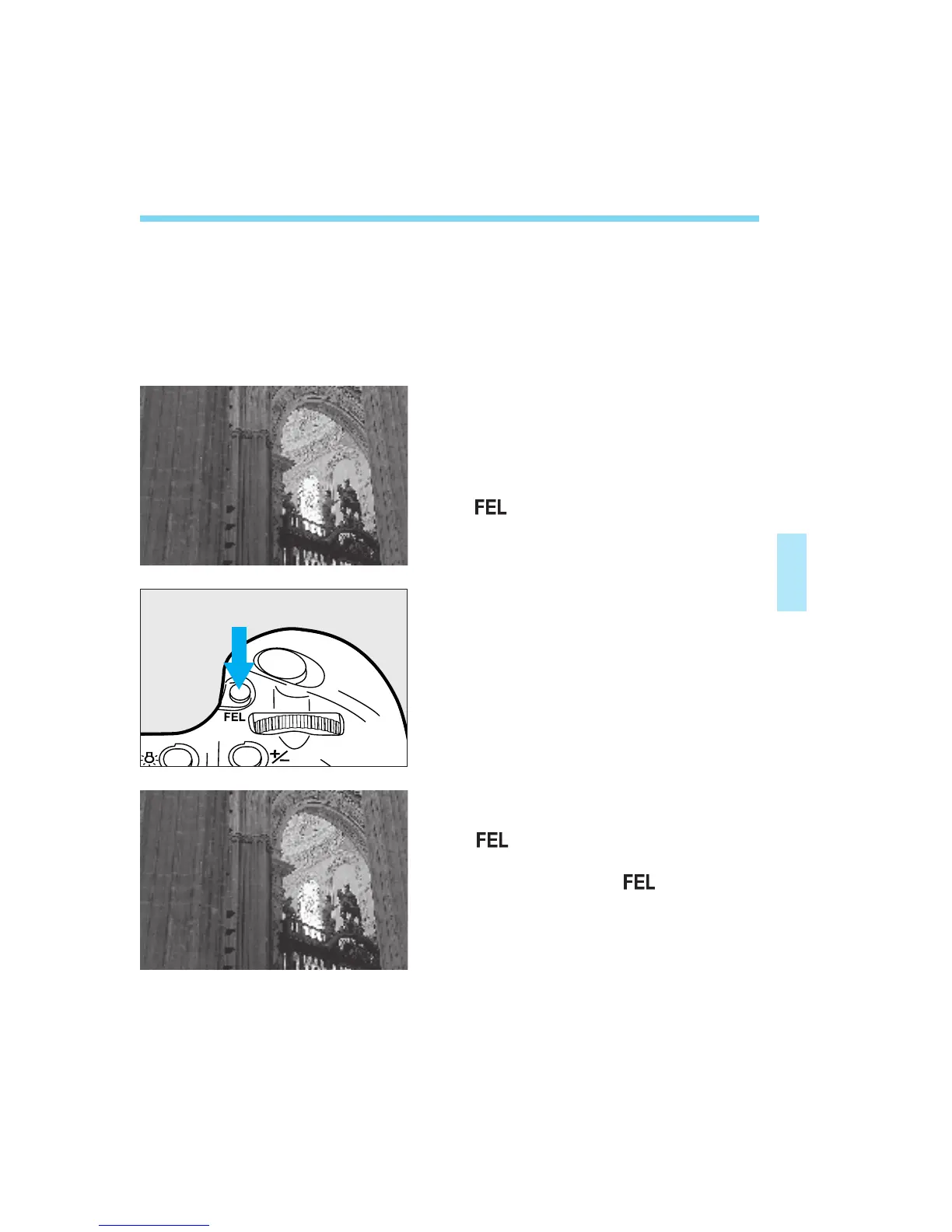
The following procedure is for taking the sample photo below.
Set the metering mode to spot
metering. (See “Selecting a
Metering Mode” on page 54.)
Aim the focusing point on a
shadow portion (1) and press the
<> button to take a spot meter
reading.
57
Aim the focusing point on a mid-
tone portion (2) and press the
<> button. Then aim the
focusing point on a highlight portion
(3) and press the < > button.
1
2
3
(1)
(3)
(2)
05. C836-E (53~) 28-01-2003 11:42 Pagina 57



 To Next Page