Basic Operation
There are two ways to use the < >:
1. While holding down a button, turn the < > dial.
2. After pressing and releasing a button, turn the < > dial.
3. Just turn the < > dial.
Look at the LCD panel to confirm the setting.
To restore the button’s function or to ready the camera for picture
taking, turn the < > dial.
The < > is used to set the following:
1. Real-time exposure compensation
2. Aperture
3. Flash exposure compensation
4. Selection of a focusing point above or below
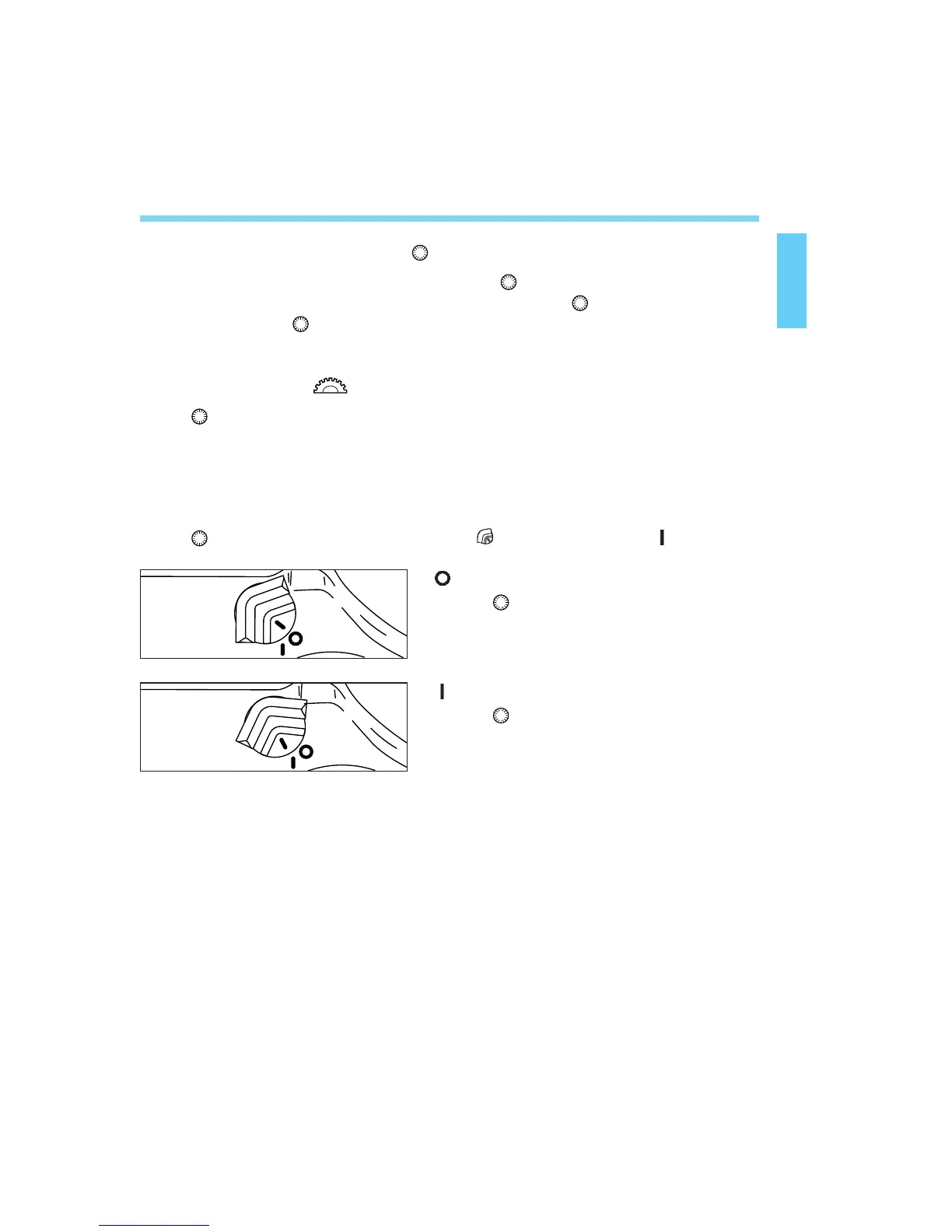
The < > dial functions only when the < > switch is set to < >.
: Set to this position to disable the
<>.
19
: Set to this position to enable the
<>.
Reverting to the Default Settings
With the EOS-3, you can set the shooting mode, metering mode, and
other settings as you wish. You can also use Custom Functions (see
page 103) to customize camera controls and functions according to your
preferences. These preferences can be reset to the default settings with
the following procedure.
02. C836-E (15~) 28-01-2003 10:55 Pagina 19



 To Next Page