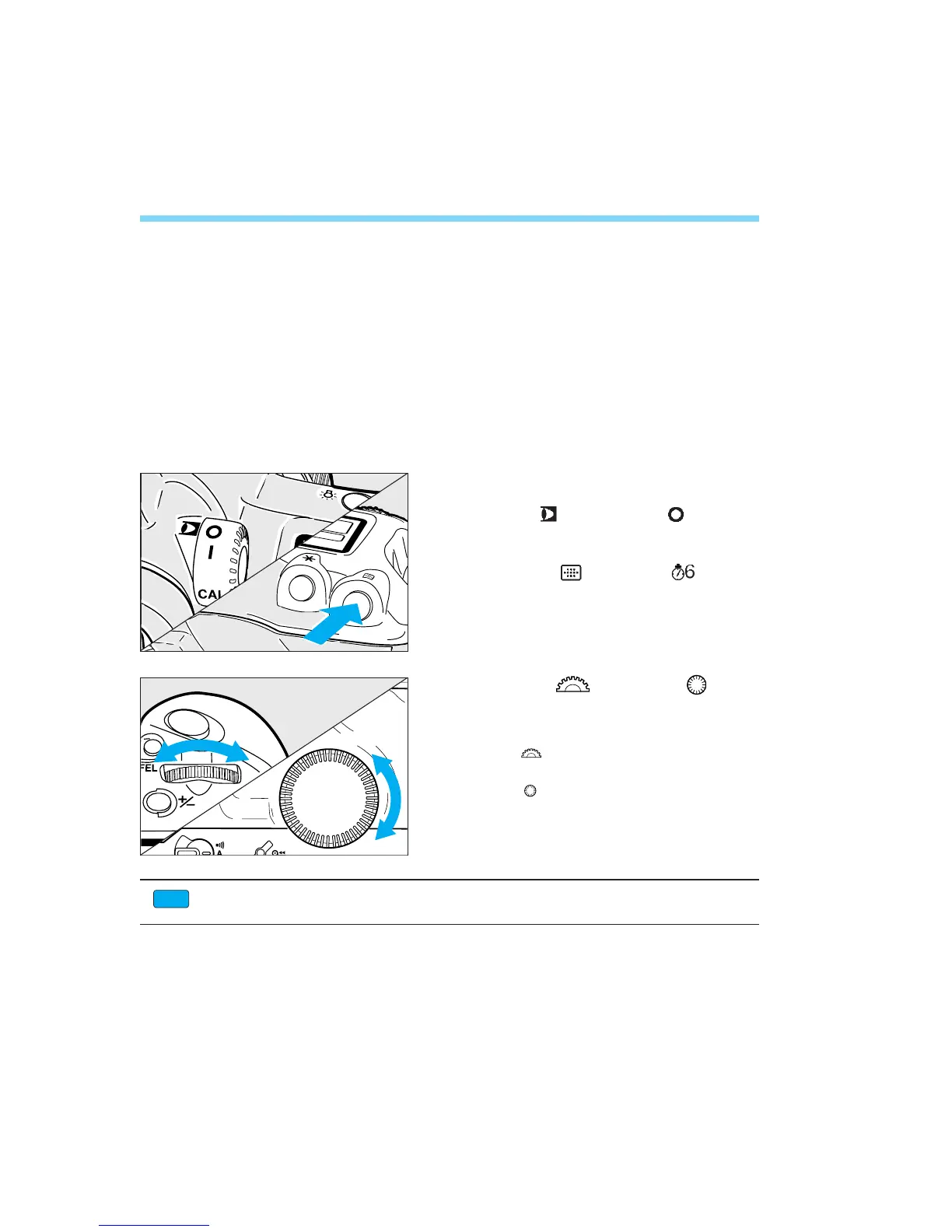
3. Focusing Point Selection
The focusing point is selected in one of three ways:
● Automatic Selection
The camera selects the focusing point automatically to suit the
situation.
● Manual Selection
You select one of the 45 focusing points manually.
● Eye-Control Selection
You select a focusing point by looking at it in the area AF ellipse.
Focusing Point Selection
Set the < > switch to < >.
Press the < > button. ( )
• The current focusing point lights.
38
Turn the < > and/or < > dial
to select the desired
focusing point.
• The < > dial selects a focusing point on
the left or right.
The < > dial selects a focusing point
toward the top or bottom.
1
2
3
Custom Function CF-17 expands the number of focusing points made available for
manual focusing point selection. See page 120.
CF
04. C836-E (33~) 28-01-2003 11:10 Pagina 38



 To Next Page