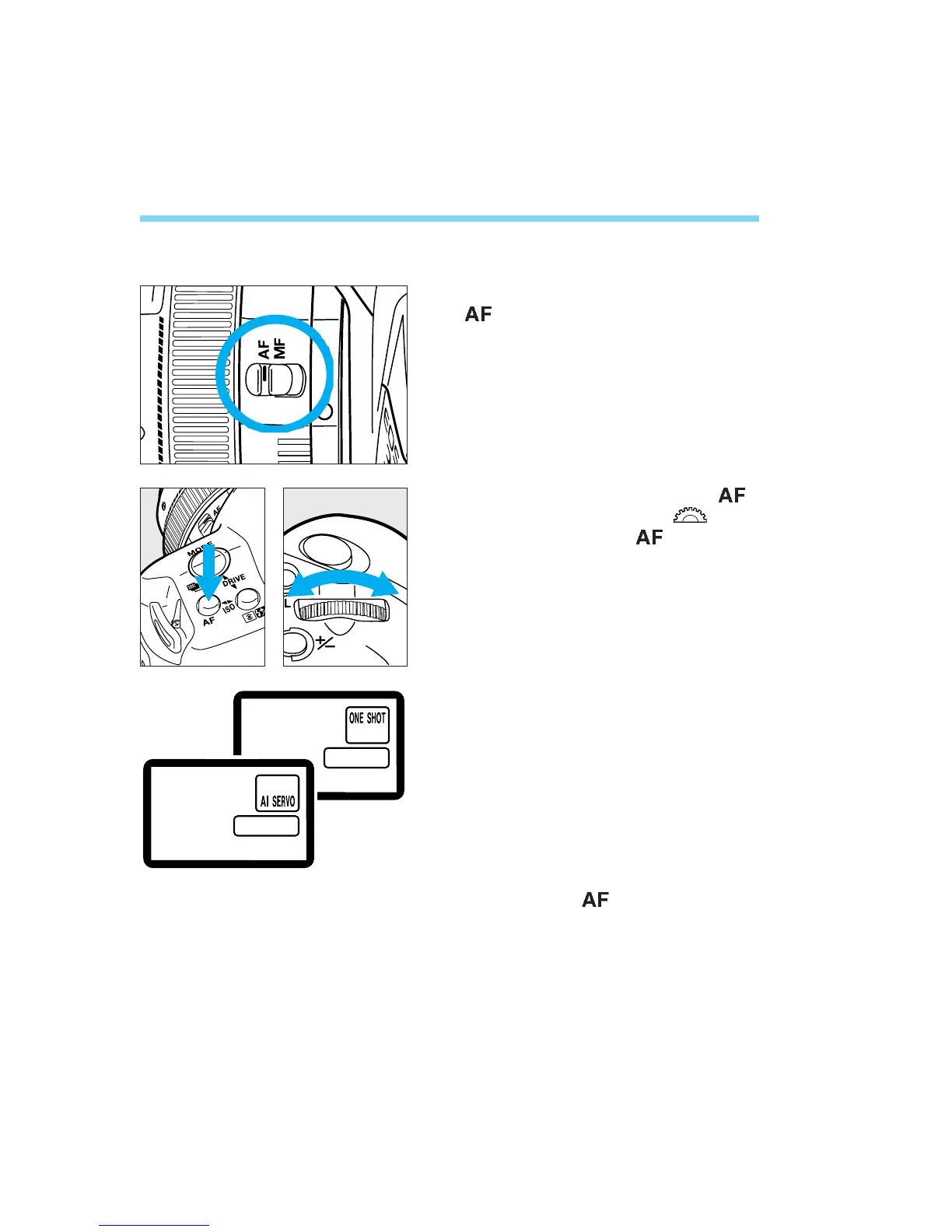
1. AF Mode Selection
AF Mode Selection
Set the lens focus mode switch to
.
While pressing the camera’s < >
mode button, turn the < > dial
until the desired < > mode is
displayed on the LCD panel.
34
Release the < > mode button.
1
2
3
04. C836-E (33~) 28-01-2003 11:10 Pagina 34



 To Next Page