Quick Start With Program AE
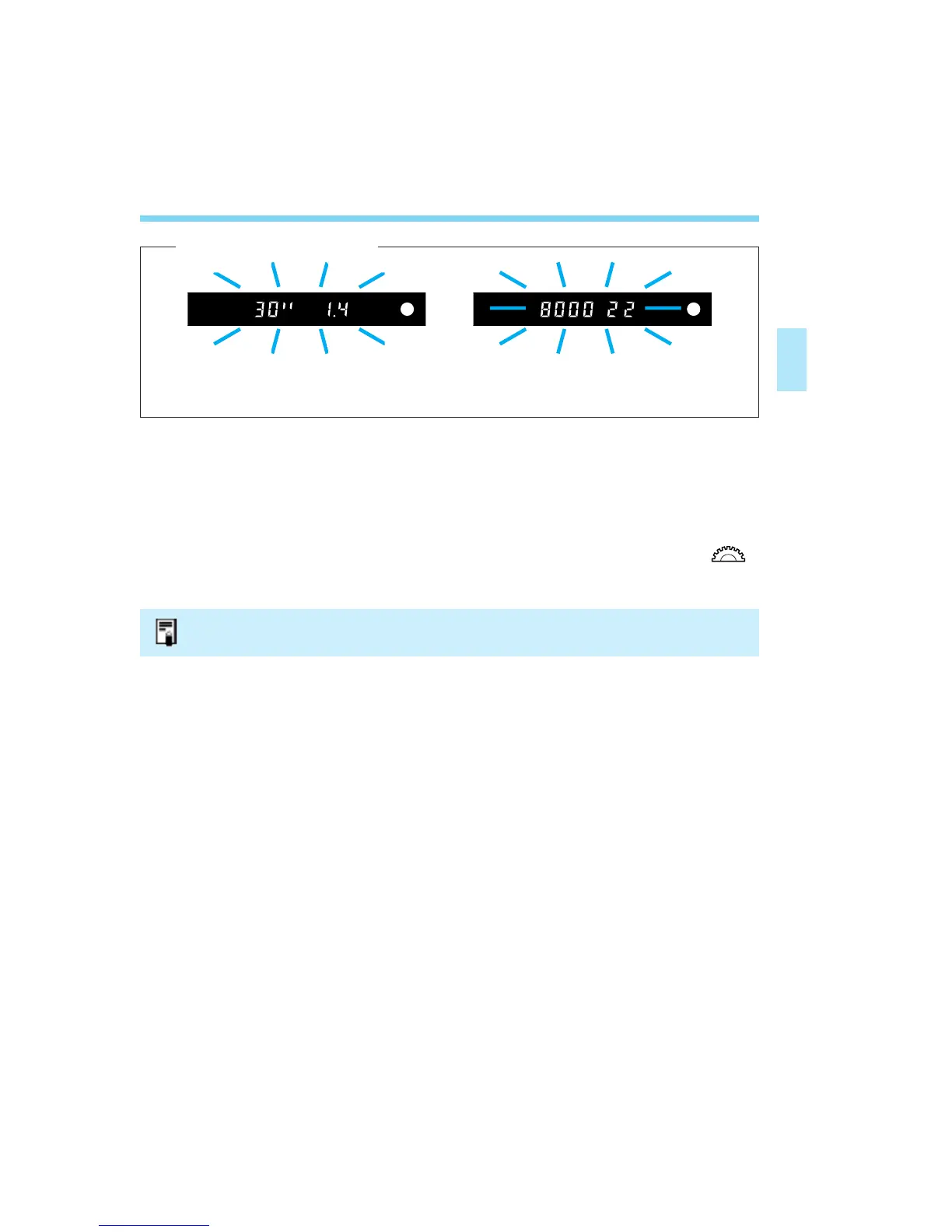
If the shutter speed or aperture blinks, it means a standard exposure cannot be obtained.
Although the picture can be taken, it may come out too light or too dark. For details, see
“Exposure Warning List” on page 130.
Shifting the Program
In the Program AE mode <P>, you can freely change the shutter speed
and aperture combination (program) set by the camera while retaining the
same exposure value. This is called shifting the program.
To shift the program, press the shutter button halfway and turn the < >
dial until the desired shutter speed or aperture is displayed.
31
The program shift setting is canceled after the picture is taken.
[Exposure Warnings]
03. C836-E (29~) 28-01-2003 11:31 Pagina 31



 To Next Page