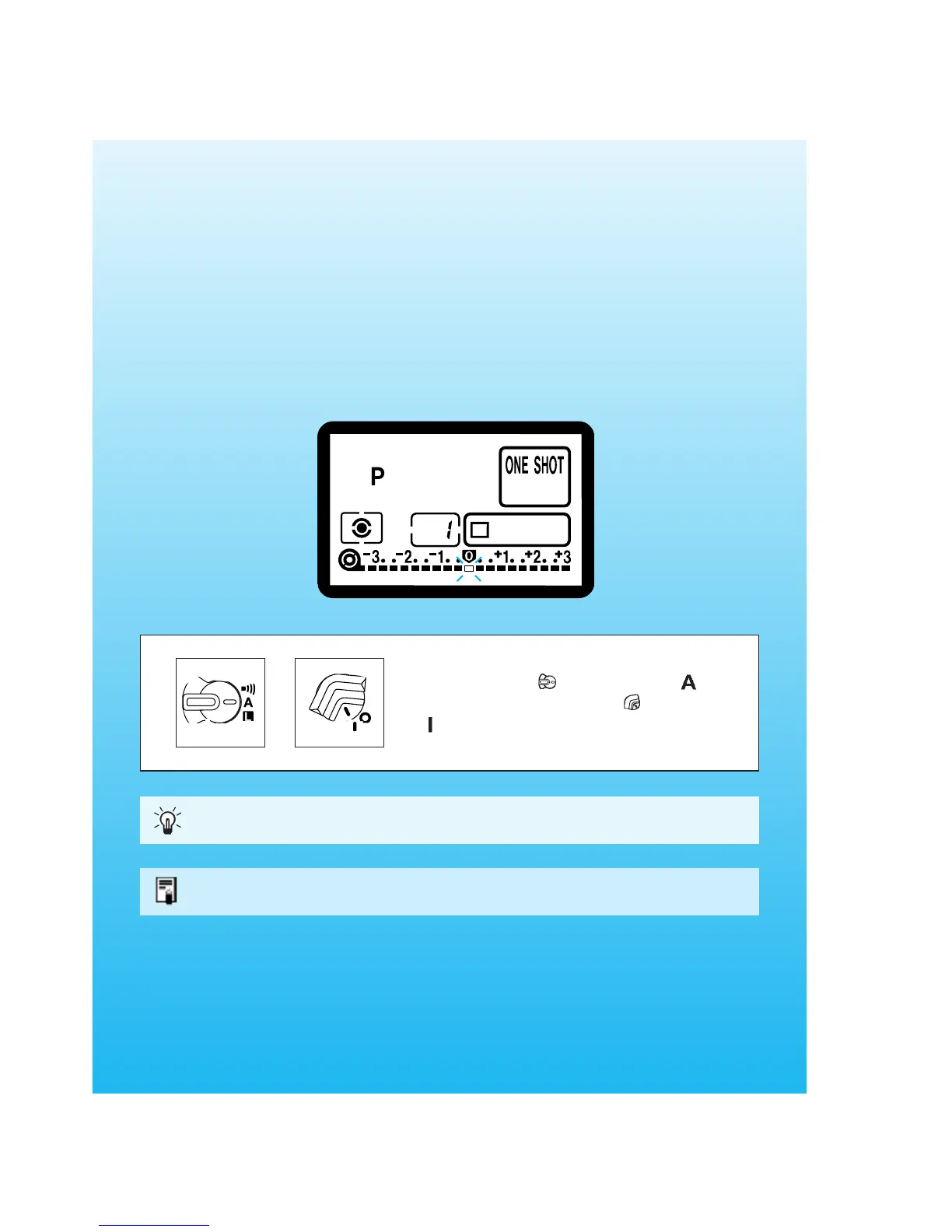
Quick Start With Program AE
For quick and easy picture-taking, use the Program AE mode. This mode
sets both the shutter speed and aperture automatically to suit the
subject’s brightness. Anyone can easily take pictures in this mode. By
using the focusing points in the wide area AF ellipse in the viewfinder, it is
easy to compose and capture a variety of subjects.
29
AE is an abbreviation for Auto Exposure.
First set the < > switch to < >. If
necessary, also set the < > switch to
<>.
The Program AE mode is set automatically as the camera’s initial shooting mode.
See page 19.
03. C836-E (29~) 28-01-2003 11:31 Pagina 29



 To Next Page