Focusing Point Selection
41
About Eye-Control AF
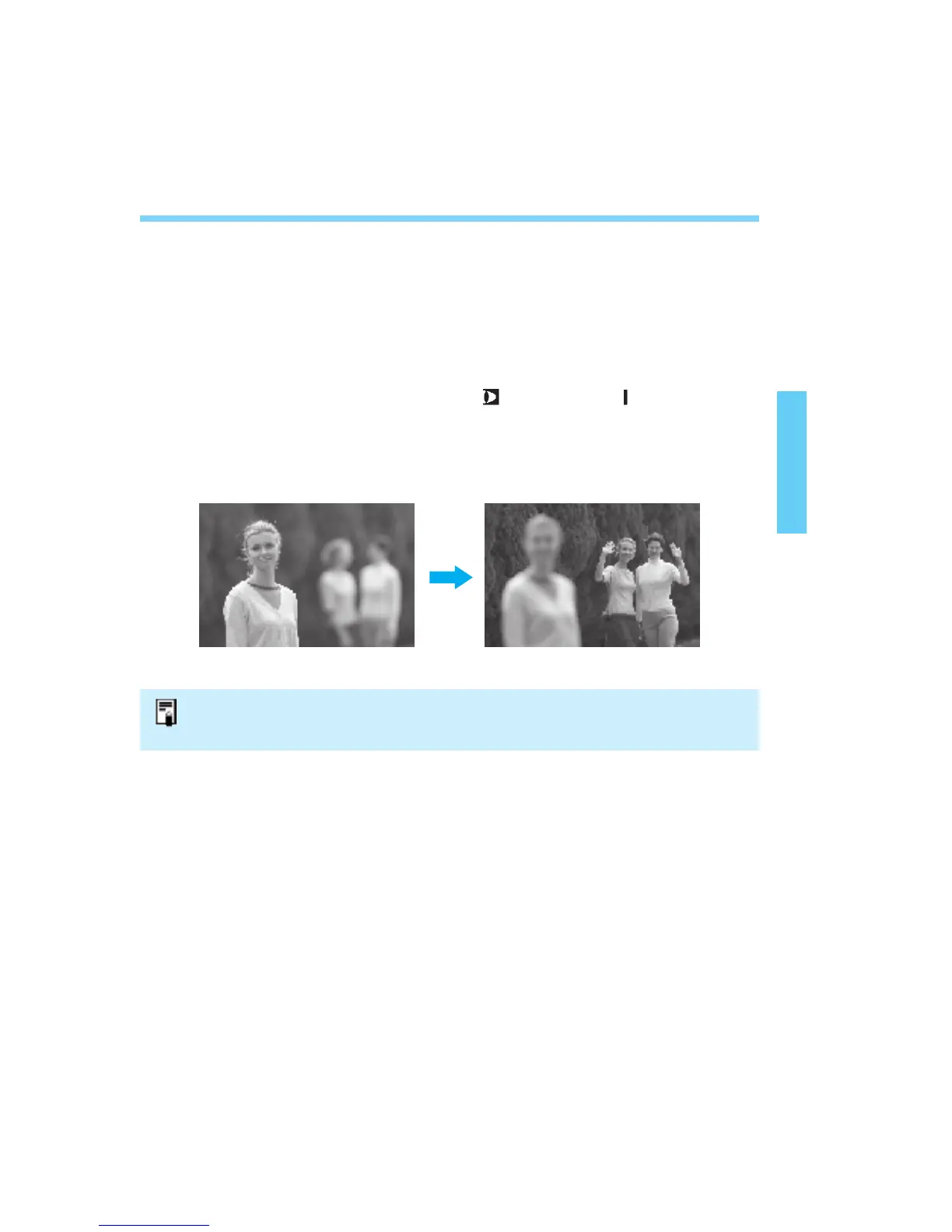
Eye-Control AF enables you to focus at where you look within the area AF
ellipse in the viewfinder. The camera instantly detects where your eye is
looking and activates the corresponding focusing point (among the 45) to
focus.
Eye-Control AF works in both horizontal and vertical camera orientations.
Enable Eye-Control AF by setting the < > switch to < >. Eye-Control
AF is especially effective in the following cases:
• When you want to achieve focus instantly at the desired point.
• When you want to change the focusing point instantly.
The camera automatically detects its vertical or horizontal orientation. When you
switch the camera's orientation, the camera's orientation detection mechanism makes
a sound. This is completely normal.
04. C836-E (33~) 28-01-2003 11:10 Pagina 41



 To Next Page