7. AE Lock
Normally, the camera’s autoexposure meter reading changes in real-time
when you change the camera angle. AE lock prevents the meter reading
from changing even when you recompose the shot. This feature is useful
for backlit and spotlighted subjects.
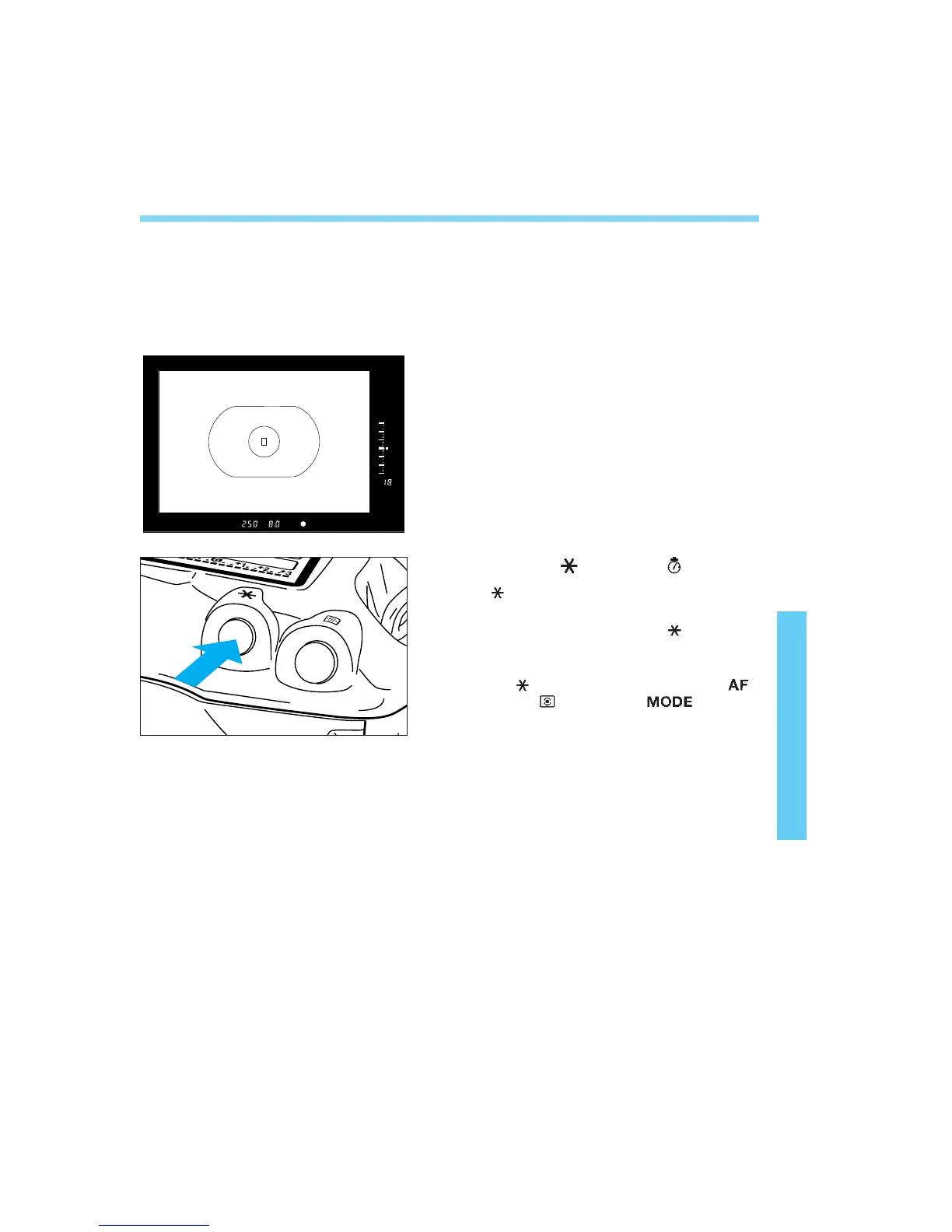
Focus at the point where you want
to lock the meter reading.
• The exposure setting (shutter speed and
aperture) will be displayed on the LCD
panel and in the viewfinder.
Press the < > button. ( )
•< > lights in the viewfinder to indicate
that the exposure setting is locked.
• Each time you press the < > button, it
locks the current exposure setting.
• AE lock cancels 6 seconds after you press
the < > button or if you press the < >
button, < > button, or < > button.



 To Next Page